Unity Guides
Build better scenes.
Skip the work that does not matter.
Practical environment and XR workflows with real pack imagery, clear technical fit, and shortcuts when a ready-made asset actually makes sense.
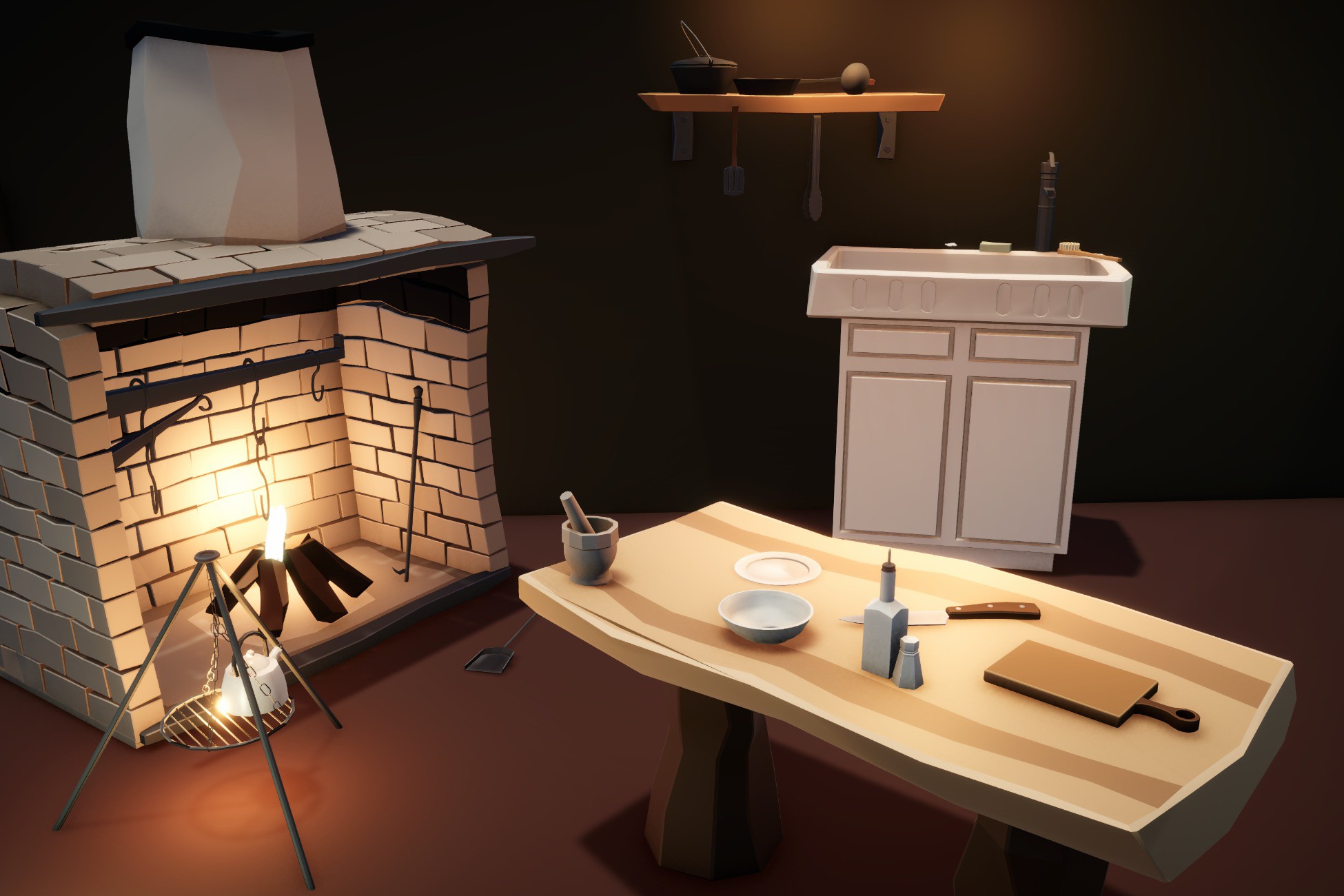
Pack vs custom artist
Buy the repetition. Commission the parts the player will remember.
Compare ready-made packs with custom 3D work by art specificity, revision needs, lead time, technical fit, and the size of the backlog.
Read the guide →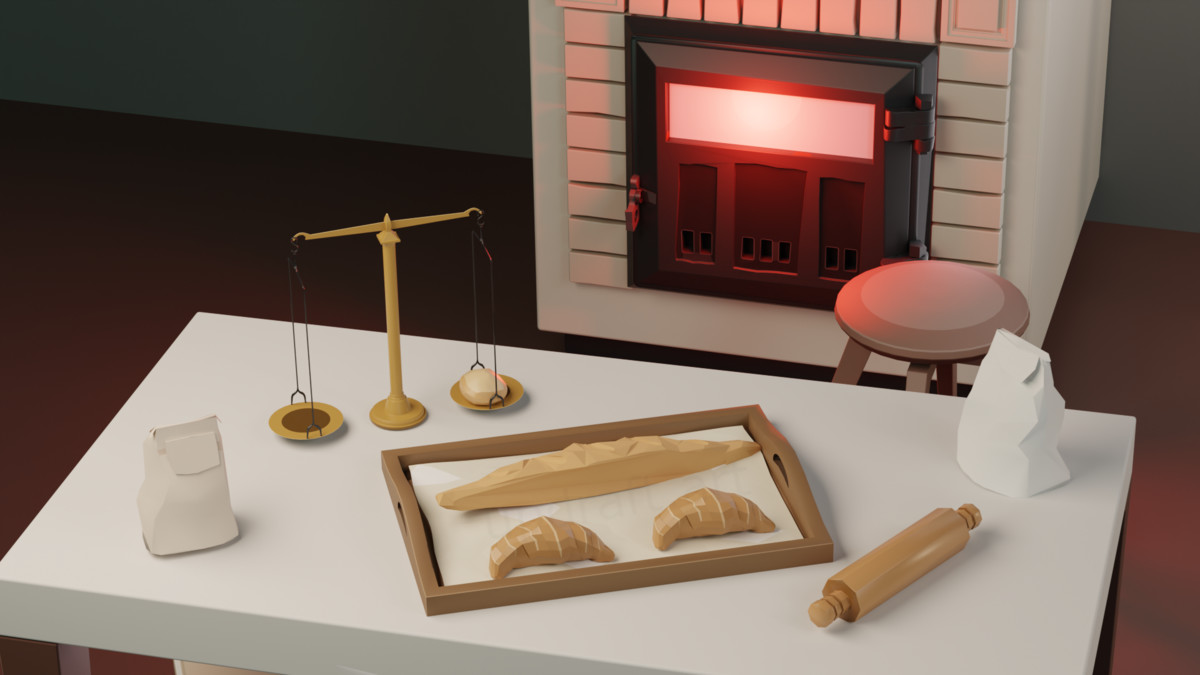
Combining asset packs
Match the visual rules before you match the theme
Check shape language, scale, materials, texture density, and scene role before combining several marketplace packs.
Read the guide →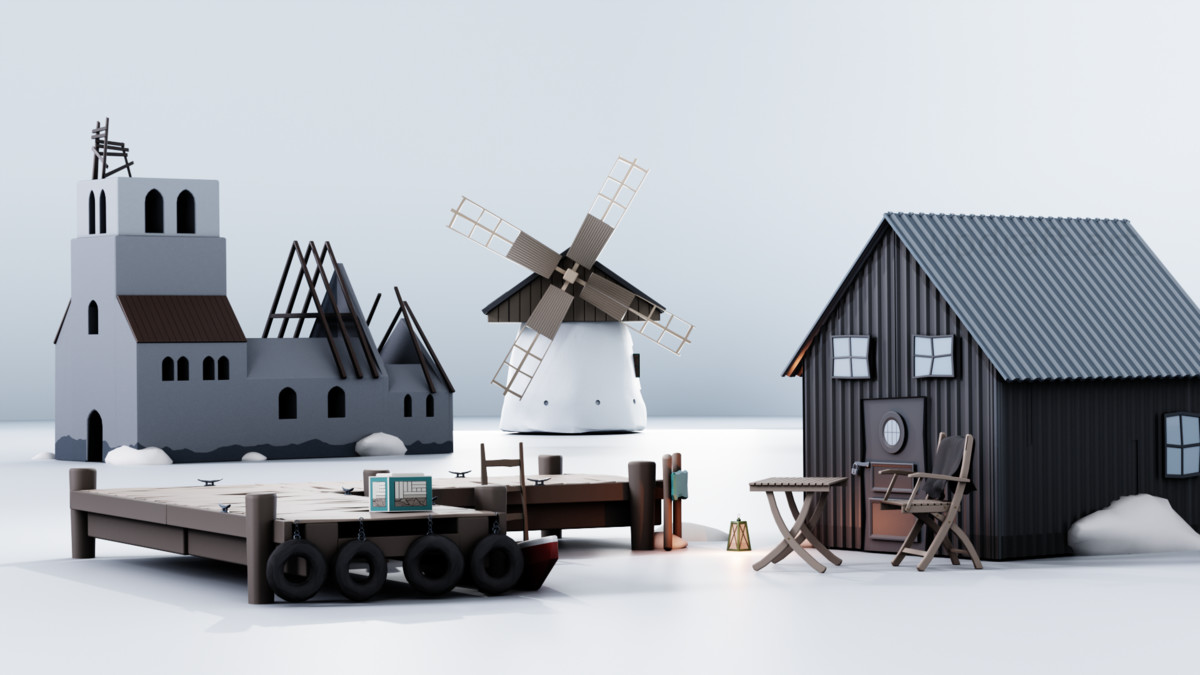
Medieval harbor assets
Build the harbor as an arrival route, not a pile of dock pieces
Combine modular docks, shoreline buildings, landmarks, signs, and one strong interior into a usable coastal hub.
Read the guide →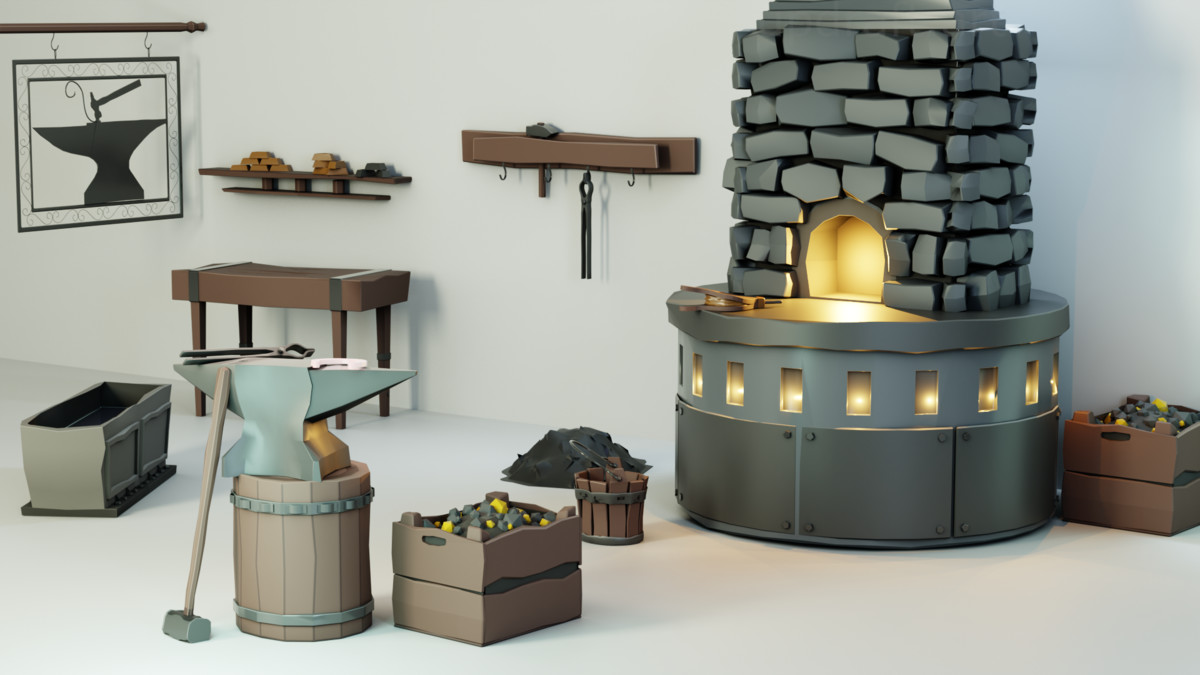
Crafting district assets
Give every workshop a different job before you give it more props
Use forge, bakery, kitchen, and signage packs as separate production layers that still belong to the same street.
Read the guide →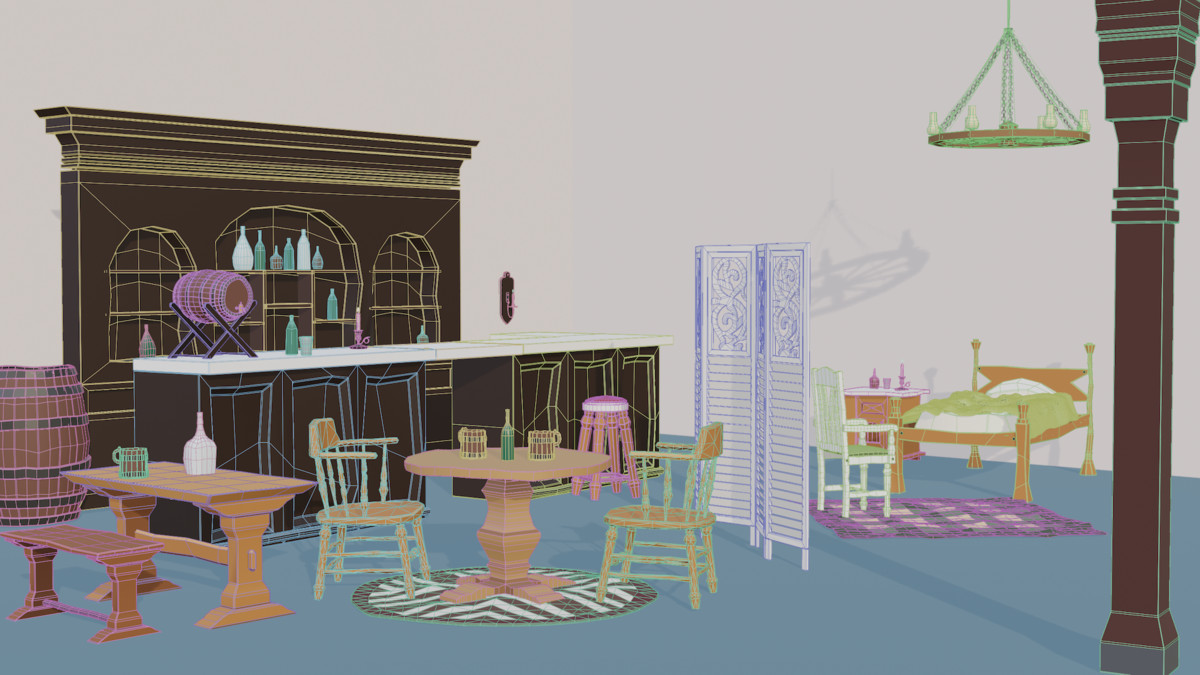
Vertical slice assets
Spend the art budget where the slice has to prove something unique
Buy supporting environment production while keeping custom effort on the mechanic, hero content, and visual hook.
Read the guide →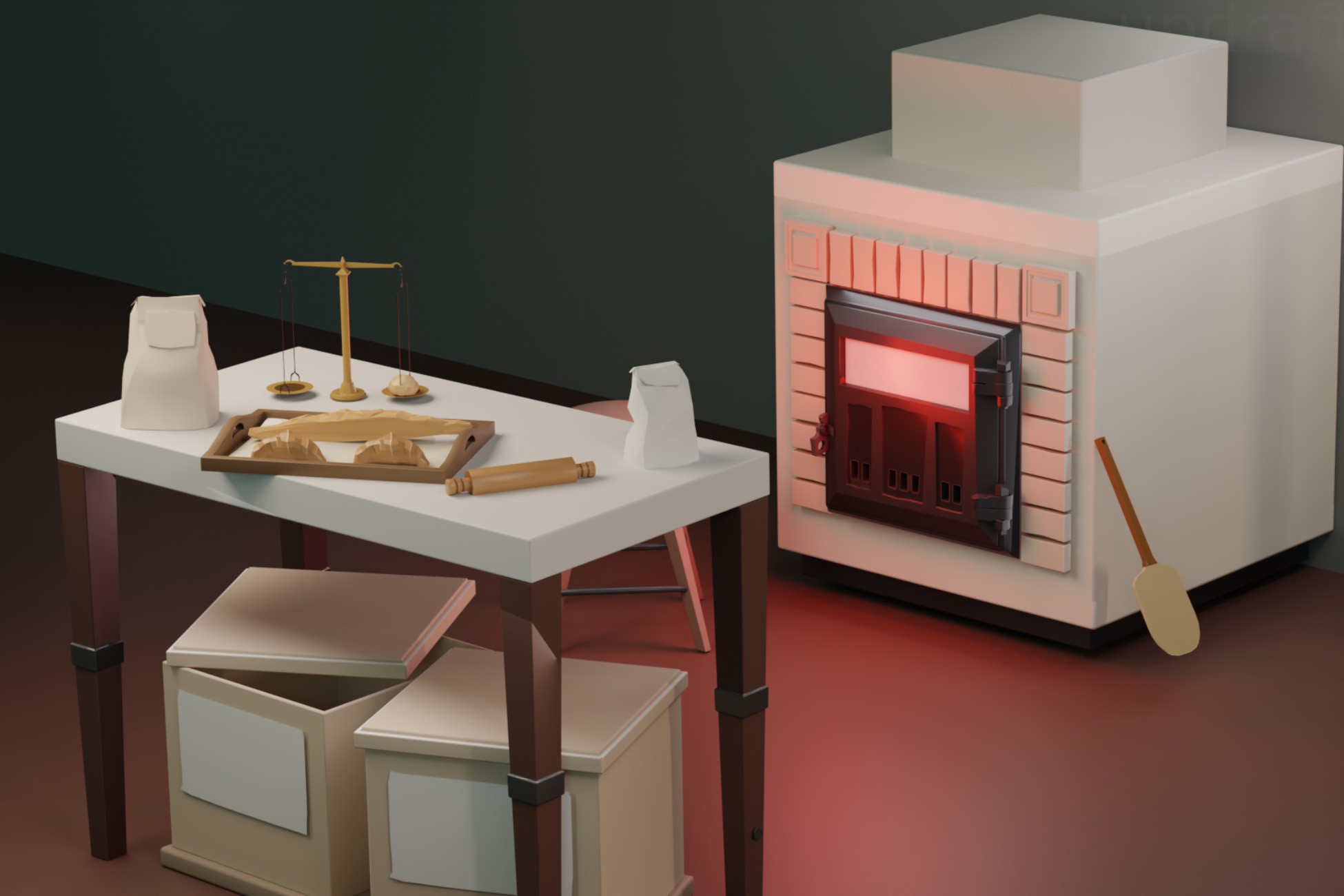
Medieval shop assets
Choose shop props by the job the storefront needs to advertise
Compare bakery, blacksmith, and signage packs by destination identity rather than raw prefab count.
Read the guide →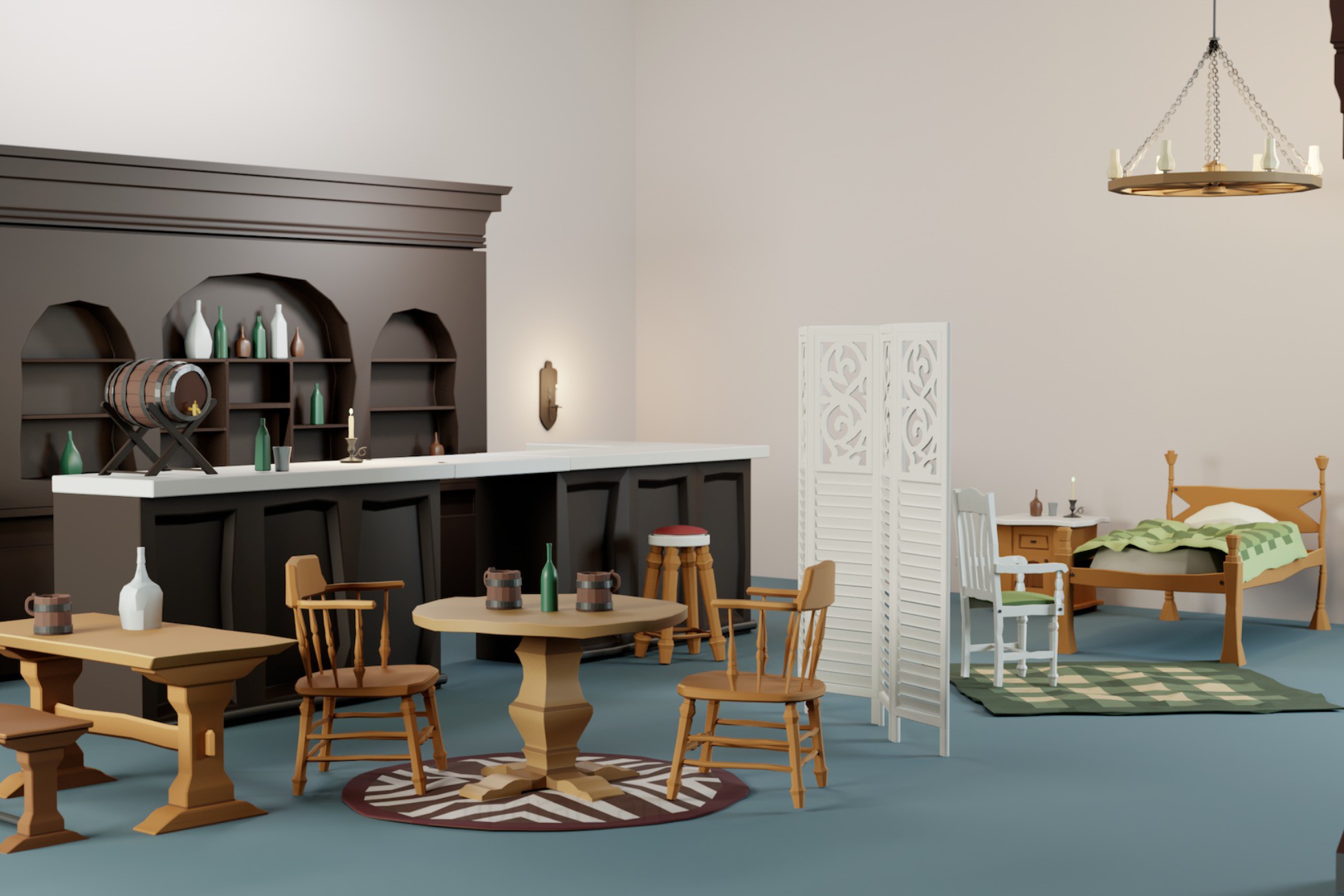
Fantasy inn assets
Build the public room, kitchen, and guest space as one coherent inn
Choose tavern, kitchen, and signage content around the three different functions an inn needs to support.
Read the guide →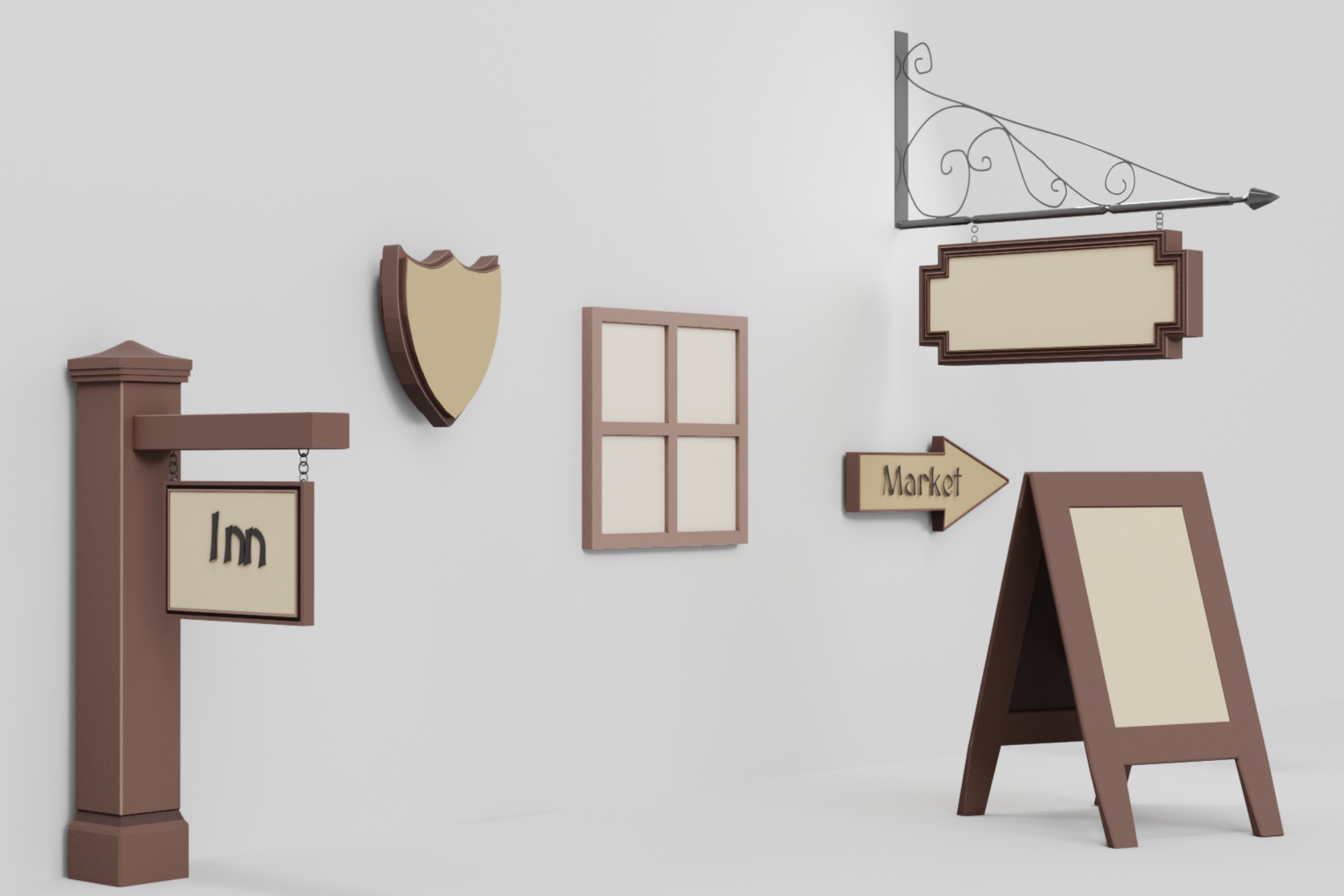
Medieval market assets
Make the market readable while the player is still moving
Use distinct shop evidence, signs, and shared street context to keep a busy district understandable.
Read the guide →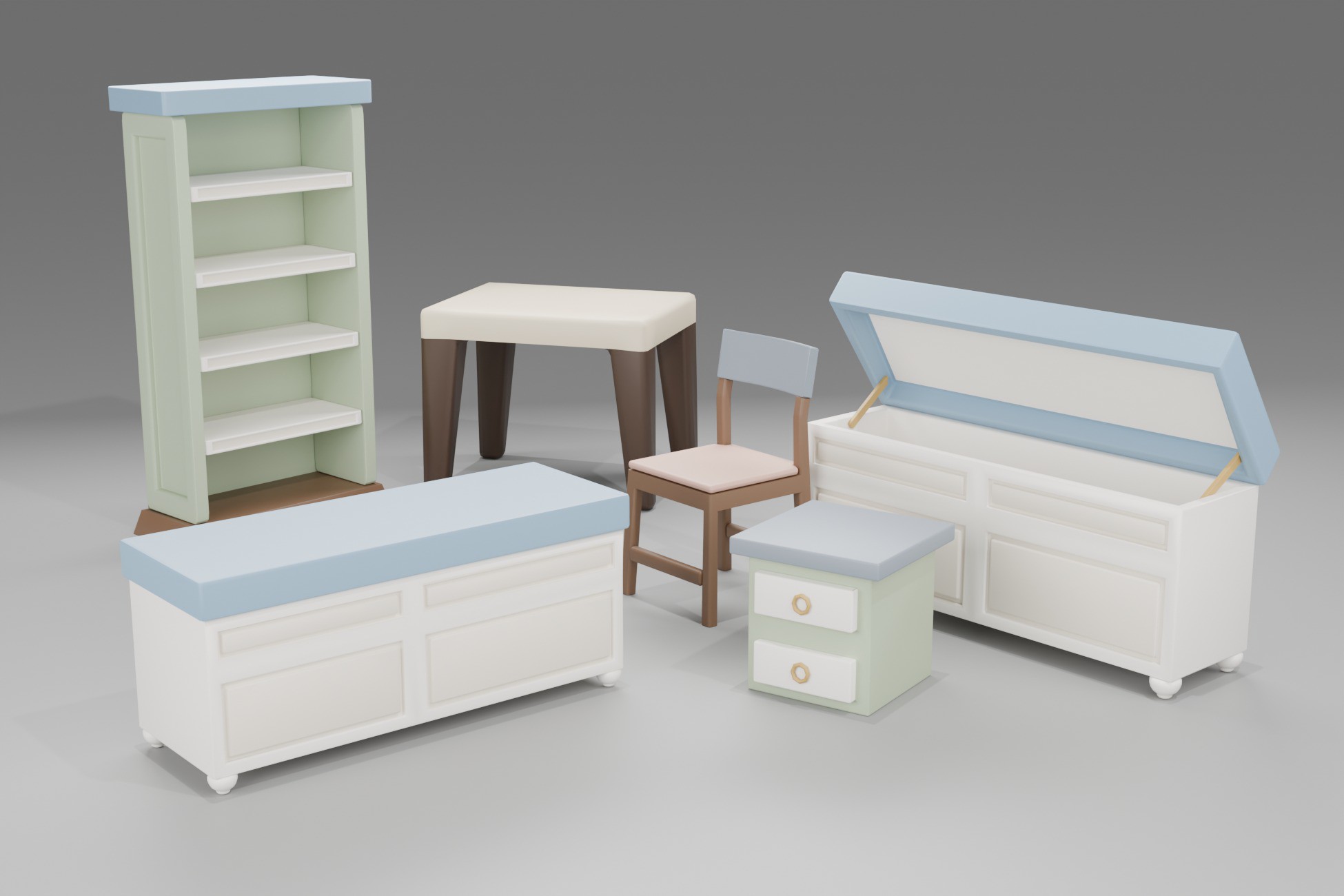
Cozy RPG assets
Buy the places where the player can imagine a daily routine
Compare cottage, garden, greenhouse, forest, and seasonal packs by the activities they make believable.
Read the guide →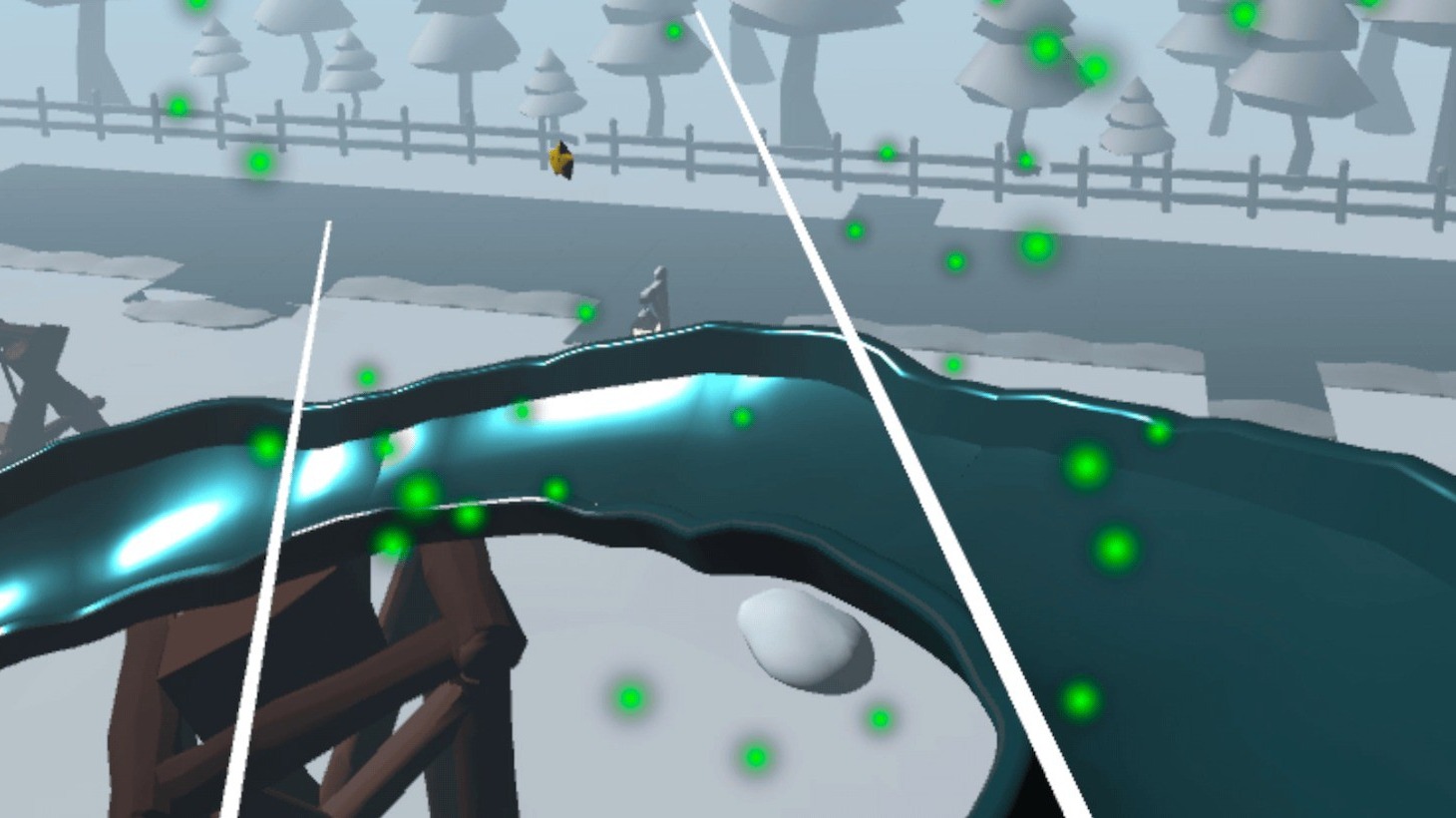
Quest VR assets
Separate the environment art problem from the XR gameplay problem
Choose visual packs, gameplay templates, or general XR setup based on the work that is actually blocking the prototype.
Read the guide →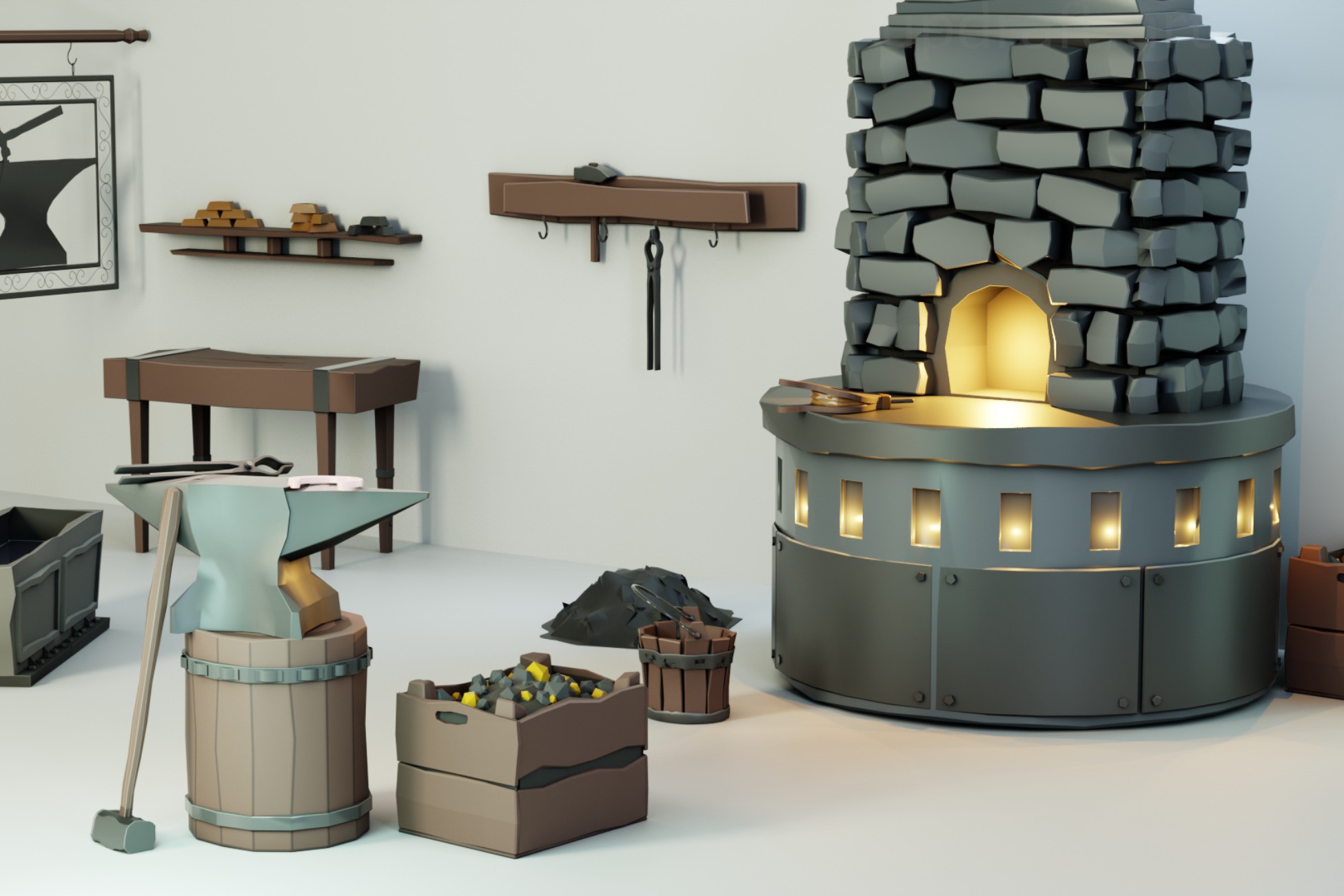
Low-poly medieval props
Choose a complete prop vocabulary instead of collecting miscellany
Sort tavern, kitchen, bakery, forge, and signage props by the scene role they need to explain.
Read the guide →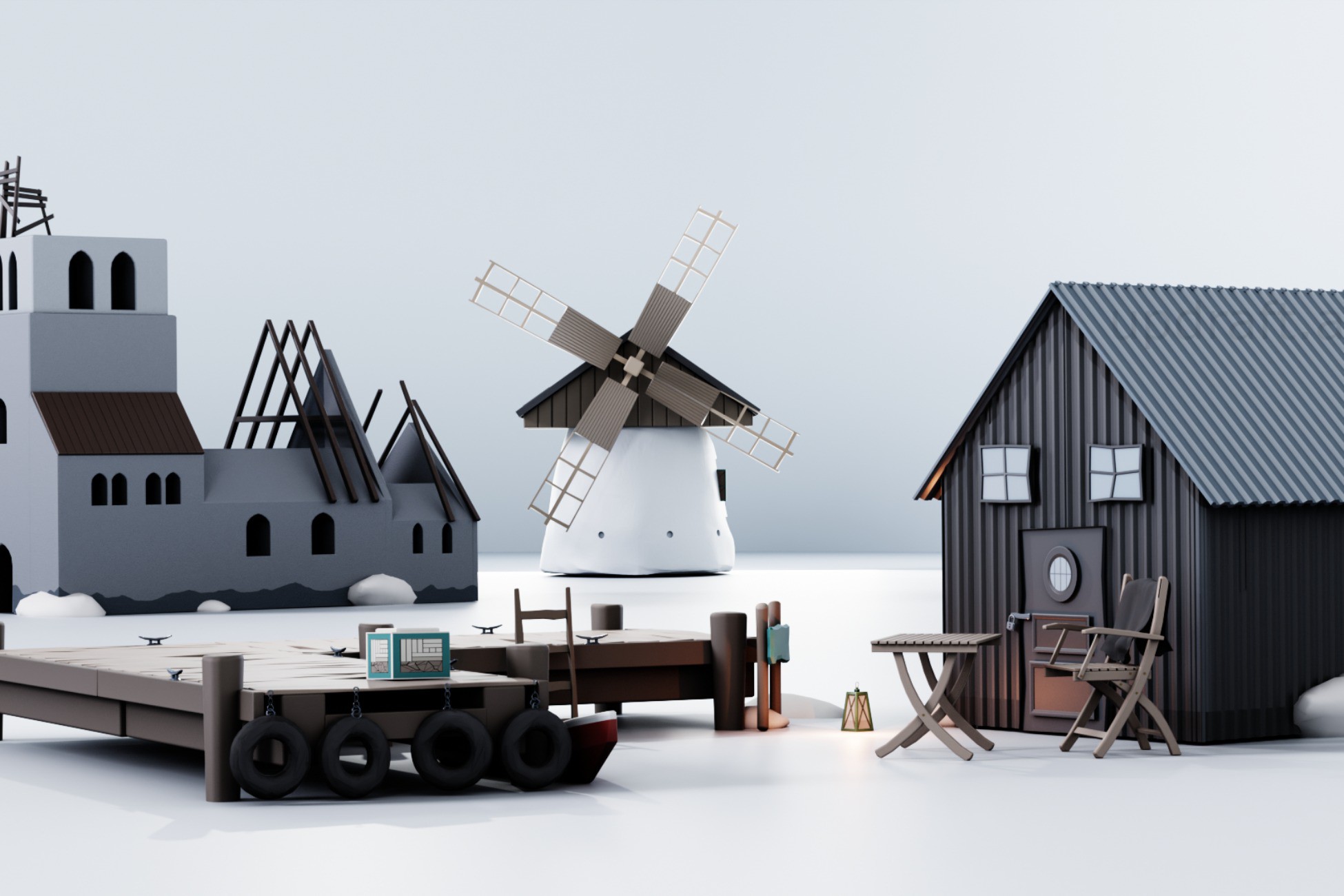
Indie environment assets
Spend money where it buys back development time you will actually use
Judge packs by backlog removed, art fit, reuse potential, technical fit, and the work they save a small team.
Read the guide → Asset buying checklist
Choose the pack by the project it has to join
Check visual fit, scope, render pipeline, screenshot evidence, and the actual production work the pack replaces.
Read the guide → Medieval asset buying guide
Buy the layer you are missing, not the biggest pack you can find
Compare focused prop packs, broader environment kits, and gameplay templates by the production job each one removes.
Read the guide → RPG hub assets
Buy for the destinations the player will remember
Prioritize the tavern, forge, bakery, and wayfinding around actual player attention instead of raw asset count.
Read the guide → Build or buy
Model the assets that make the game unique. Buy the repetition.
Compare production time, art-direction fit, uniqueness, and the work a focused pack can realistically replace.
Read the guide →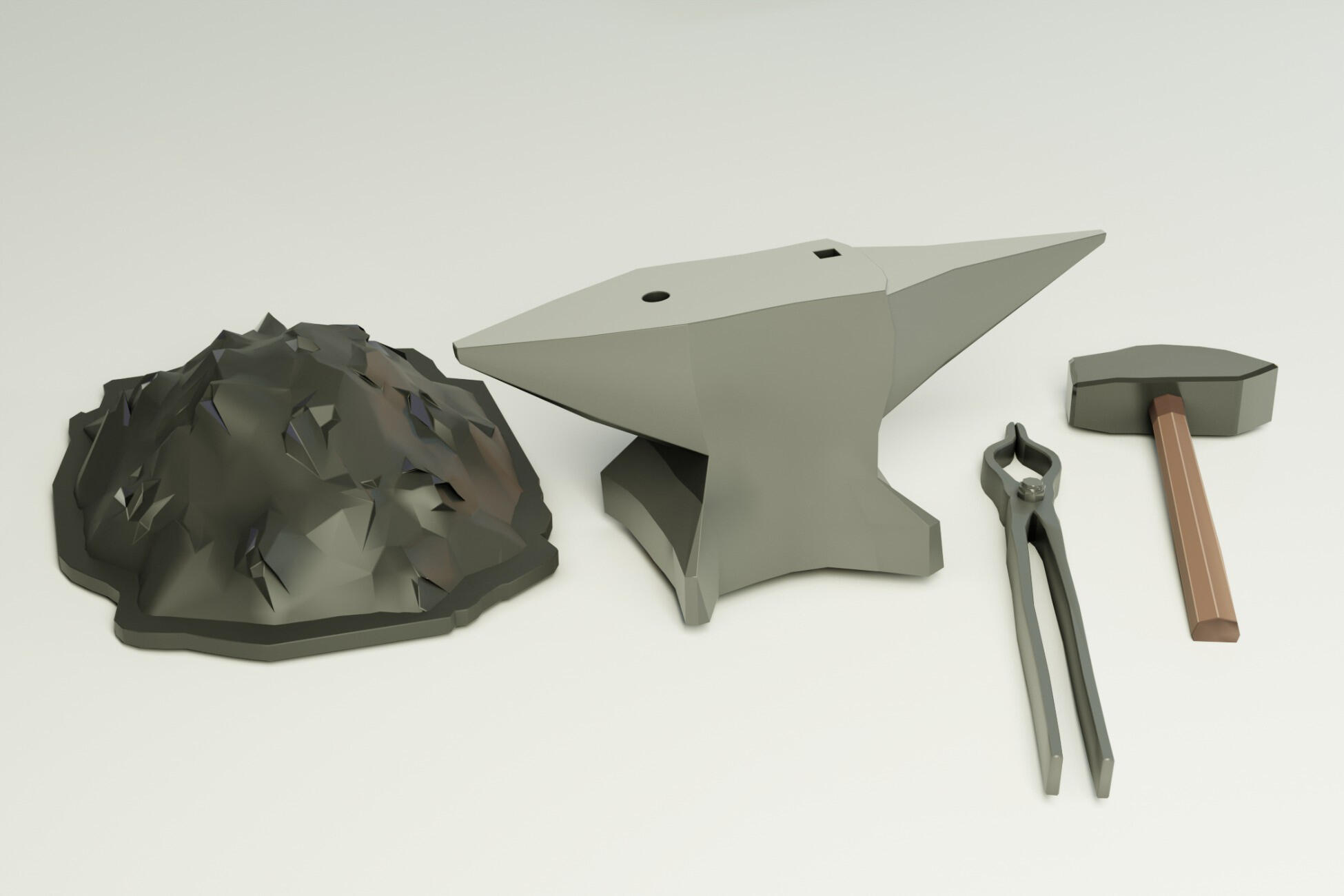
Free vs paid assets
Use free assets to answer questions. Pay when the question is already answered.
Use samplers for uncertainty and focused paid packs when the prototype has become a known production backlog.
Read the guide → VR starting point
Choose how much XR architecture you actually want to invent
Compare a blank project, Unity VR Template, and game-specific templates by the setup and gameplay layers they already provide.
Read the guide → Tavern art vs XR systems
One pack builds the room. The other builds the job.
Choose static tavern environment art, connected VR interaction systems, or both based on the work your project is actually missing.
Read the guide → Environment optimization
Optimize the frame you have, not the problem you imagine
A profile-first pass for rendering overhead, visibility, expensive detail, and target-device testing.
Read the guide → Meta Quest 3
Make the environment survive the headset, not just the Editor
Profile on-device, control rendering work, simplify expensive effects, and protect the details that matter most.
Read the guide →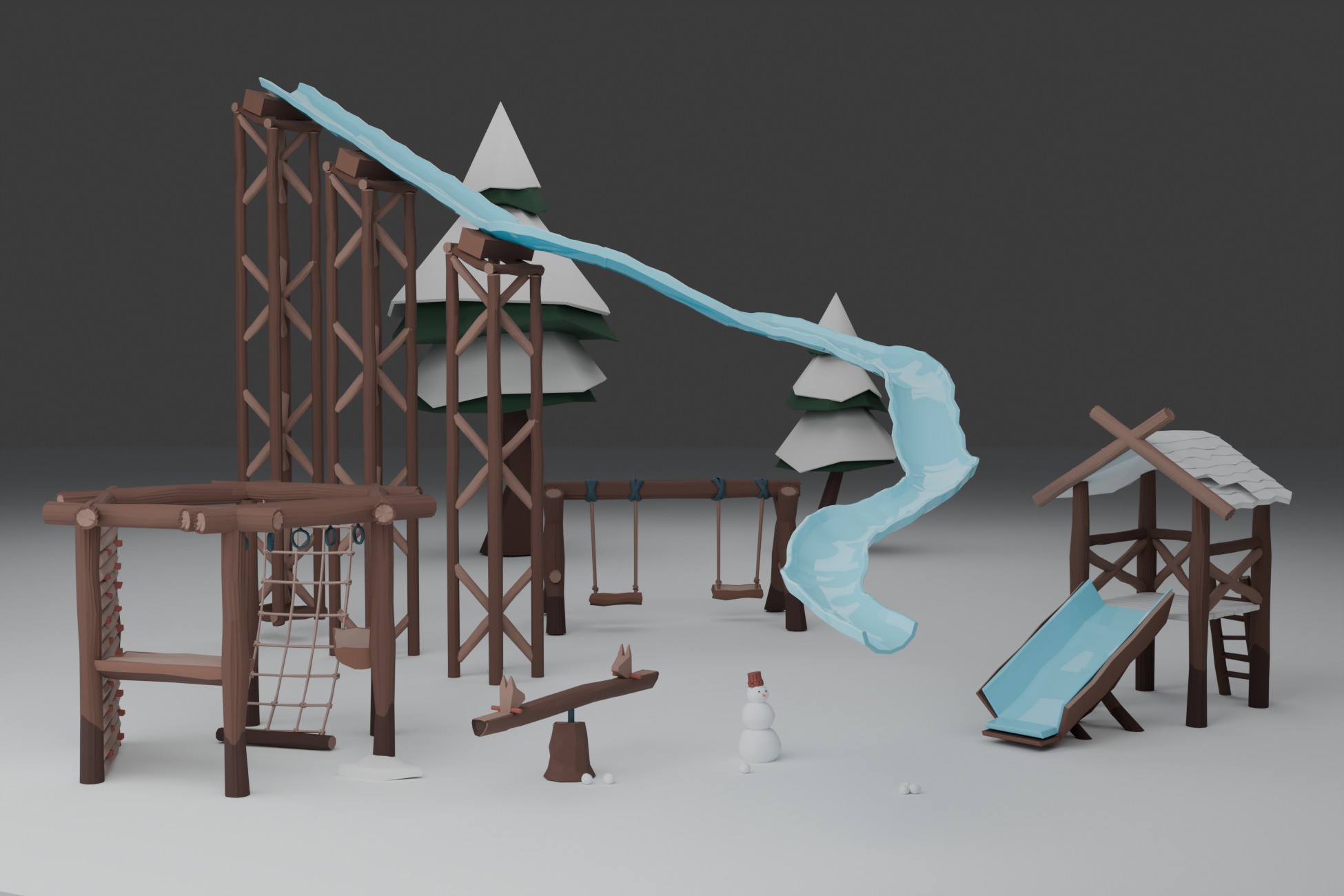
Quest environment art
Choose an art direction that starts cheaper
Plan readable shapes, compact materials, restrained transparency, and selective detail before optimization becomes an emergency.
Read the guide → Unity URP
Reduce draw-call overhead with current Unity 6 rendering paths
Profile first, control material variation, then choose SRP Batcher, GPU-driven rendering, or other methods deliberately.
Read the guide → Occlusion culling
Let rooms and walls hide the work the camera cannot see
Set up static occluders and occludees, bake visibility data, visualize the result, and measure the trade.
Read the guide → Low-poly environments
Make the scene read before the detail arrives
Build from silhouette, route, density contrast, material restraint, and props that support a clear purpose.
Read the guide →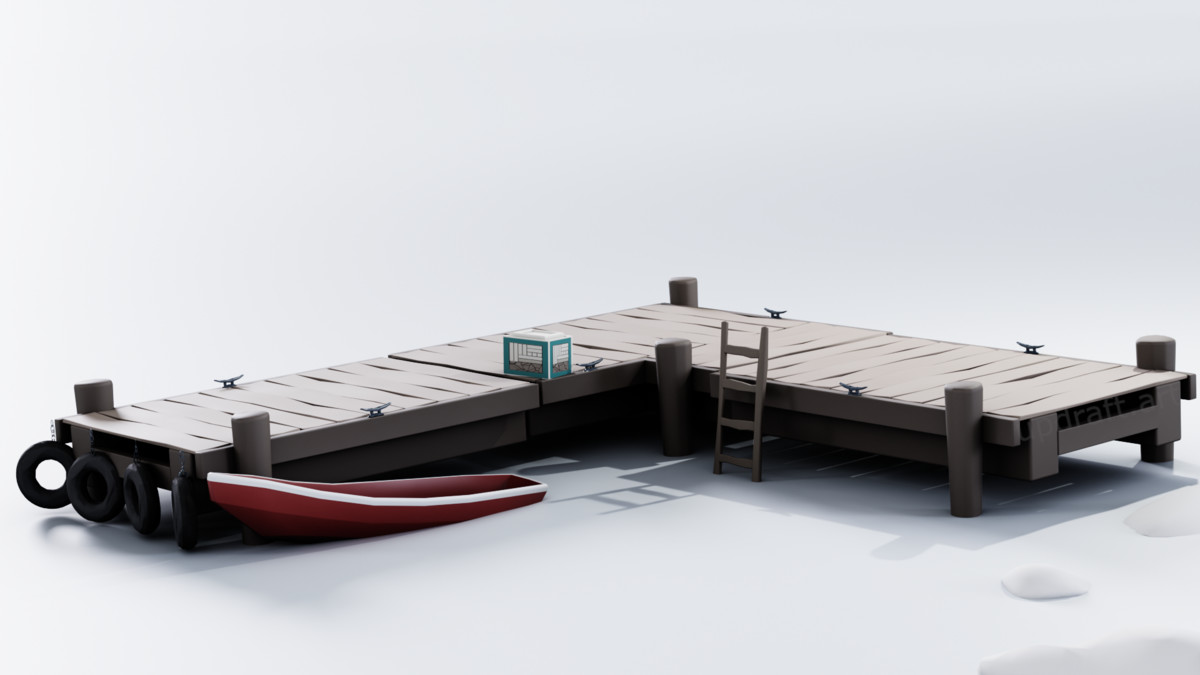
Modular design
Treat the kit as a connection system, not a folder full of pieces
Define grid rules, pivots, connectors, end cases, and variation slots before producing more modules.
Read the guide → RPG hub
Make every return visit easier than the first
Arrange services, landmarks, routes, shop identities, and stopping points around the way players actually use a hub.
Read the guide →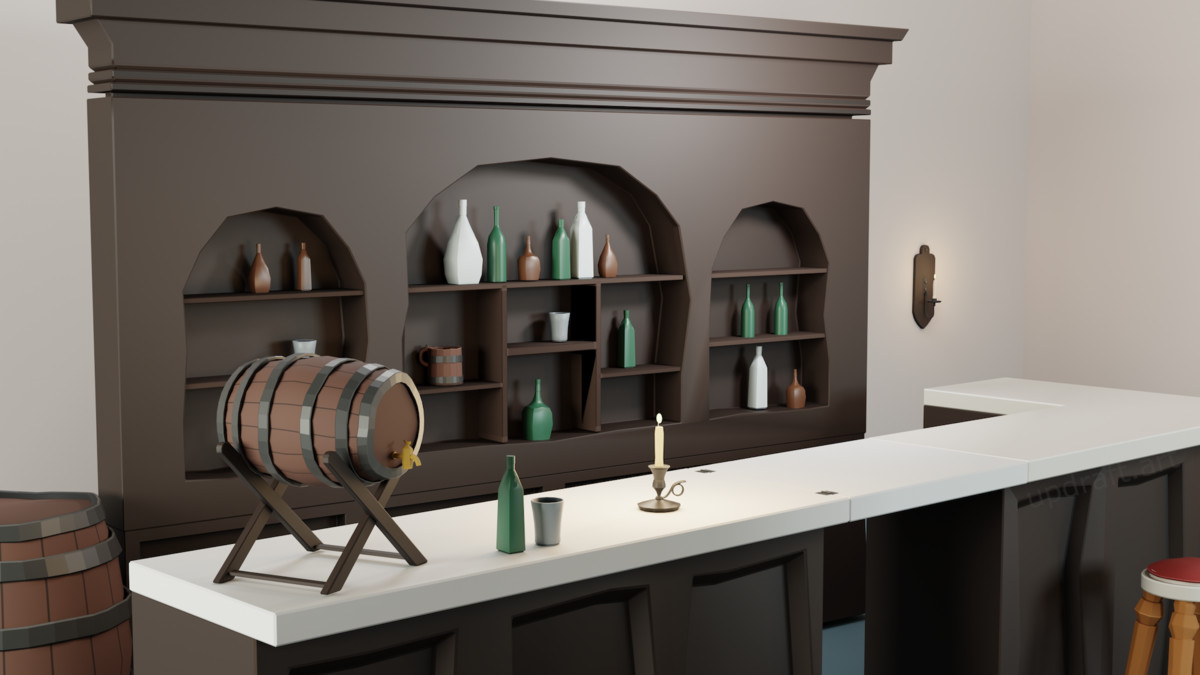
Environmental storytelling
Show what happened through the things people left behind
Use evidence clusters, routines, contrast, and prop relationships that invite the player to infer a story.
Read the guide →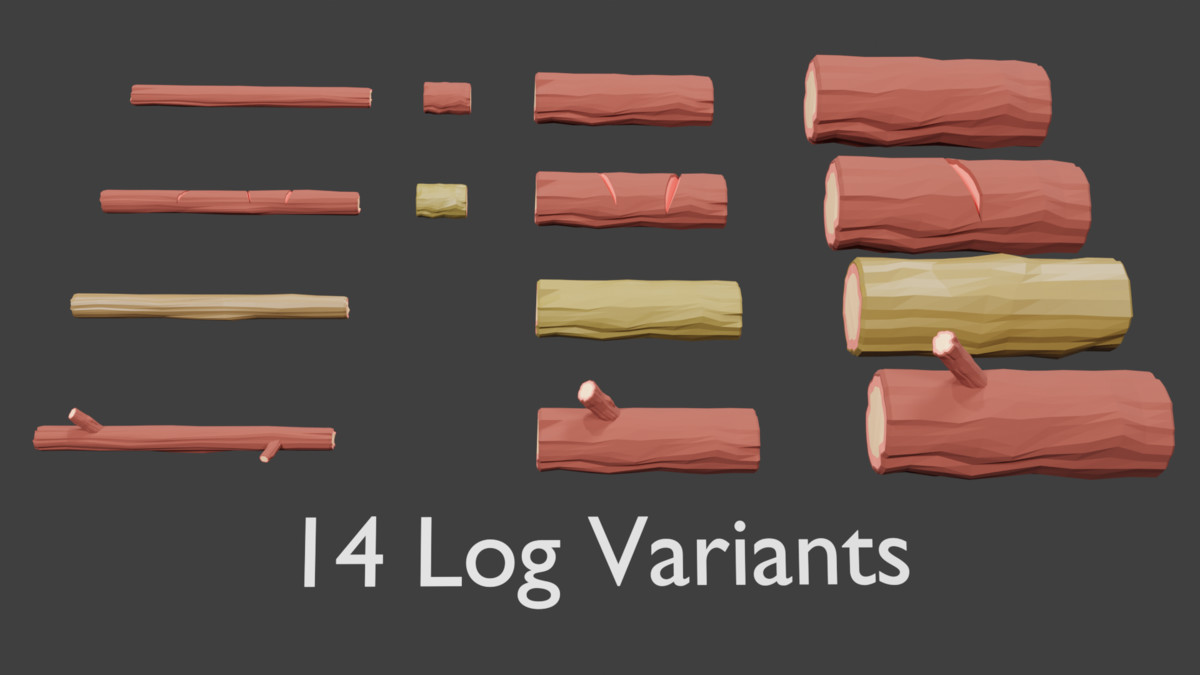
Prop reuse
Change the arrangement before you add another mesh
Reuse a small asset library through context, grouping, density, anchors, transform variation, and role changes.
Read the guide → Medieval interiors
Make several interiors feel like one village, not one room copied four times
A hub for tavern, kitchen, bakery, and blacksmith design with different functions and a shared visual language.
Read the guide → Tavern
Build a tavern that feels lived in, not just filled with props
Composition, circulation, clutter, lighting, and the point where buying the prop work saves more time than making it.
Read the guide → Kitchen
Build the workflow first. Dress the kitchen second.
Lay out the hearth, prep, storage, and cleaning zones so the room explains itself before the small props go in.
Read the guide → Bakery
Design the bakery from the customer's point of view
Use sightlines, display hierarchy, repeated stock, and a calmer service zone to make the shop read quickly.
Read the guide → Blacksmith
Build the forge around a process the player can understand
Separate heat, shaping, grinding, storage, and circulation into clear workshop zones.
Read the guide → Medieval village
Build the village as a route through useful places
Plan purpose, main route, districts, landmarks, and the handful of interiors that deserve the most detail.
Read the guide → Coastal village
Design the shoreline as the first street of the village
Connect water, dock, building mass, paths, and one landmark into a readable coastal approach.
Read the guide → Modular docks
Repeat the structure. Vary the route.
Plan reusable dock pieces around connection logic, branch points, shoreline transitions, and route variation.
Read the guide → Market street
Build the market as a sequence of recognizable shops
Give bakery, forge, tavern, and other storefronts different visual promises while keeping one shared street language.
Read the guide → Wayfinding
Make the town readable before you add another map marker
Use street hierarchy, landmarks, shop silhouettes, crossroads cues, and signs as one layered navigation system.
Read the guide → Set dressing
Tell four small stories instead of filling every empty surface
A practical way to place tavern clutter, vary density, preserve movement, and keep the room readable.
Read the guide → Winter playground
Make the playground readable before you make it snowy
Use large attractions, activity districts, clear snow routes, and edge detail to turn an open field into a deliberate play space.
Read the guide →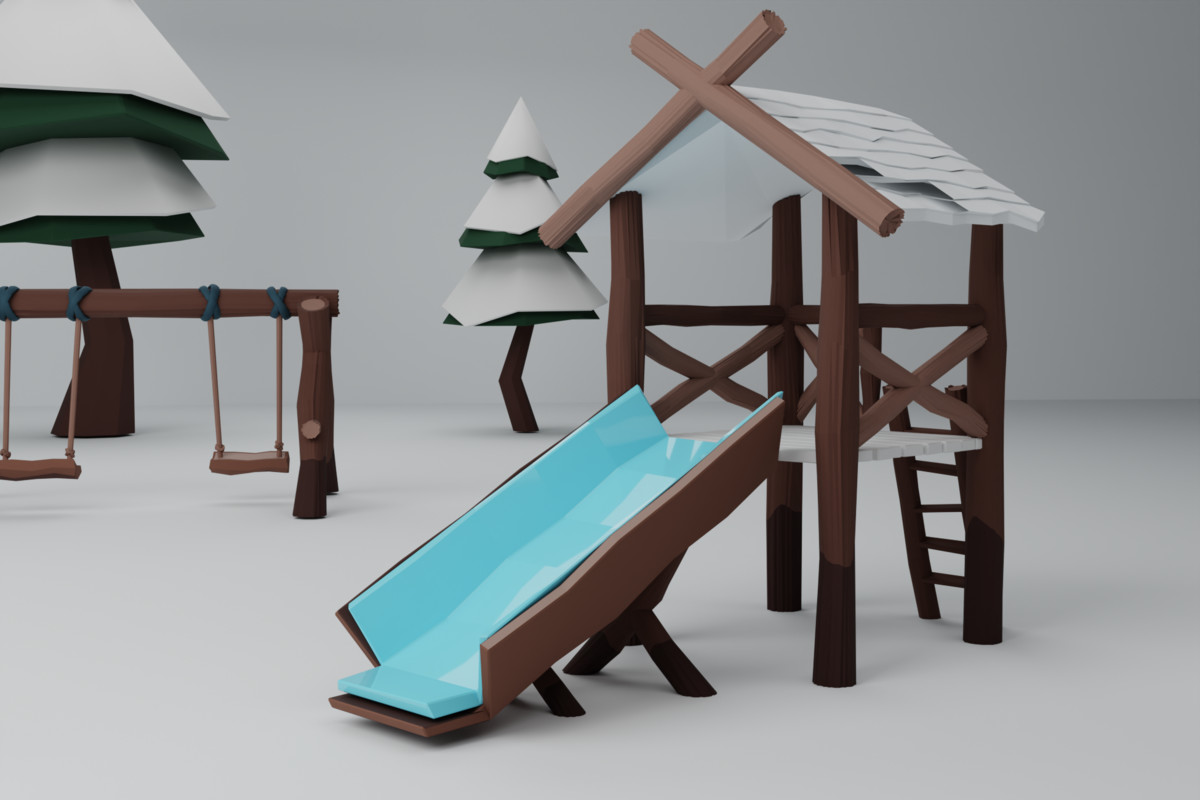
Winter environment
White ground needs stronger boundaries, not more clutter
Use routes, clustered vertical shapes, activity islands, and quiet snow to keep a stylized winter scene readable.
Read the guide →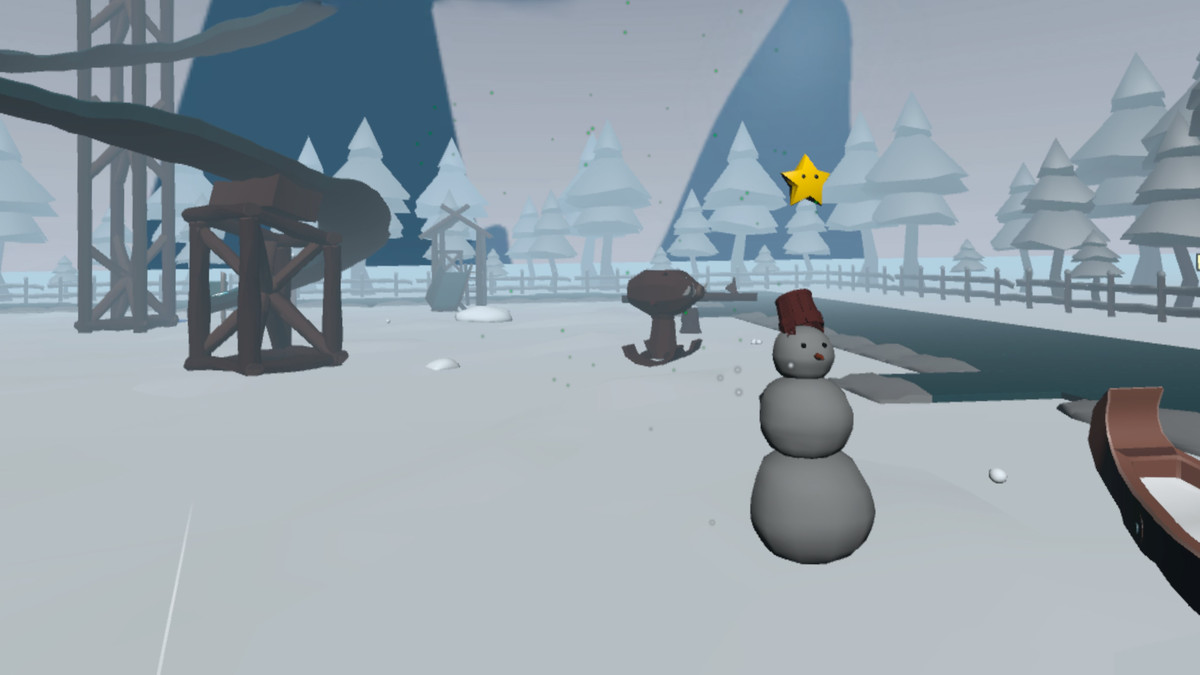
VR snowball game
A good throw needs a clear result before the next snowball appears
Break the loop into spawn, throw, target detection, feedback, reward, and reset without overcomplicating the physical input.
Read the guide →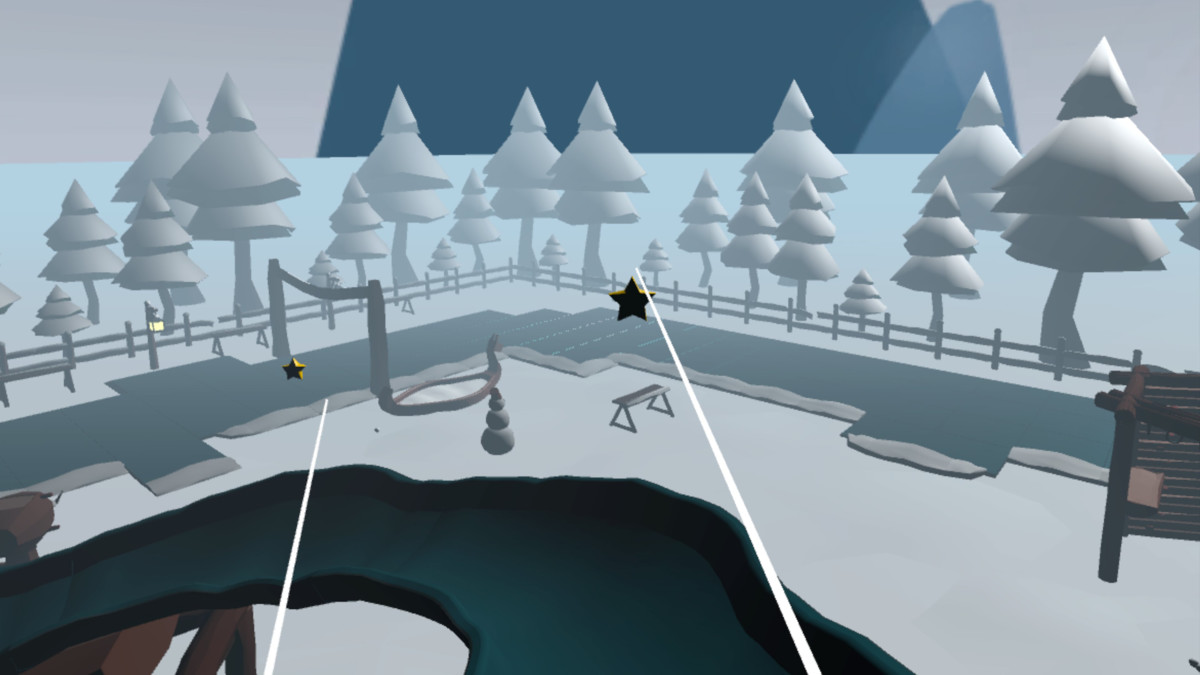
VR checkpoint race
A race is an ordered state machine disguised as a route
Use ordered gates, next-checkpoint emphasis, shortcut rejection, timing, and a clean replay state.
Read the guide →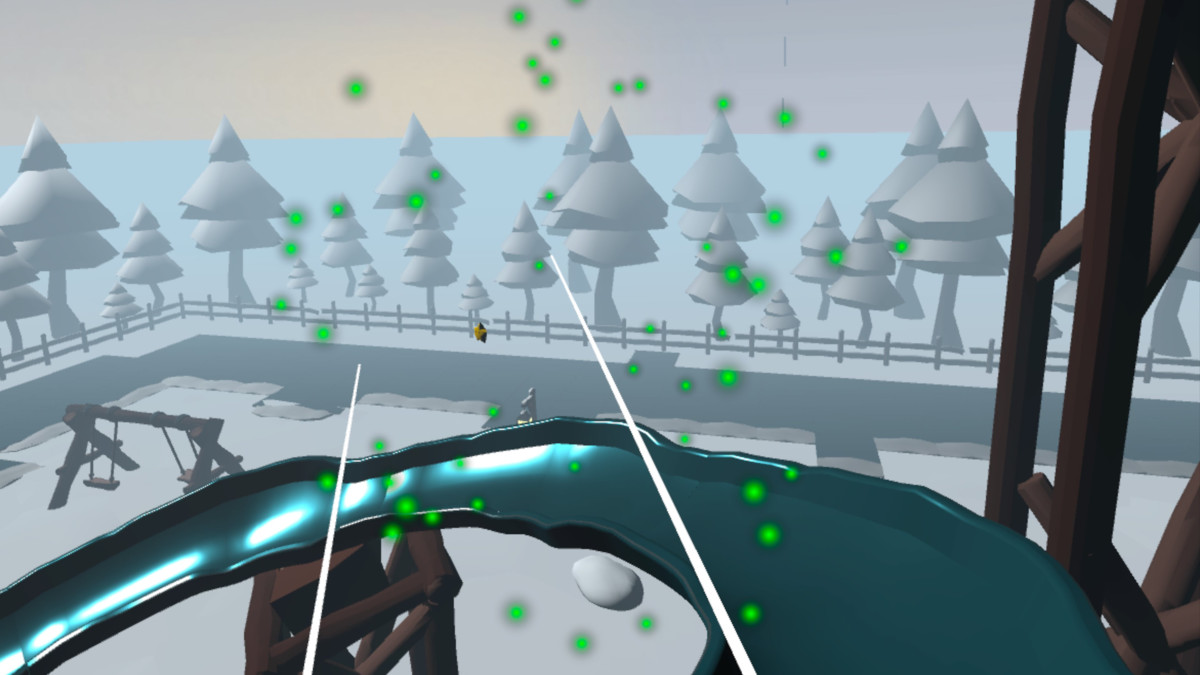
VR spline ride
Treat the ride as its own locomotion mode
Control boarding, scripted path movement, comfort treatment, effects, exit placement, and the handoff back to normal locomotion.
Read the guide → VR minigame hub
Keep each minigame local. Share only the systems that make the hub feel whole.
Connect independent activities with one reward, unlock, UI, result, and save layer instead of coupling their gameplay code.
Read the guide → VR progression
An unlock should change one durable state, then let the attraction handle itself
Separate earned stars, costs, saved availability, presentation, and attraction logic so progression stays maintainable.
Read the guide → XR starting point
XRI gives you interaction building blocks. A game template gives those blocks a job.
Compare Unity project setup, the XR interaction framework, and a game-specific starter before deciding how much architecture to build yourself.
Read the guide →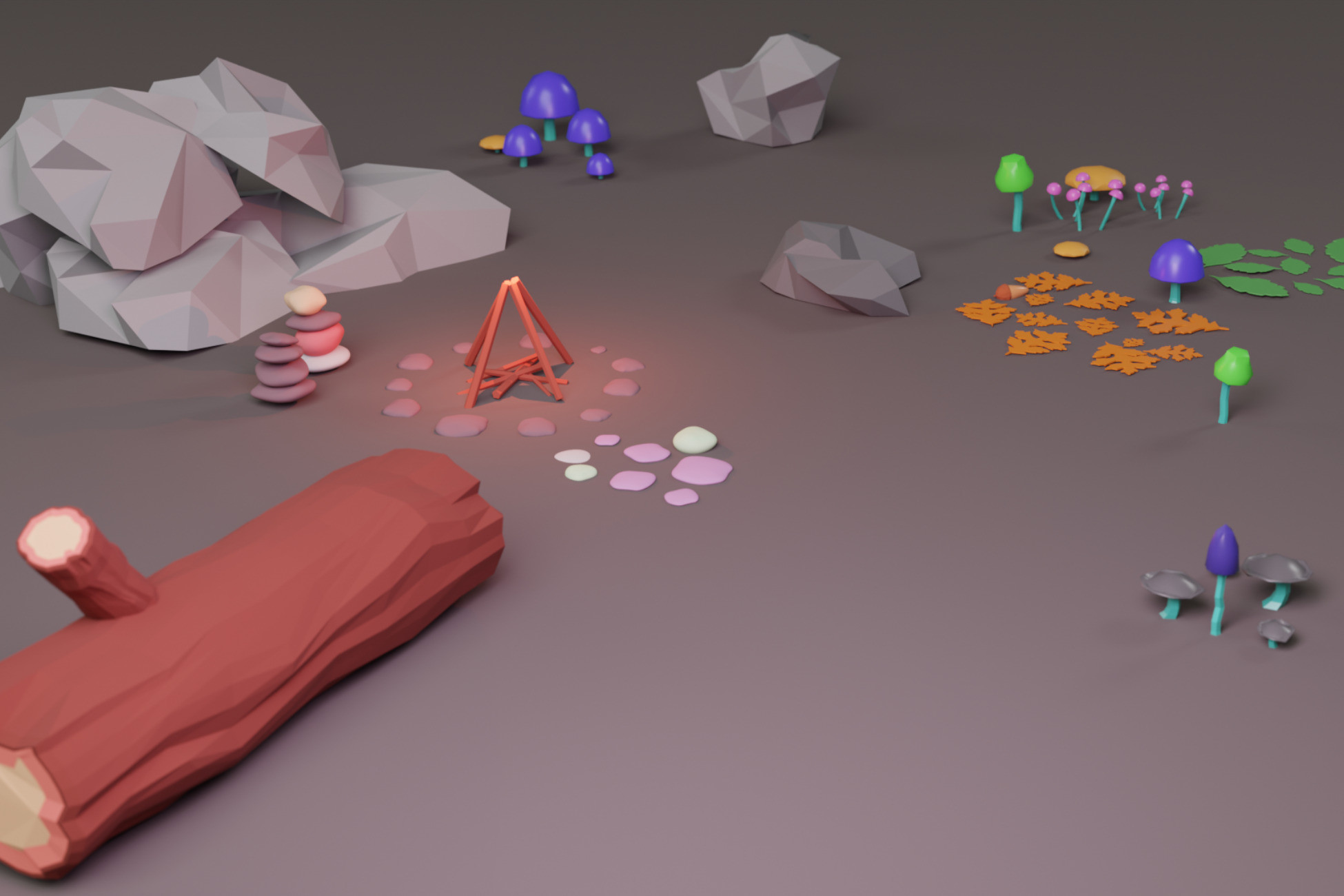
Forest floor
Natural-looking forest floors are organized, not random
Use anchor props, edge density, grouped scatter, and deliberate empty ground to make woodland terrain feel specific.
Read the guide →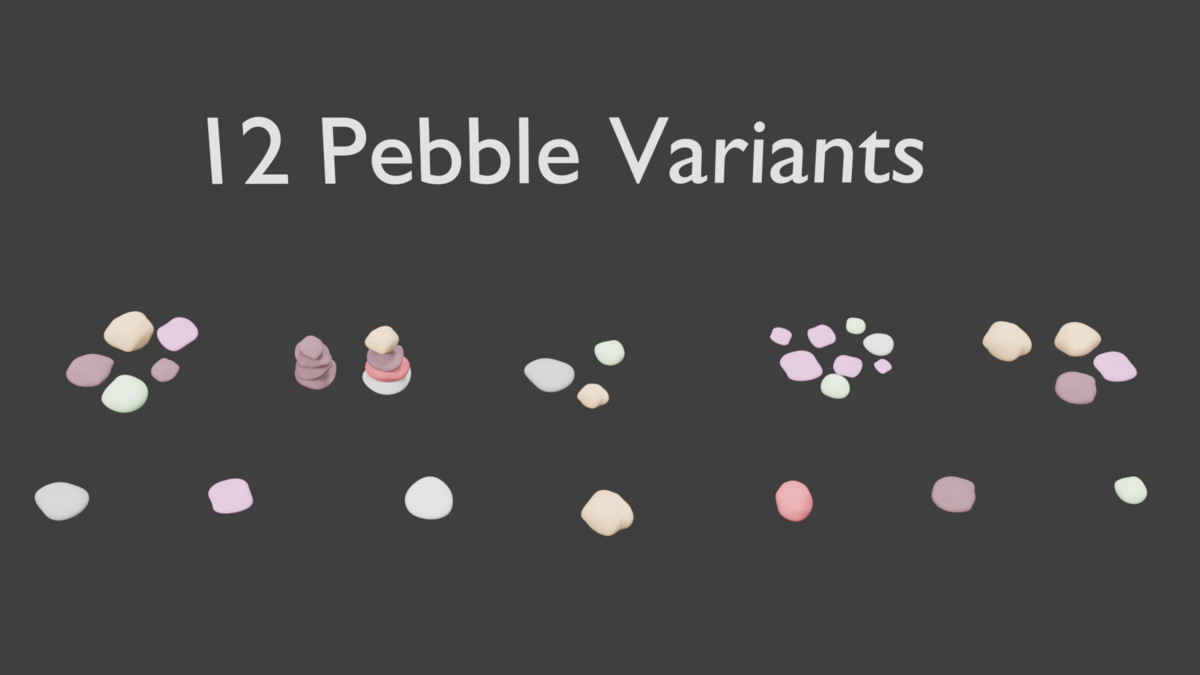
Forest path
Dress the edges. Keep the route clean.
Use clutter to frame movement, mark bends, and support destinations without covering the path itself.
Read the guide →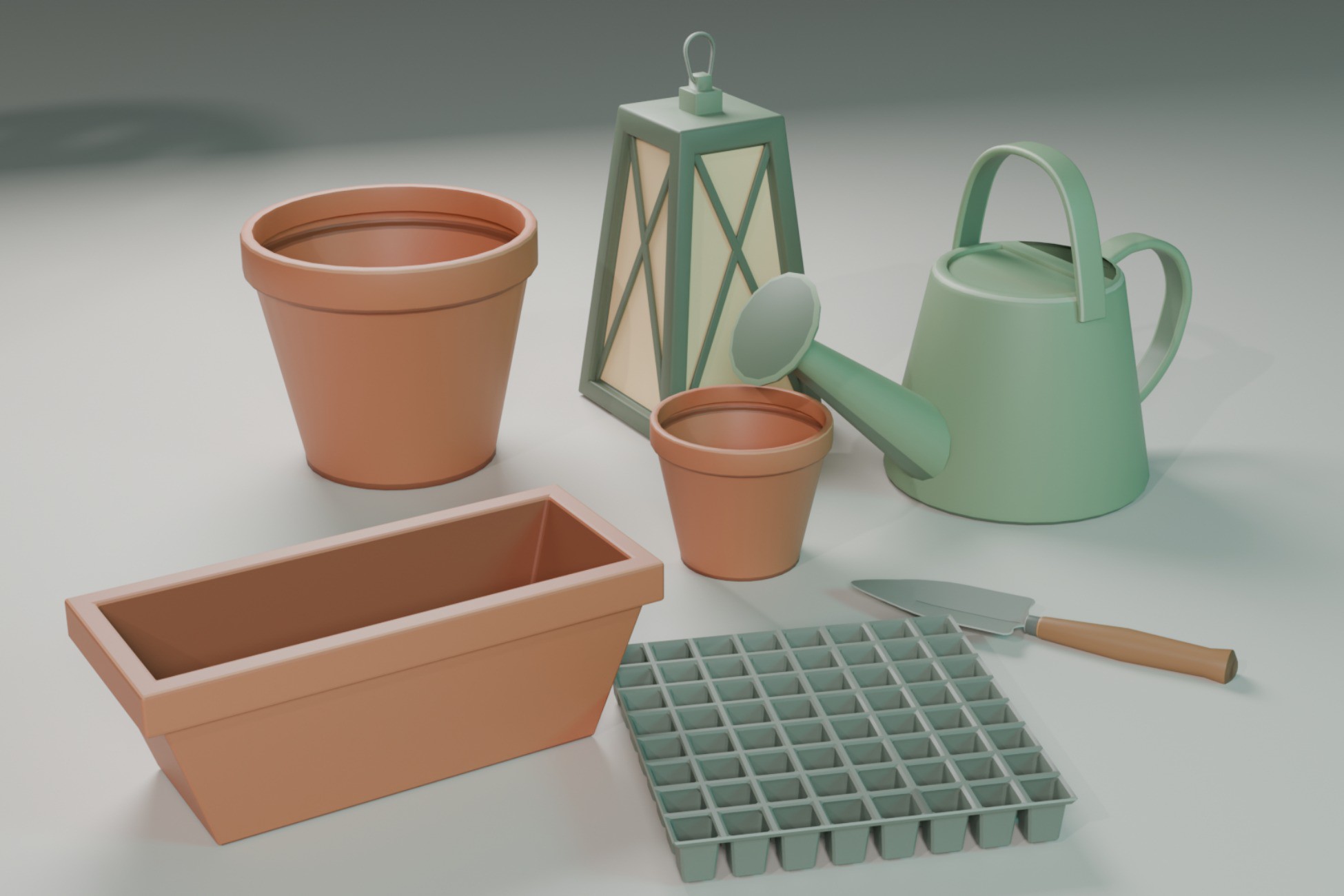
Cozy greenhouse
Build the greenhouse around little jobs, not a wall of pots
Separate propagation, watering, storage, mature plants, and display into compact work zones.
Read the guide →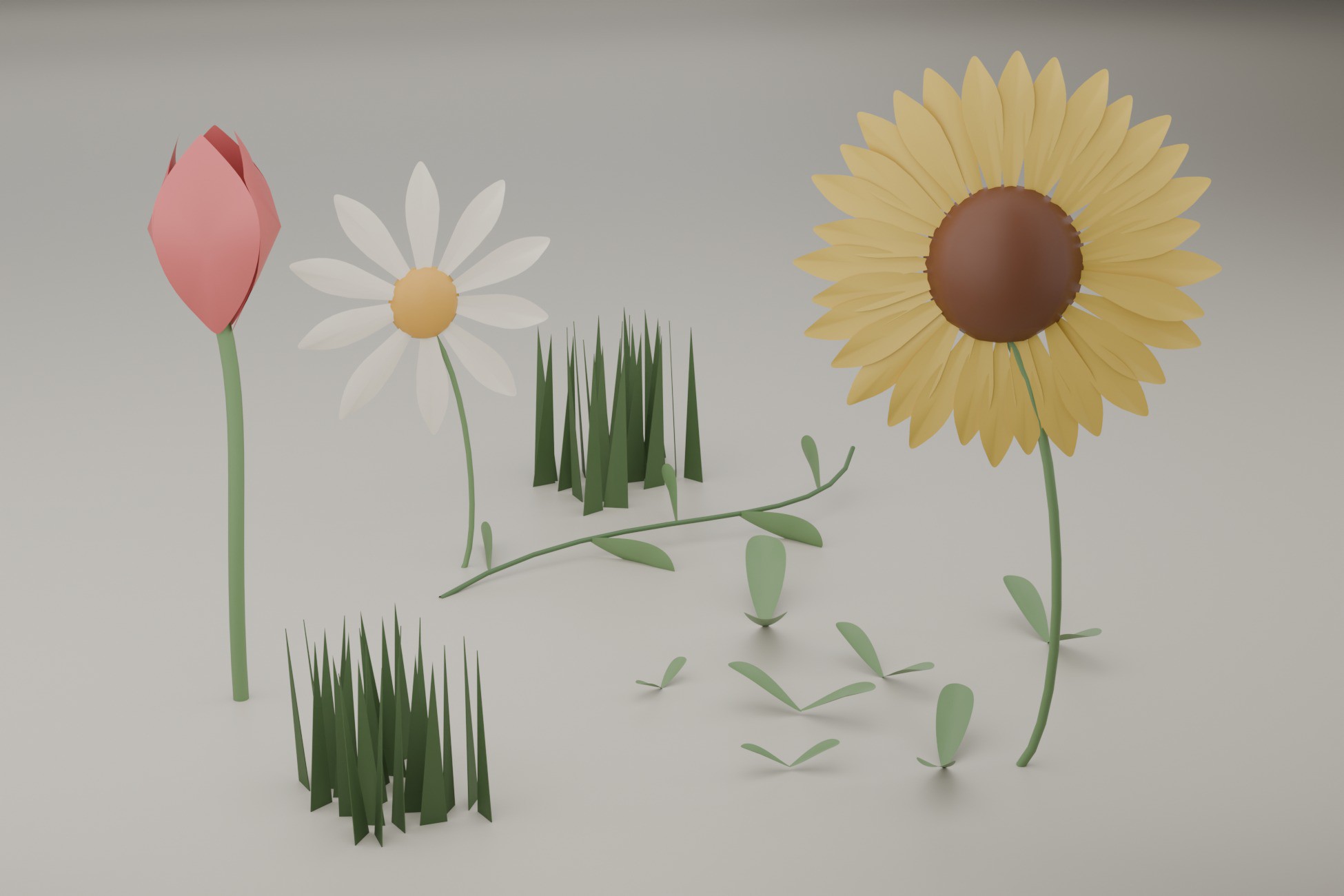
Cottage garden
Make the garden look tended, not randomly overgrown
Define beds, vary plant height, leave work gaps, and add gardening props where they imply actual care.
Read the guide → Cottage interior
Cozy interiors need quiet space as much as furniture
Group furniture around use, preserve circulation, and let a few strong corners carry the room.
Read the guide → Set dressing
Do not fill the empty space. Give it structure.
Use focal anchors, functional clusters, transition detail, and density contrast before adding more props.
Read the guide →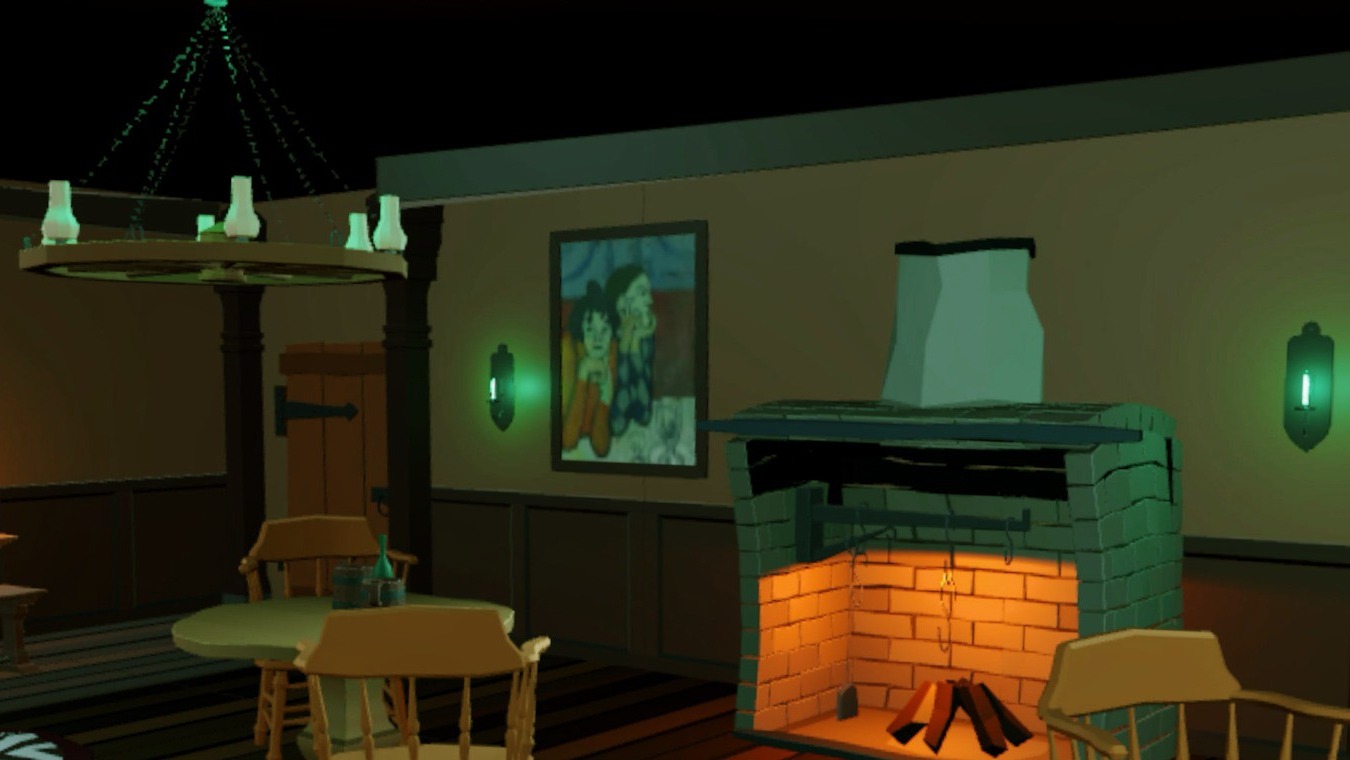
Unity XR
Build a VR pouring loop that feels like a game
Grab, pour, fill, validate, respond, and reward with a state flow that is easy to debug and customize.
Read the guide →