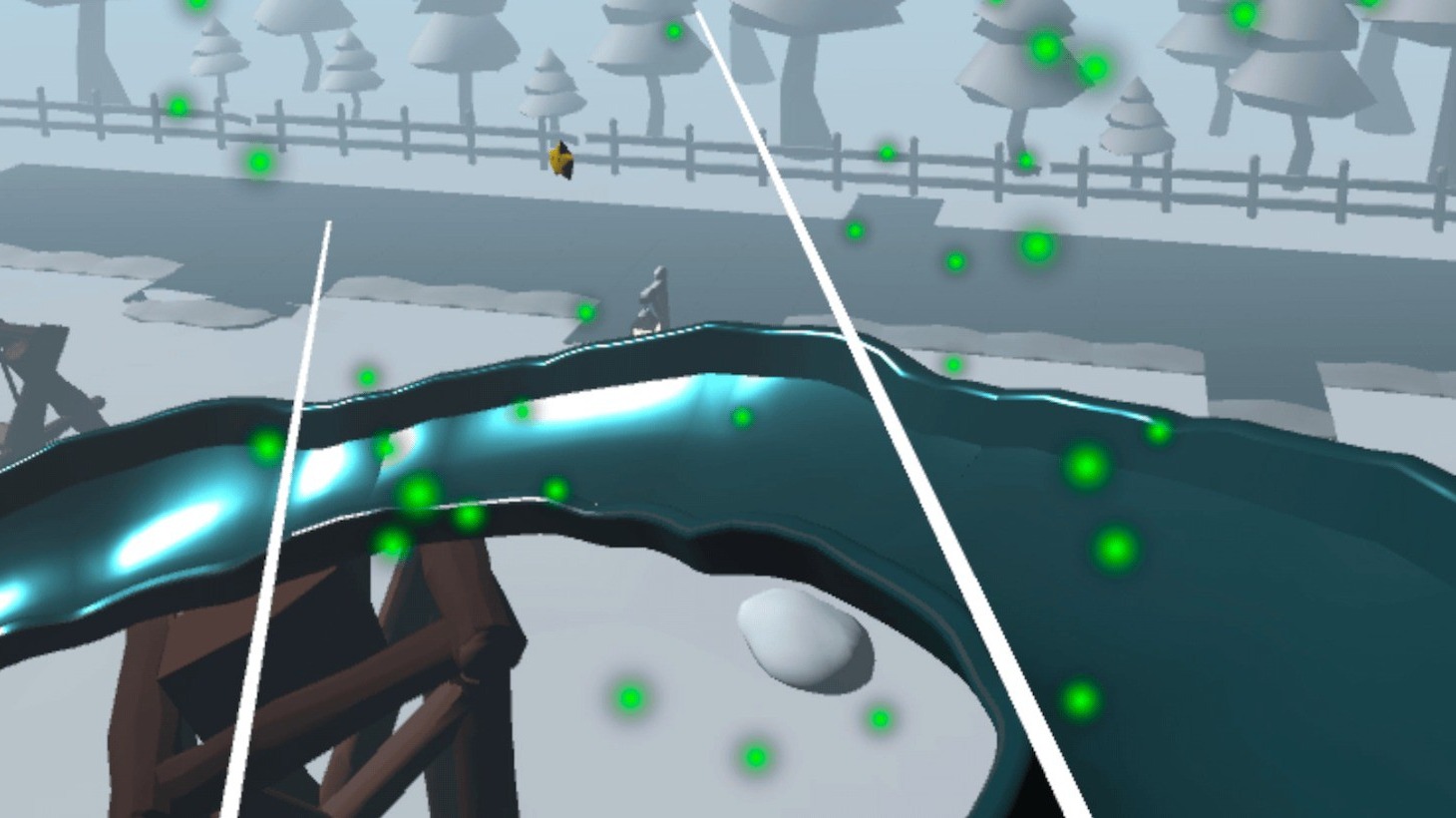
Unity VR starting point
Choose how much architecture you actually want to invent
A blank project gives maximum control. Unity's VR Template handles a useful layer of XR project setup. A game-specific template goes further by connecting mechanics, feedback, progression, UI, and example scenes.
Three starting depths
Start at the layer that leaves the interesting work for you
Blank project
You want full control over every XR choice
Good when project architecture itself is part of the work you want to own. Expect to configure the XR stack and build the interaction structure yourself.
Unity VR Template
You want a VR-ready foundation
Unity documents its VR Template as a starting point configured with URP, OpenXR, XR Interaction Toolkit, and example content.
Read Unity documentationGame-specific template
You want working gameplay patterns too
Useful when the template already resembles your prototype and you would rather customize connected examples than wire the whole game layer from scratch.
A template is valuable when you plan to replace content, not when you plan to fight its structure.
Choose a game-specific starter only when its mechanics overlap with your goal. A winter minigame hub is useful for attraction-based VR. A tavern interaction kit is useful for pouring, serving, validation, and reward loops.
If your project is nothing like the example, the extra systems become code you must understand and remove.
Game-specific starting points
Pick the template closest to the interaction loop
Winter VR Playground Template - XR Interaction Toolkit
For a Quest-style minigame hub with throwing, racing, a scripted ride, rewards, unlocks, saving, and UI.
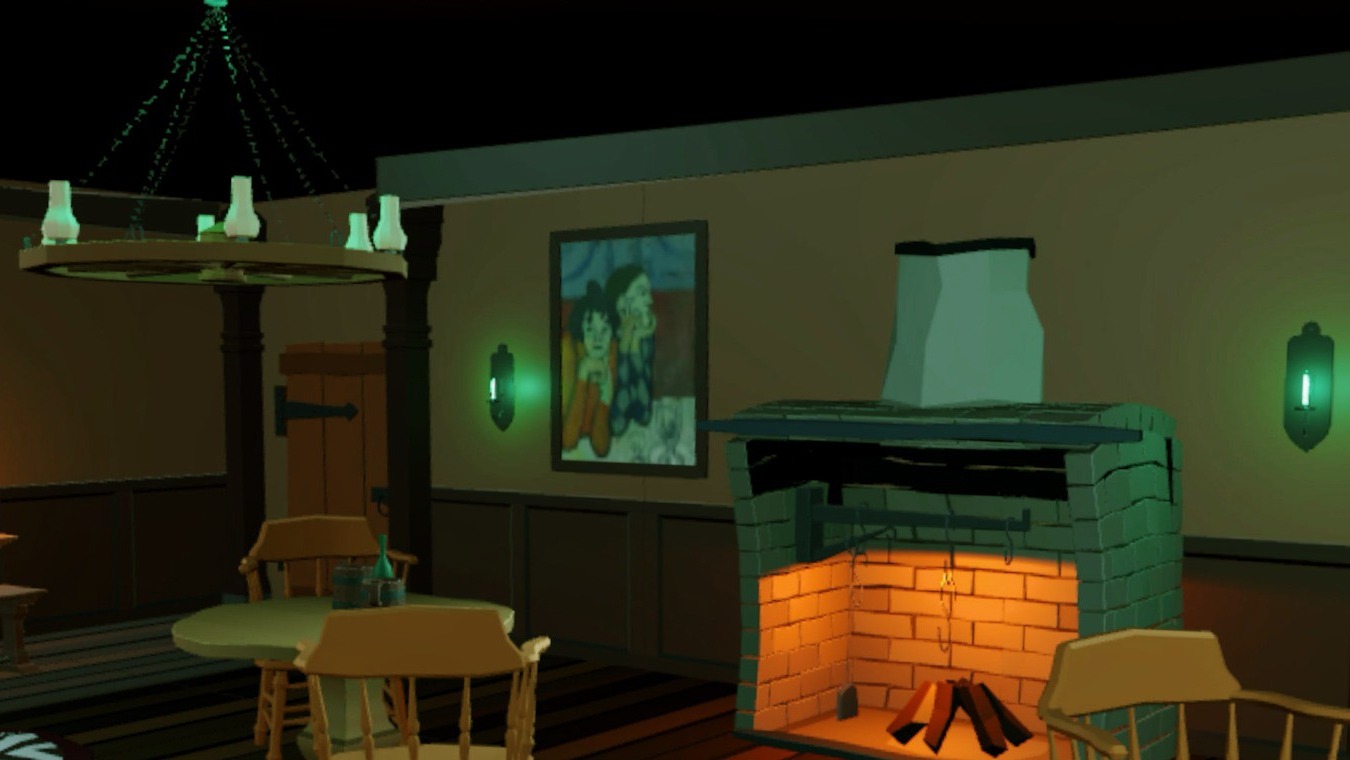
XR Tavern Interaction Starter Kit – VR Pouring, Serving & Mini-Game Template
For bartending, pouring, serving validation, drink modifiers, coin rewards, and a dart activity.