Combining Unity asset packs
Match the visual rules before you match the theme
Two medieval packs can still clash. The safer combination shares silhouette softness, scale, material simplicity, texture density, and the amount of detail each object carries on screen.
Five checks before checkout
Theme is only the first filter
Shape language
Compare edges and proportions
Put screenshots side by side. Rounded chunky forms, thin realistic forms, and sharp exaggerated forms can all be low-poly while still feeling unrelated.
Surface language
Compare material and texture response
A flat stylized atlas beside detailed PBR surfaces can make one pack look unfinished and the other over-rendered even when both are technically compatible.
Scene role
Do not ask every pack to carry equal attention
A simpler support pack can work beside a richer focal pack when the camera distance and composition give each one a clear job.
Start with adjacent spaces
The easiest multi-pack scene is one where each set owns a different functional zone
A blacksmith workshop, bakery, kitchen, and tavern do not need identical objects. They need compatible proportions, material behavior, and overall visual weight.
This gives you room to make each destination distinct without forcing every prop into one giant asset collection.
A forge can have its own prop vocabulary while still belonging to the same village as a bakery or tavern.
Use repeated visual anchors
Signs, furniture scale, lighting, and shared street treatment can make separate packs feel intentional
Cross-pack coherence often comes from the pieces around the packs. Consistent signs, ground treatment, lighting temperature, camera exposure, and spacing can make different content sets feel like parts of one art direction.
Do the comparison in-engine early. A mismatch that looks minor in isolated thumbnails can become obvious once the assets share the same camera and light.
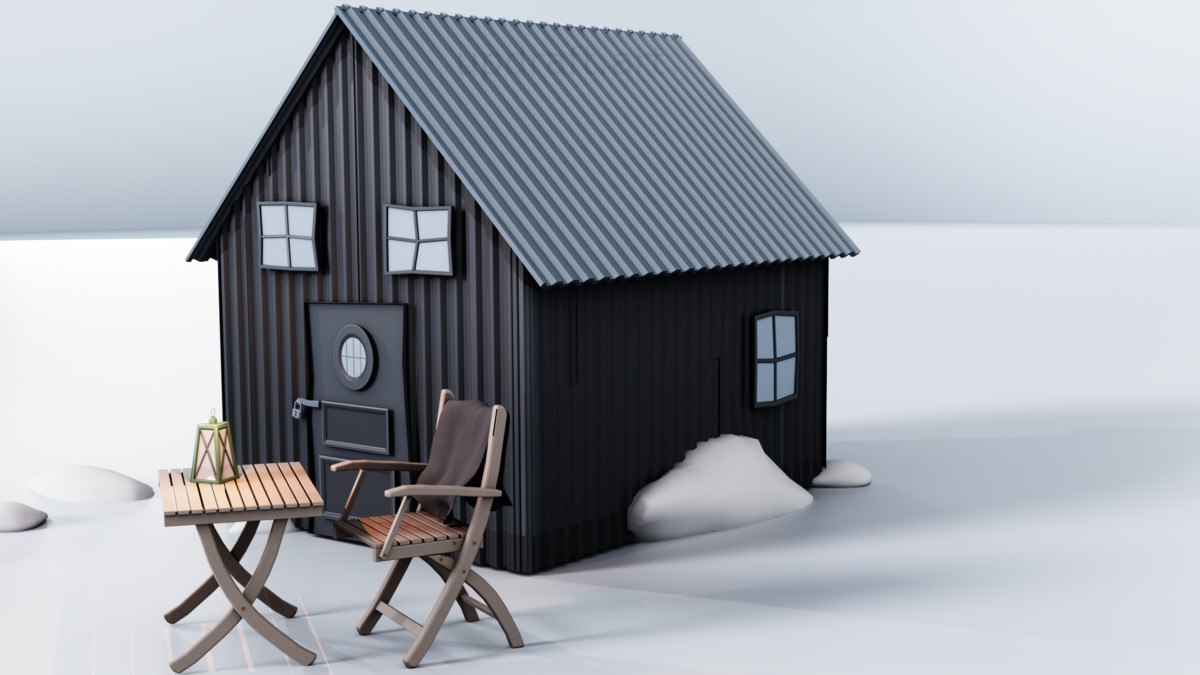
A repeated signage language can connect storefronts that use different interior prop sets.
Keep texture expectations close
A simple shared material workflow makes mixed scenes easier to tune
Material count is not an art-style guarantee, but a compact workflow gives you fewer surface variables to reconcile. The Bakery Props set uses one shared atlas material across its 27 prefabs, while the Blacksmith Props Pack also uses a single atlas material across its core workshop set.
That does not mean every pair of packs will match automatically. It does mean you can inspect a small number of material decisions before committing to a larger scene.
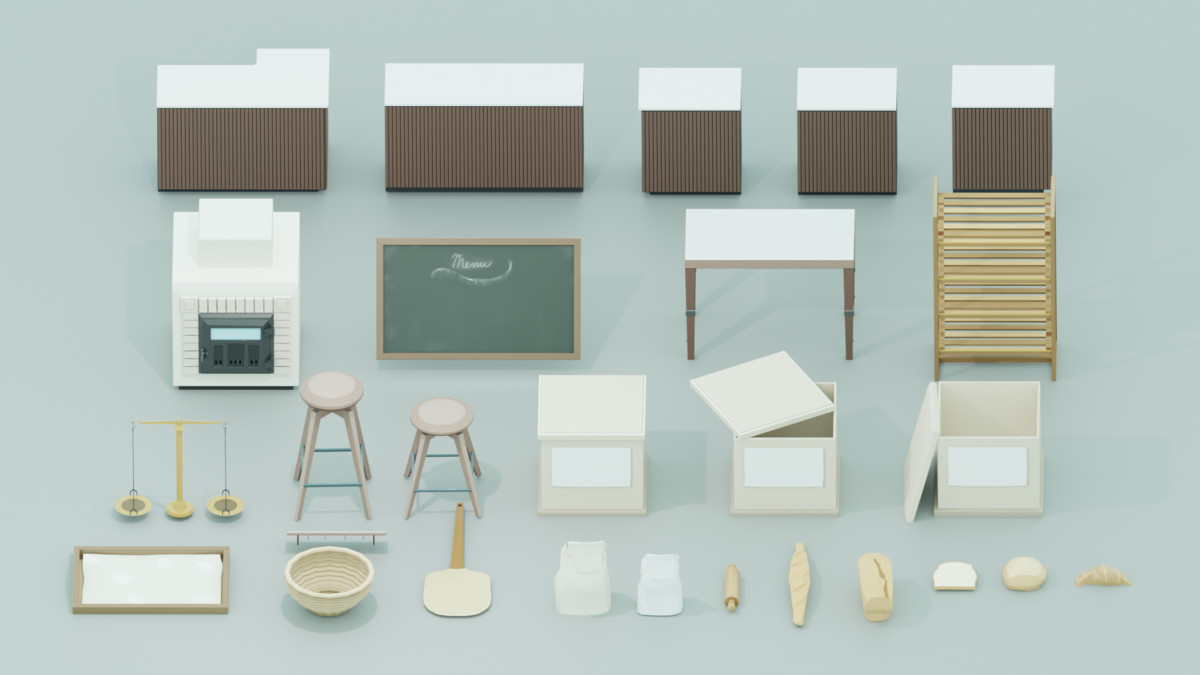
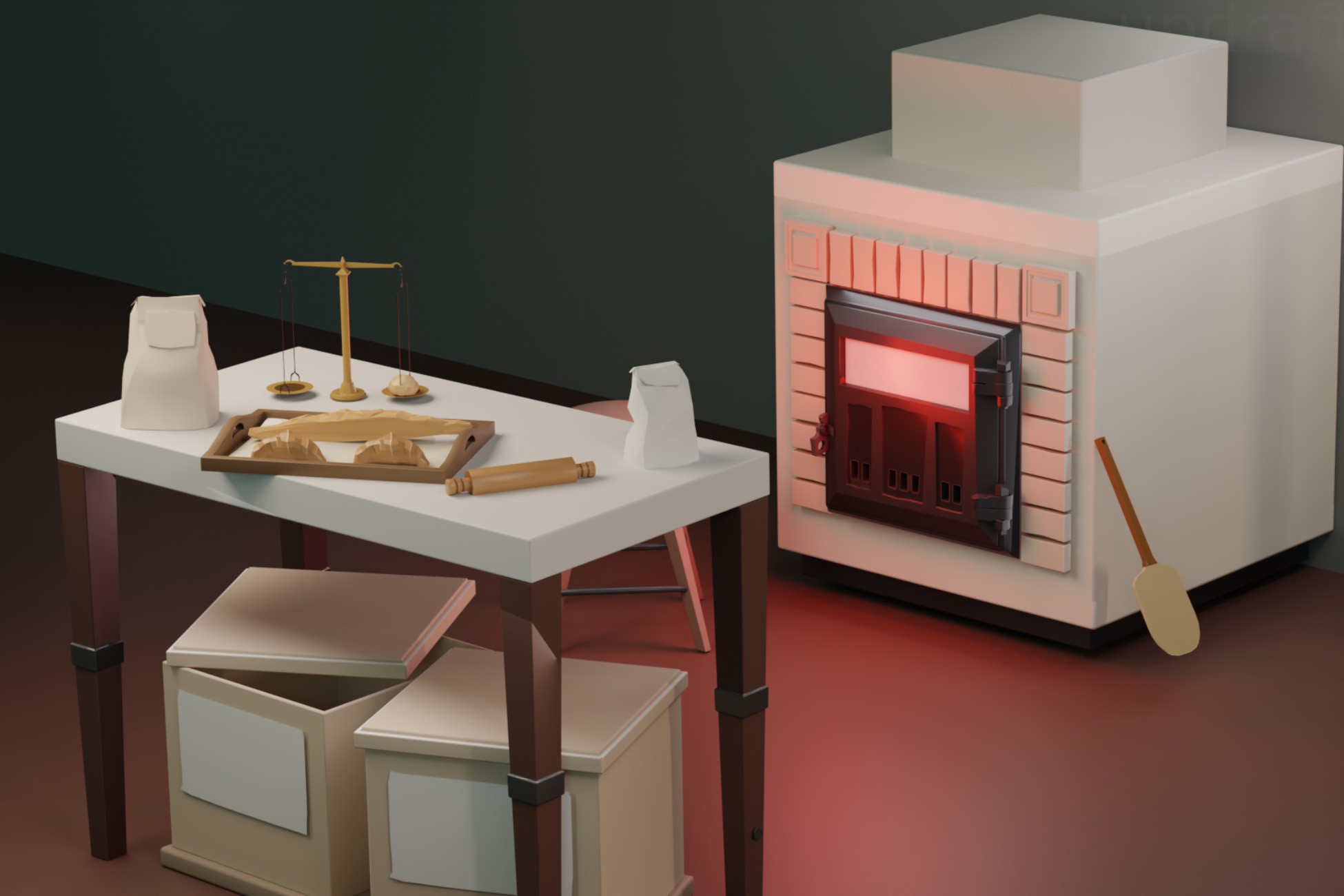
The bakery pack uses one shared atlas material, which keeps its prop family visually tight.
Compatible scene roles
Build a district from focused sets instead of forcing one pack to do every job
Stylized Bakery Props – Bread, Pastry & Medieval Shop Assets
Use for bread, pastry, shop furniture, counters, and the dense visual cues that make a bakery read quickly.
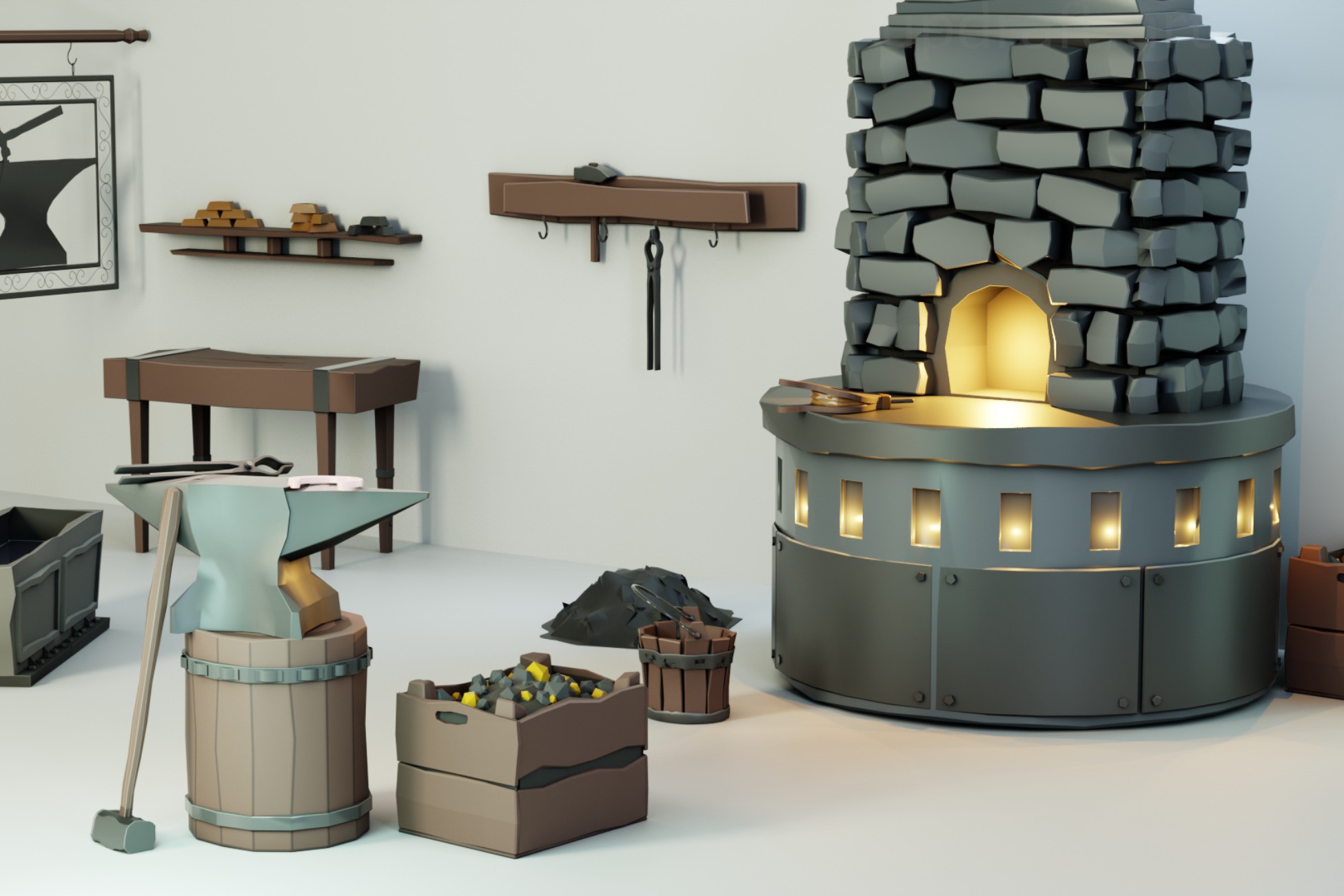
Stylized Blacksmith Props Pack
Use for the forge station, tools, crafting support, and workshop identity in a separate but related destination.
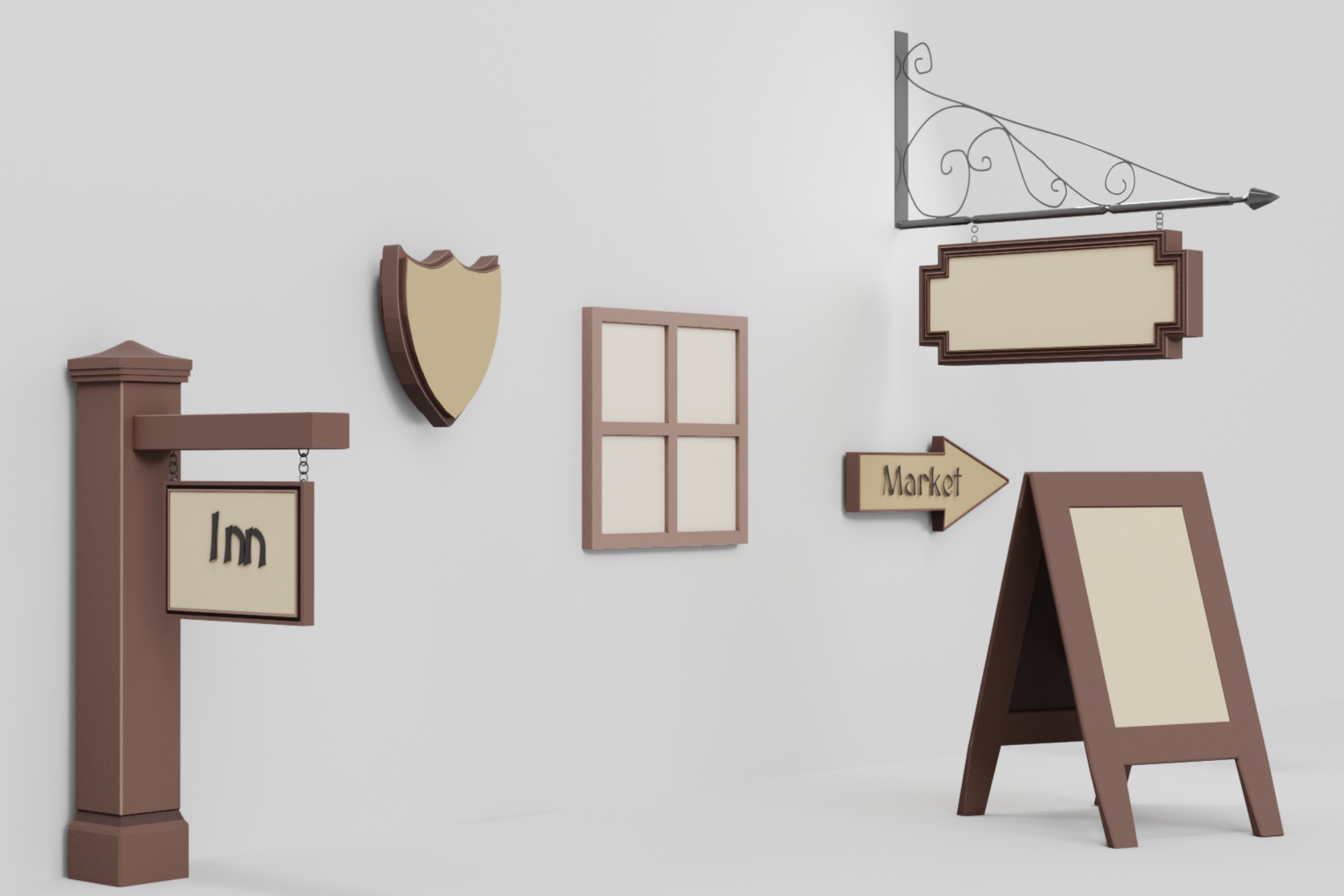
Stylized Medieval Signs & Notice Boards
Use a repeated signage and notice-board language to connect storefronts and make the district easier to read.