Unity forest set dressing
Natural-looking forest floors are organized, not random
Use a few strong anchors, denser transition zones, grouped scatter, and deliberate empty ground so the scene feels grown in rather than procedurally sprinkled.
Uniform scatter is one of the fastest ways to make a forest floor look artificial.
Real ground detail tends to collect around obstacles, edges, shade, paths, fallen wood, and changes in slope. The useful trick is to copy that visual logic, not to chase literal realism.
Start with the places where clutter has a reason to gather. Leave open ground between them. The contrast between dense and quiet patches makes the scene easier to read and usually faster to build.
Three-scale workflow
Place the forest floor from large to small
Finish one scale before moving to the next so you can stop early if the scene already reads.
Anchor the patch
Place a log, stump, or larger rock where it can explain the local shape of the ground.
Build the edge
Add medium groups around roots, trail borders, rock bases, and the side of the anchor that would naturally catch debris.
Add accents
Use mushrooms, twigs, leaves, and pebbles sparingly where the camera will actually notice them.
Delete some of it
Pull back any area where clutter hides the path, flattens the hierarchy, or makes every square meter equally busy.
Anchor first
Give each dense patch a reason to exist
Instead of dropping ten small props into an empty area, start with one form that changes the local silhouette. A log or rock gives leaves, mushrooms, twigs, and pebbles a place to cluster around.
This also makes rotation and scale variation less important. The group already has a center and direction.
A stronger object can organize the smaller pieces around it.
Transition zones
Put more detail where one surface becomes another
Use the highest density along transitions. The center of a path can stay simple. The edge where compacted ground meets leaves and woodland debris is where a few small shapes make the scene feel specific.
Path edges, clearing boundaries, and the bases of larger props carry more visual information than the middle of open terrain.
Negative space
Leave enough bare ground for the clutter to have contrast
If every patch is filled, no patch feels important. Keep broad areas simple, then let selected clusters mark turns, props, campsites, or destinations. The result reads better from gameplay distance and costs less time to dress.
Quiet ground is part of the composition, not unfinished work.
Skip the prop-modeling stage
Stylized Forest Ground Clutter Pack
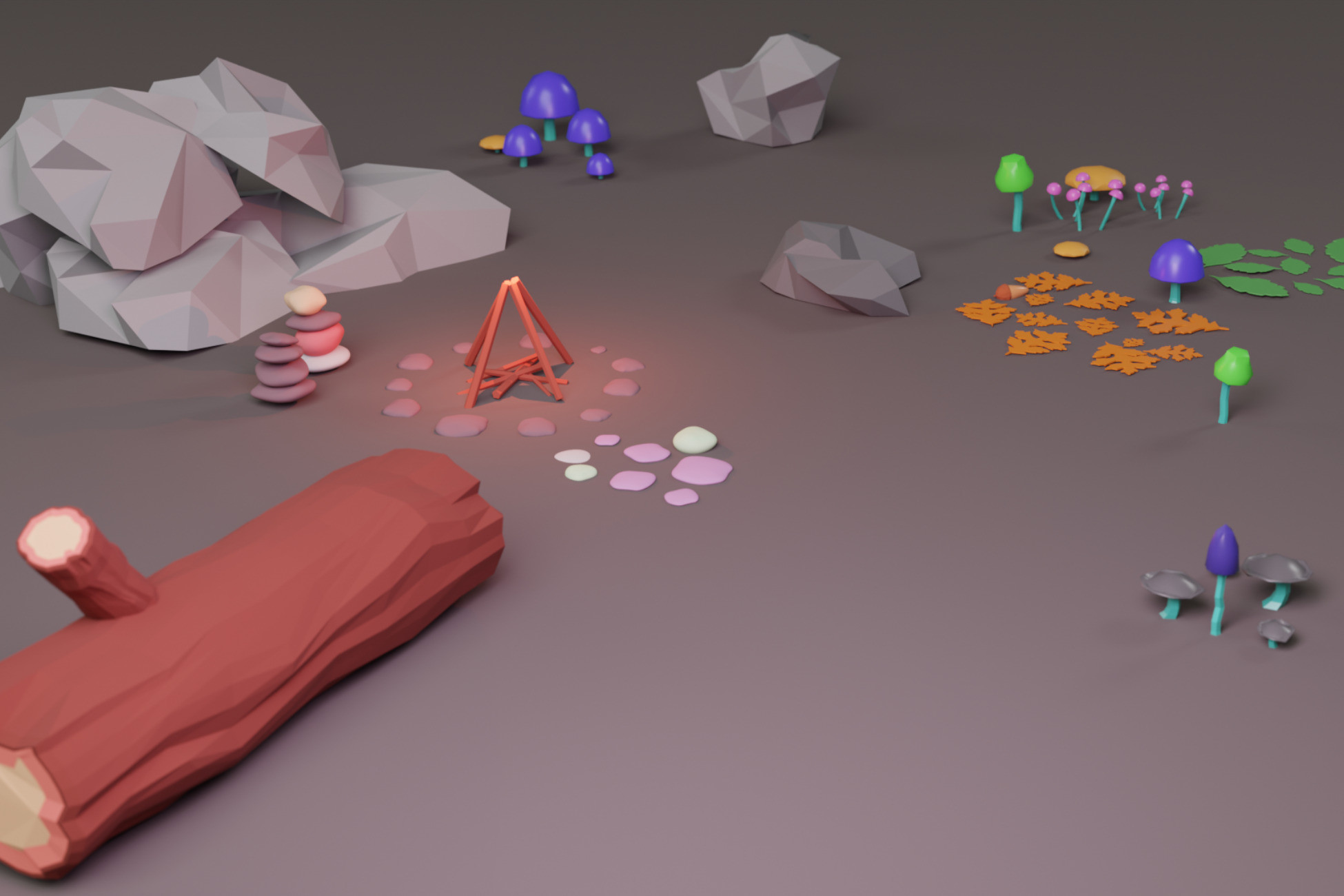
The Forest Ground Clutter Pack is useful for this workflow because it includes both individual pieces and ready-made clusters. Start with the grouped patches for speed, then break repetition with single rocks, logs, branches, leaves, and mushrooms.
- 46 stylized forest-floor meshes
- 20 ready-made clusters for faster dressing
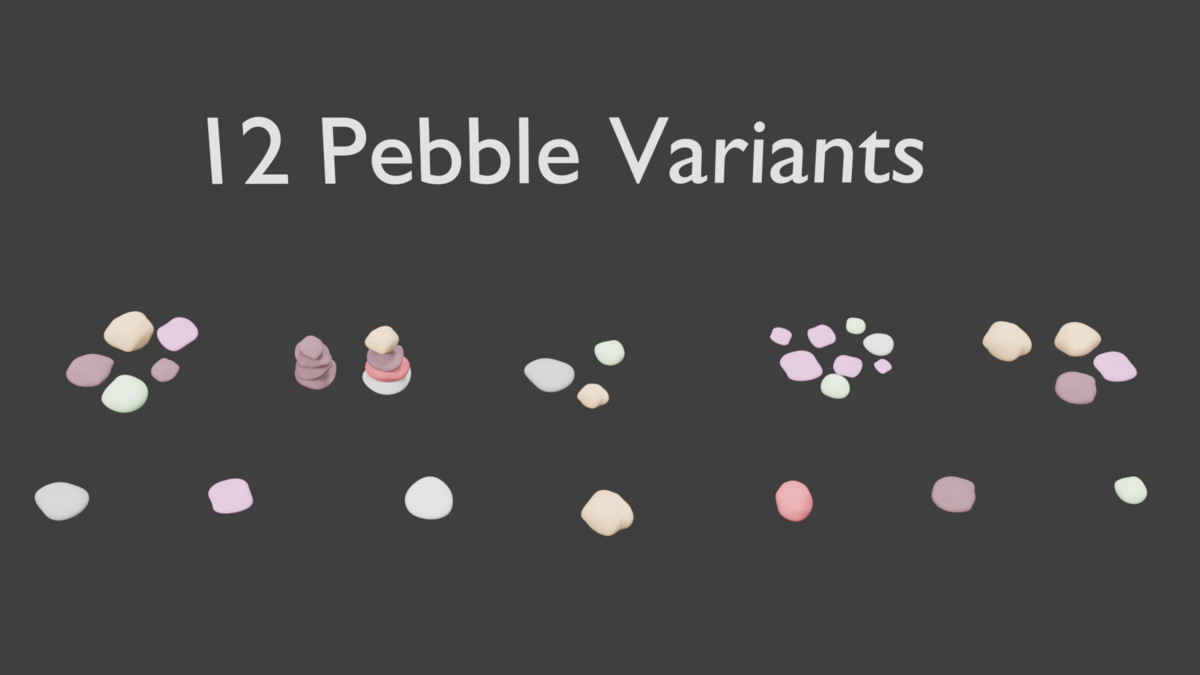
- Rocks, pebbles, logs, stumps, branches, sticks, and twigs
- Leaves, mushrooms, shells, acorn, and small ground accents
- Single pieces plus grouped patches for different placement scales