Unity environment guide
Design the shoreline as the first street of the village
A coastal settlement feels coherent when the dock, path, buildings, and landmark all pull the player through the same visual route.
The waterline is not background. It is the edge that organizes the whole settlement.
Decide where boats arrive, where the player steps onto land, and what they see from that point. Then place the village around that route instead of scattering buildings first and trying to connect them later.
For a small stylized scene, one strong approach and one strong landmark are usually more useful than a huge amount of architecture.
Coastal blockout
Build the village in four passes
Keep the first pass simple enough that you can walk it before committing to detail.
Draw the water edge
Choose where the coast bends, where the dock can reach useful depth, and which sections of shoreline should stay open.
Place the arrival route
Use the dock and first path as one continuous line that carries the player from water into the village.
Mass the buildings
Cluster larger shapes around the route and leave deliberate gaps for views back to the water and forward to the landmark.
Add the landmark last
Place the tallest or moving feature where it can be seen from multiple approaches without competing with every building.
Arrival
Make the dock point toward something worth reaching
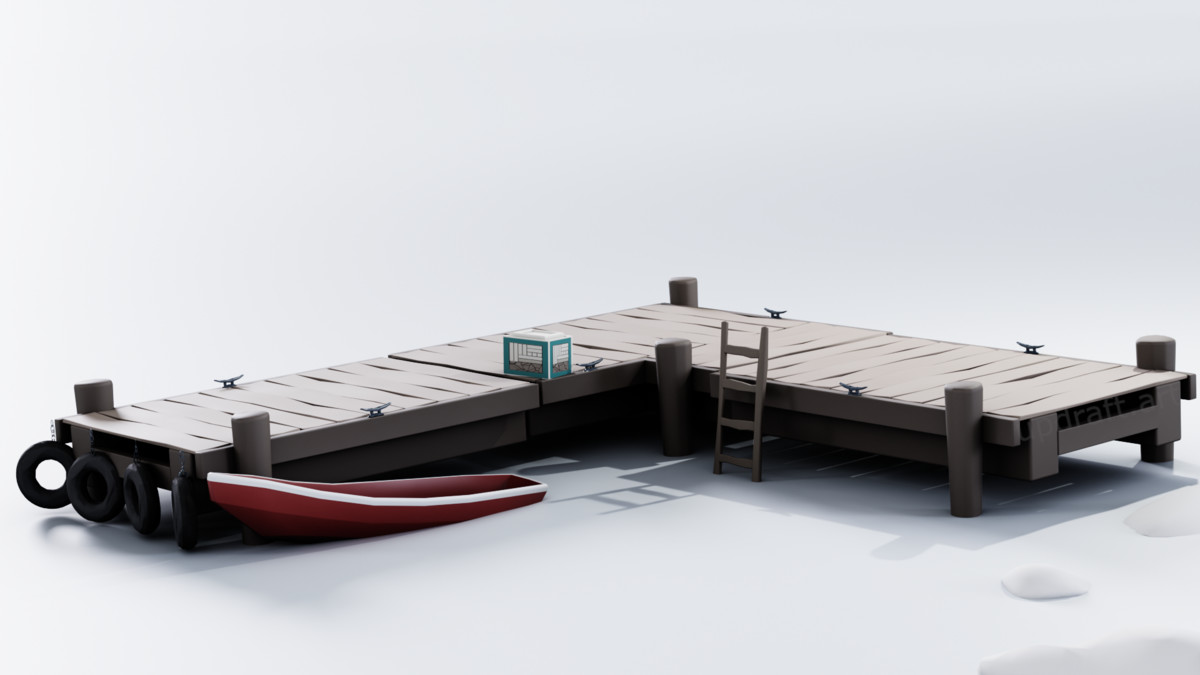
When the dock ends, the player should already know where to go next. Frame the path with buildings or shoreline props, then leave enough open space that the transition from pier to street is obvious.
The strongest coastal approach connects water, dock, and settlement in one readable line.
Village mass
Use building clusters to frame the coast instead of blocking it
Think in masses before individual houses. A dense cluster on one side and an open working shore on the other often reads better than an even ring of buildings around the coast.
Lower building groups can create a strong settlement shape while preserving views to the water and landmark.
Focal point
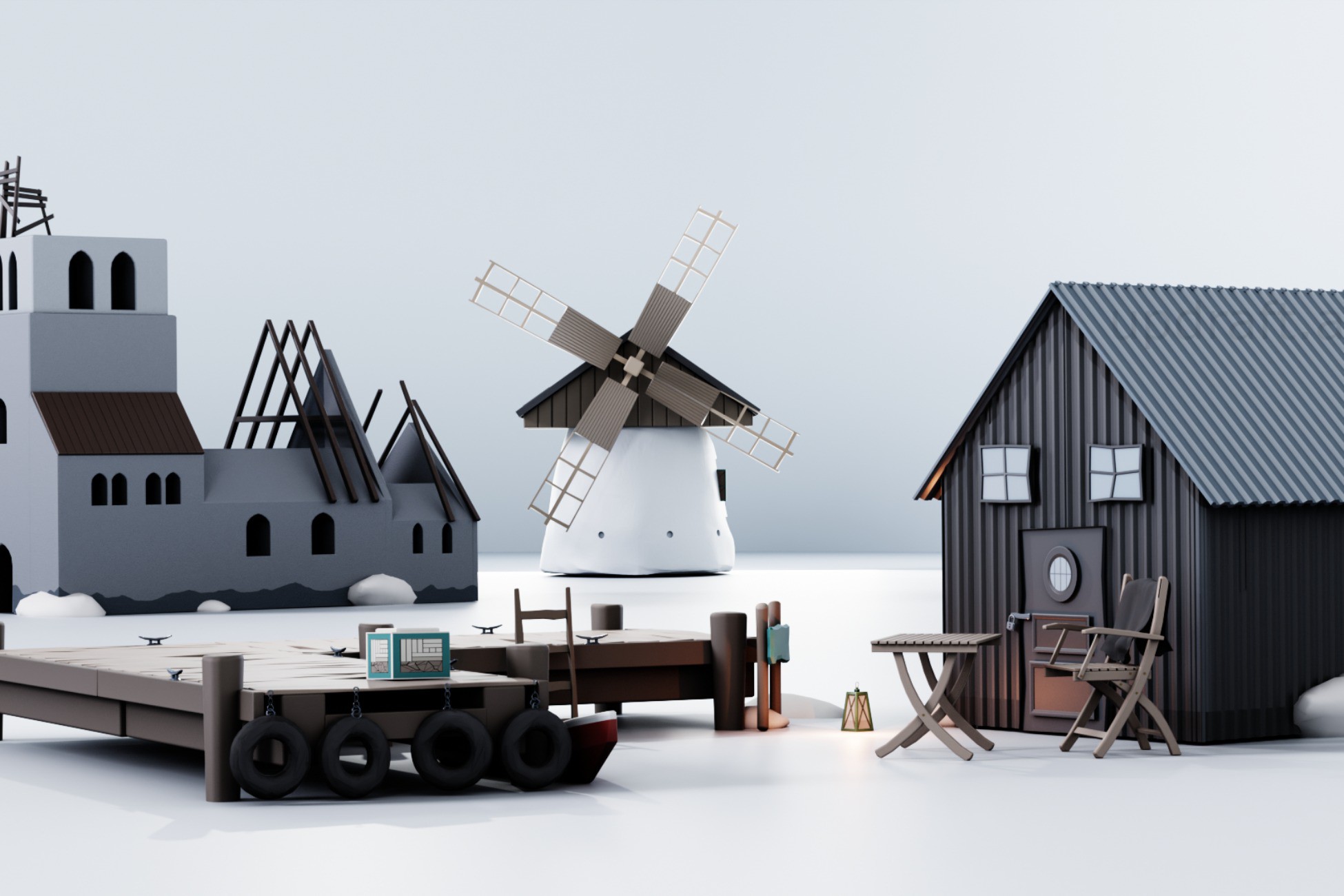
Let the windmill own the skyline
Keep other tall elements quieter. The landmark works because it is exceptional. If every roof, mast, tower, and tree competes at the same height, the horizon loses the hierarchy that makes navigation easy.
A single animated silhouette can make a compact settlement recognizable from farther away.
Skip the prop-modeling stage
Stylized Viking Coast Village Kit
If you want to move quickly from blockout to a finished small shoreline hub, the Viking Coast Village Kit gives you the dock language, village forms, LOD-ready prefabs, and moving windmill landmark in one consistent style.
- 18 unique environment meshes
- 19 modular and assembled prefabs
- Repeatable dock pieces for shoreline layouts
- Village buildings and supporting environment props
- Animated windmill landmark