Unity XR interaction guide
Build a VR pouring loop that feels like a game, not a tech demo
Grabbing the bottle is the easy part. The useful loop is pour, measure, validate, respond, and reward, with enough feedback that the player always knows what happened.
XR Interaction Toolkit can give you the grab. Your game still needs to decide what the pour means.
Unity’s XR Interaction Toolkit provides the interaction framework: interactors, interactables, object manipulation, locomotion, and XR UI. A bartending loop sits on top of that.
You still need drink state, fill state, order data, serving rules, feedback, and a reward loop. That is the difference between “I can pick up a bottle” and “I can play a shift behind the bar.”
The core loop
Five states are enough to make pouring playable
Keep the first version small. A clean state flow is easier to tune than a visually impressive liquid effect with no game logic behind it.
Grab
Use XRI to make the bottle comfortable to hold and orient with a controller.
Pour
Detect when the bottle is tilted far enough and close enough to a valid mug to count as pouring.
Fill
Track a normalized fill value so the mug has a measurable state rather than a binary empty/full flag.
Serve
Compare drink type, modifiers, and fill range against the active order, then return clear feedback and reward.
Keep physics and game state separate
The bottle can feel physical without making the rules fuzzy
The bottle should respond naturally to the player’s hand, but the game rule that decides whether liquid is flowing should be simple enough to debug. Tilt angle, pour point, target mug, and a controlled fill rate are easier to reason about than trying to infer everything from particles.
Visual liquid can follow the state. The state should not depend on whether a particle happened to hit exactly where you expected.
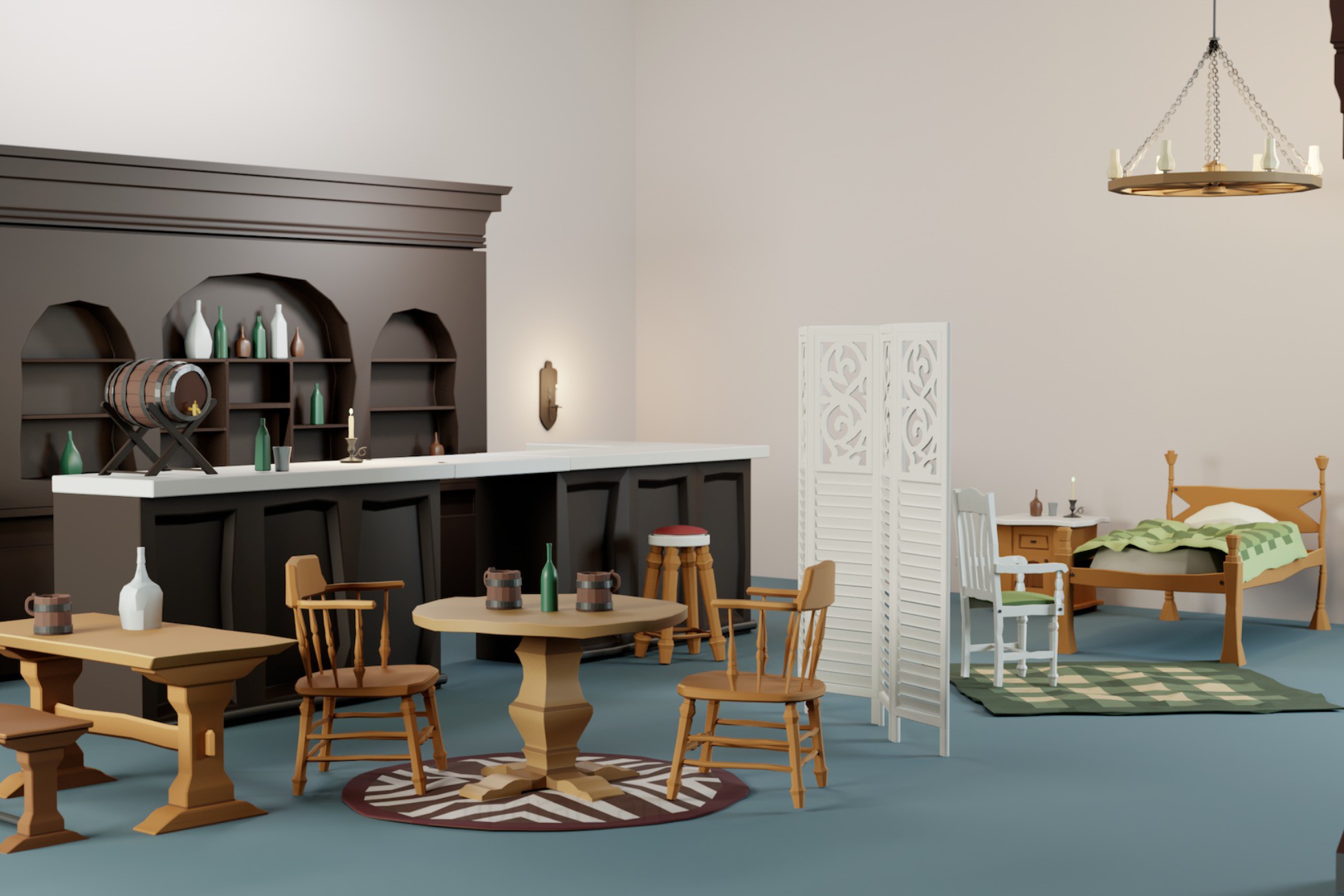
The starter kit includes the bottle, mug, and interaction setup shown here.
Fill level is game state
Turn the mug into something the player can succeed or fail at
A useful fill system gives you a number you can score. That lets you define too little, acceptable, perfect, and too full without changing the basic interaction.
Once fill level is explicit state, you can drive the liquid mesh, audio, haptics, UI, scoring, or customer feedback from the same value.
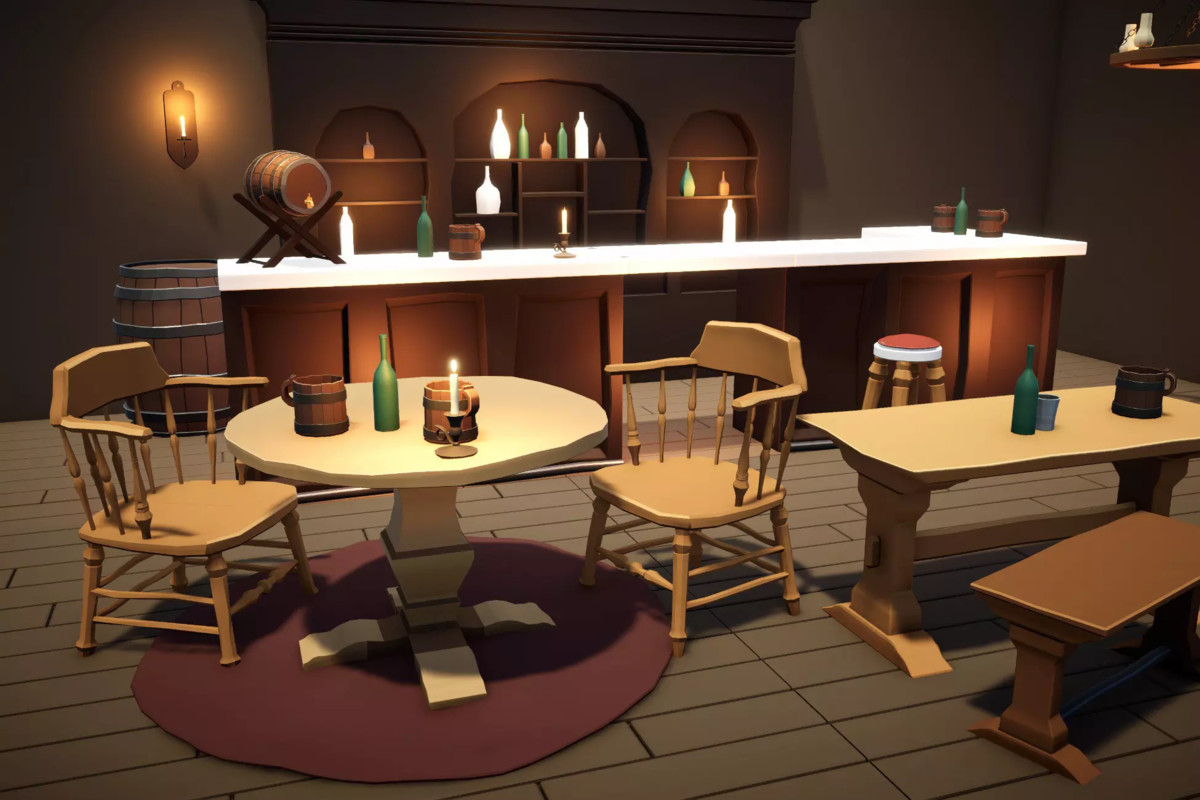
The template includes a fillable mug setup and pour-quality feedback.
The satisfying part is not the liquid effect. It is the moment the player understands, “I poured that well.”
Make success readable before you make it fancy.Serving completes the loop
Validate the order only when the player commits
The player should be free to experiment while pouring. Judge the result when they serve it. At that point you can compare the expected drink, syrup modifier, and fill range against the mug they hand over.
Return one clear reason if it is wrong. Wrong drink, wrong modifier, too little, or too full is more useful than a generic failure message.
Orders can check the drink, syrup modifier, and fill level before paying out coins.
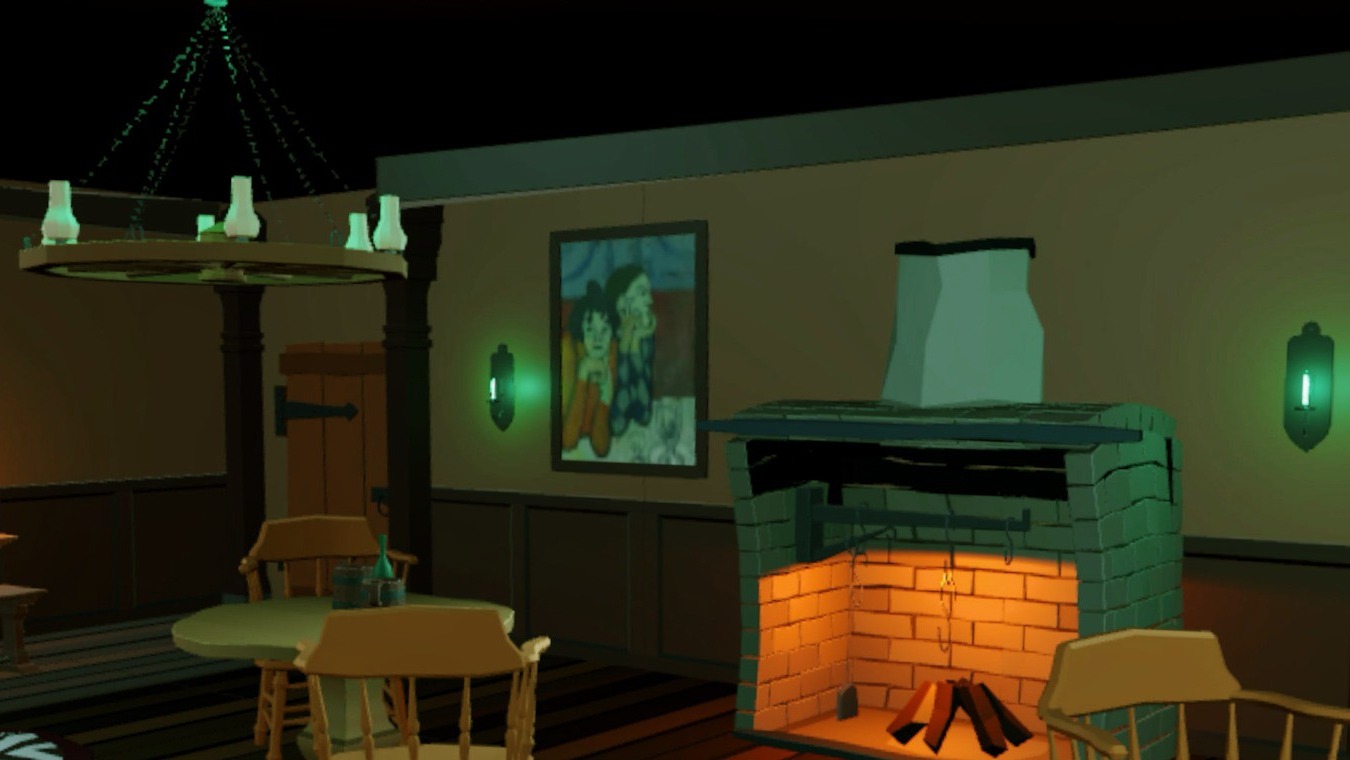
In-engine look
See the full pour, serve, reward loop in Last Call
Skip the prop-modeling stage
XR Tavern Interaction Starter Kit – VR Pouring, Serving & Mini-Game Template
If you want to start from a working loop instead of wiring each state from scratch, the XR Tavern Interaction Starter Kit includes the demo scene, pouring, fill tracking, orders, modifiers, serving validation, rewards, timer flow, feedback UI, and dart mini-game as reusable scripts and prefabs.
- Working tavern demo scene
- Pourable bottle setup and fillable mug system
- Ale, wine, and mead drink types
- Honey, berry, and spice syrup modifiers
- Customer order generation and serving validation
Quick fit check
Know what you're buying
Good fit if you need
- Quest-style bartending and serving prototypes
- VR tavern jobs and fantasy shop interactions
- Projects that already use XR Interaction Toolkit
- Developers who want working interaction logic to customize
- Small VR mini-games built around physical serving actions
Bring your own
- A finished commercial game that can be shipped without customization
- Non-URP projects unless you plan to adapt materials and project setup
- Projects that do not use Unity XR Interaction Toolkit
- Developers looking only for static tavern art with no gameplay systems
Technical snapshot
Enough detail to check fit quickly
- Unity
- Unity 6 / 6000.x recommended
- Original version
- 6000.3.9
- Pipeline
- URP
- XR system
- Unity XR Interaction Toolkit
- Target
- Meta Quest / Android VR
- Input
- XR controller interaction
- Version
- 1.0.1
- Download
- 14.1 MB
Actual Asset Store gallery
See the starter kit in action
Open the screenshots full size to see the bottle setup, serving flow, UI, and tavern demo before deciding whether it fits your project.
Quick answers
Before you start
Does XRI handle the drink logic for me?
No. XRI handles the interaction layer. You still need to decide when a bottle is pouring, how full the mug is, whether the order is correct, and what the player earns. The starter kit wires those pieces together for you.
Is this a finished game?
No. It gives you a working bartending loop to build on. Swap the art, change the drinks and rules, and shape the progression around your own game.
What is it built for?
Meta Quest and Android VR, using XR controllers, Unity 6, URP, and XR Interaction Toolkit.
Can I use my own art?
Yes. The gameplay is built from reusable prefabs and scripts, so the supplied tavern art can be replaced with your own props, bottles, mugs, and environment.