Unity VR progression
An unlock should change one durable state, then let the attraction handle itself
Keep earned stars, purchase cost, saved availability, unlock feedback, and the attraction logic separate so progression can grow without turning every prefab into a save manager.
Unlock flow
Treat purchase, persistence, and use as different events
This keeps the attraction reusable and makes save bugs easier to isolate.
Earn
Minigames report rewards to a shared total instead of directly unlocking unrelated attractions.
Check
The unlock point compares available stars with its own cost and rejects the purchase cleanly if the total is too low.
Persist
Once purchased, save the durable unlocked state and update the world-space presentation immediately.
Use
The attraction checks availability, then runs its own gameplay without owning the purchase logic.
Progress feedback
The player should see what changed at the moment of purchase
The strongest feedback is redundant in a useful way. The cost disappears, the attraction becomes available, the total changes, and a short effect confirms that the purchase was accepted.
Unlock panels, star totals, effects, audio, and the attraction state can all reinforce the same decision.
See unlocks inside a full VR playground
Winter VR Playground Template - XR Interaction Toolkit
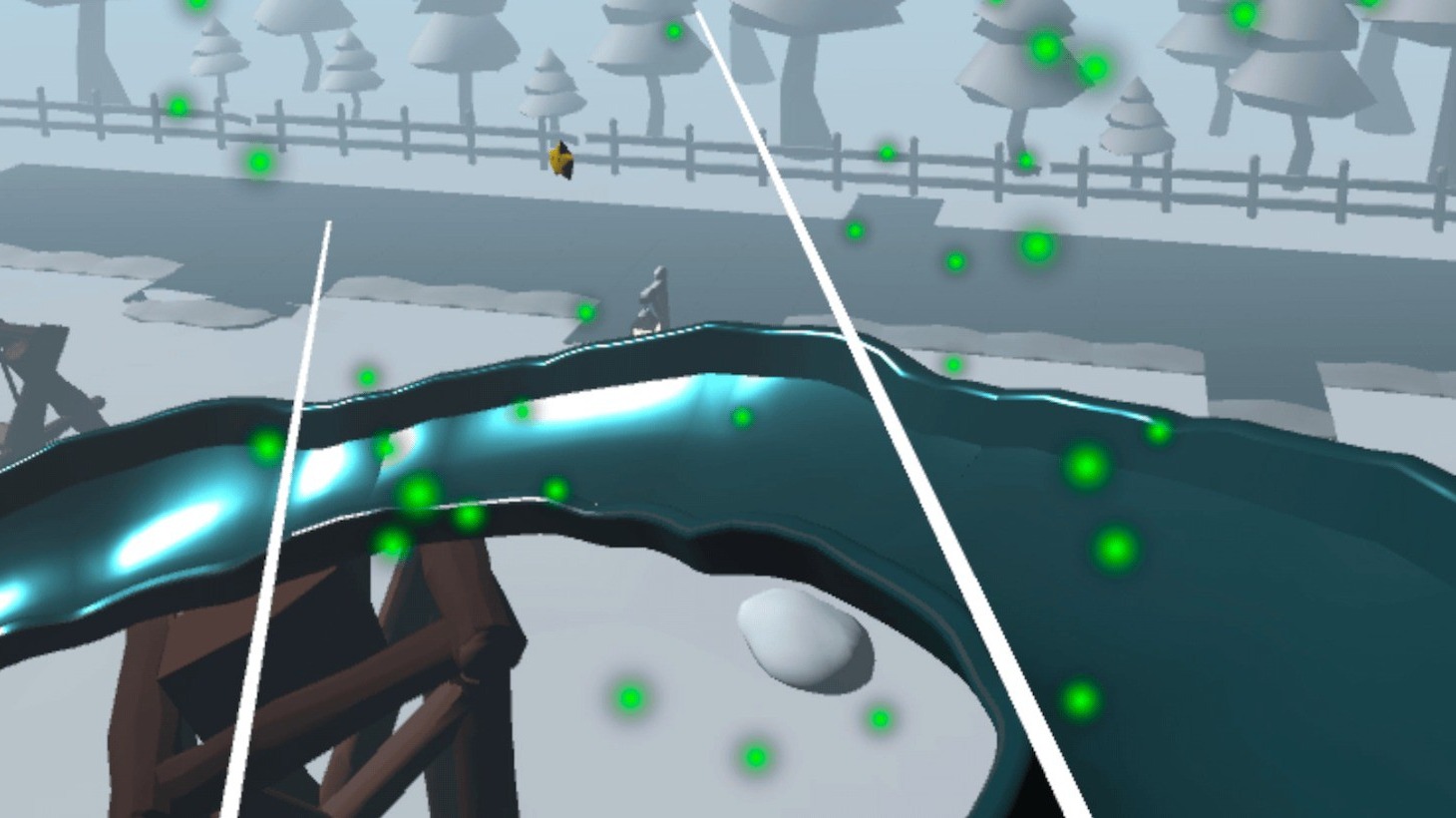
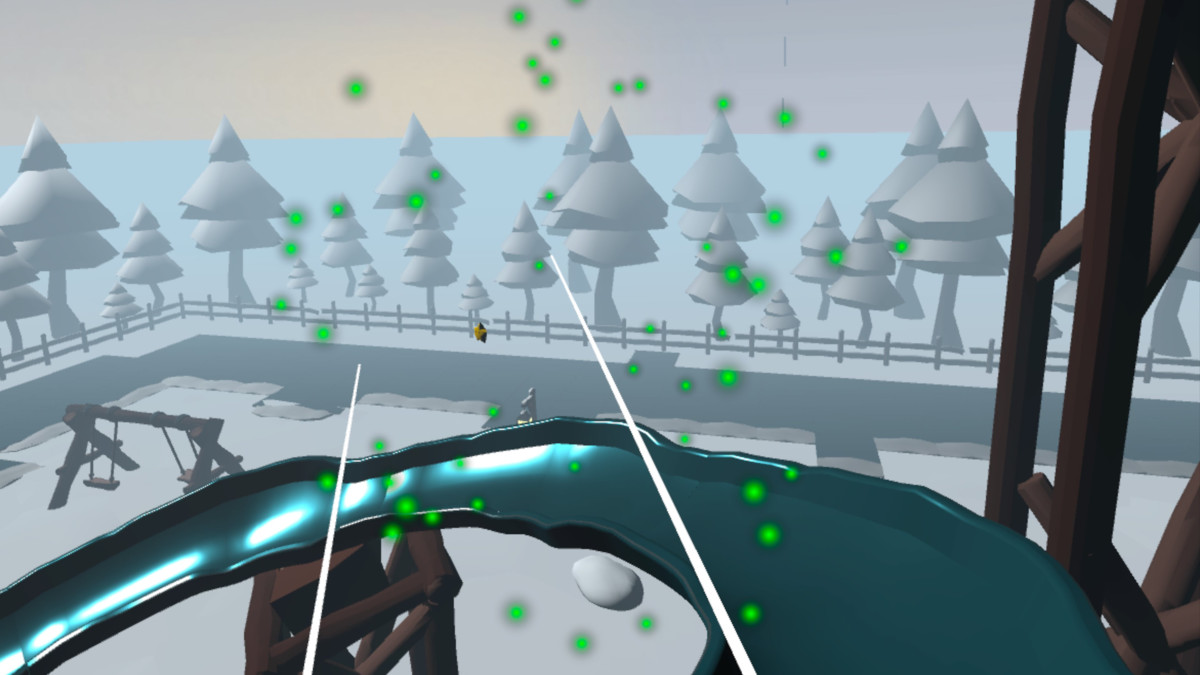
The Frostyard project includes collectible stars, PlayerPrefs save and load, unlockable slide, rink, skates, and optional snow effect, plus the menus and feedback that surround those states.
- Complete Frostyard demo scene
- XR Interaction Toolkit project setup
- Snowball target minigame with moving target and bonus hit area
- Ice-rink checkpoint race system
- Spline-based slide ride with comfort vignette support