Unity asset buying checklist
Judge the pack by the project it has to join
A polished store image is only the first filter. Before buying, check whether the pack fits your camera distance, art direction, scene scope, render pipeline, and actual production backlog.
Before you buy
Four checks catch most expensive mismatches
Visual fit
Does it belong beside your existing art?
Compare silhouette, proportions, material response, and texture treatment against the assets already in your project.
Scope
Does the pack solve the whole missing job?
A few beautiful props do not replace a room kit if you still need furniture, storage, lighting, and repeated dressing pieces.
Technical fit
Does it match the project setup?
Check Unity version, render pipeline, file size, material workflow, animation needs, and any project-specific requirements before importing.
Work replaced
Would you actually have built these assets yourself?
The purchase has leverage when it removes planned work. A pack you did not need is still wasted time even if the price is low.
Use real scene evidence
Look for screenshots that prove range, not just one flattering angle
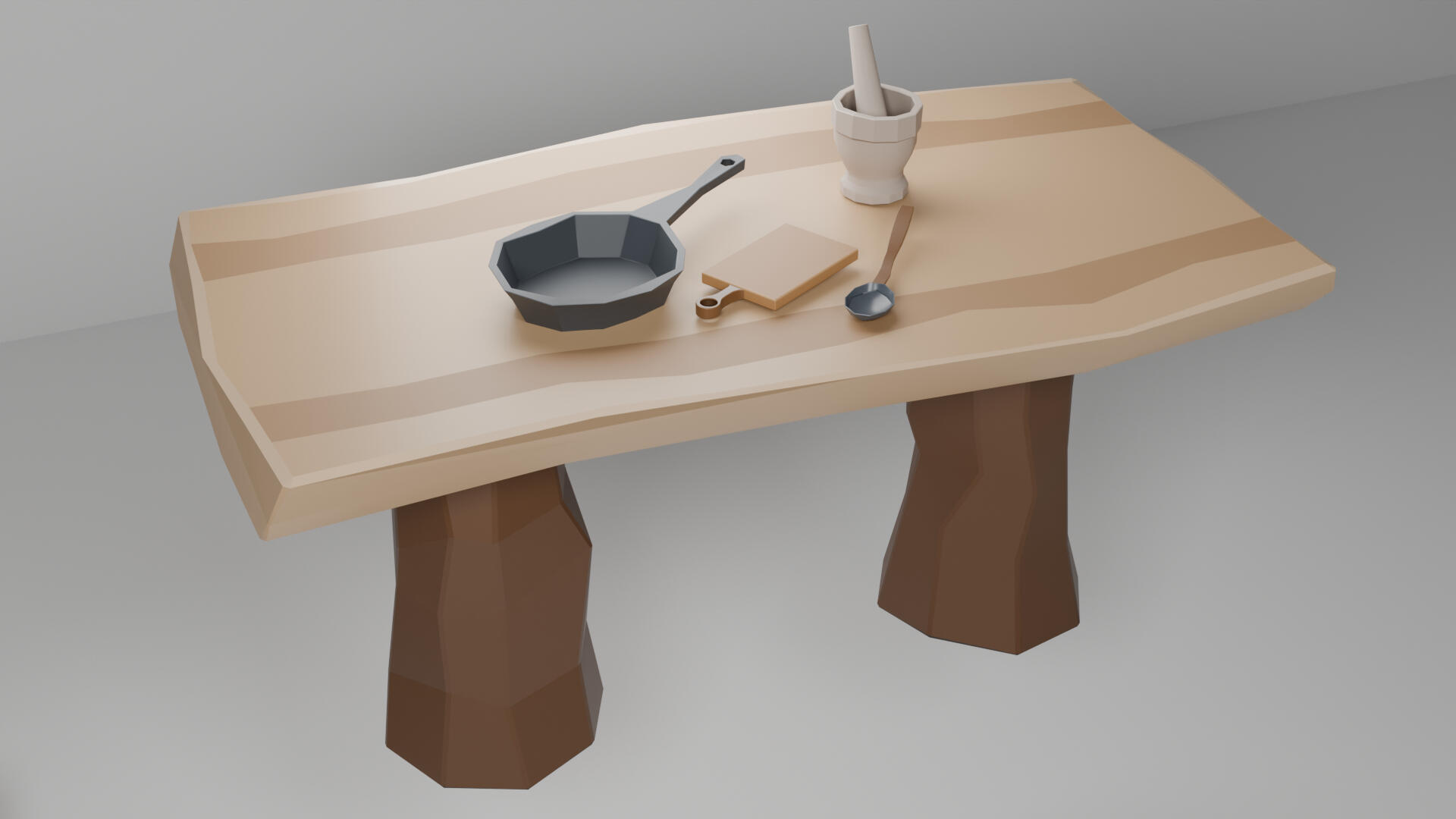
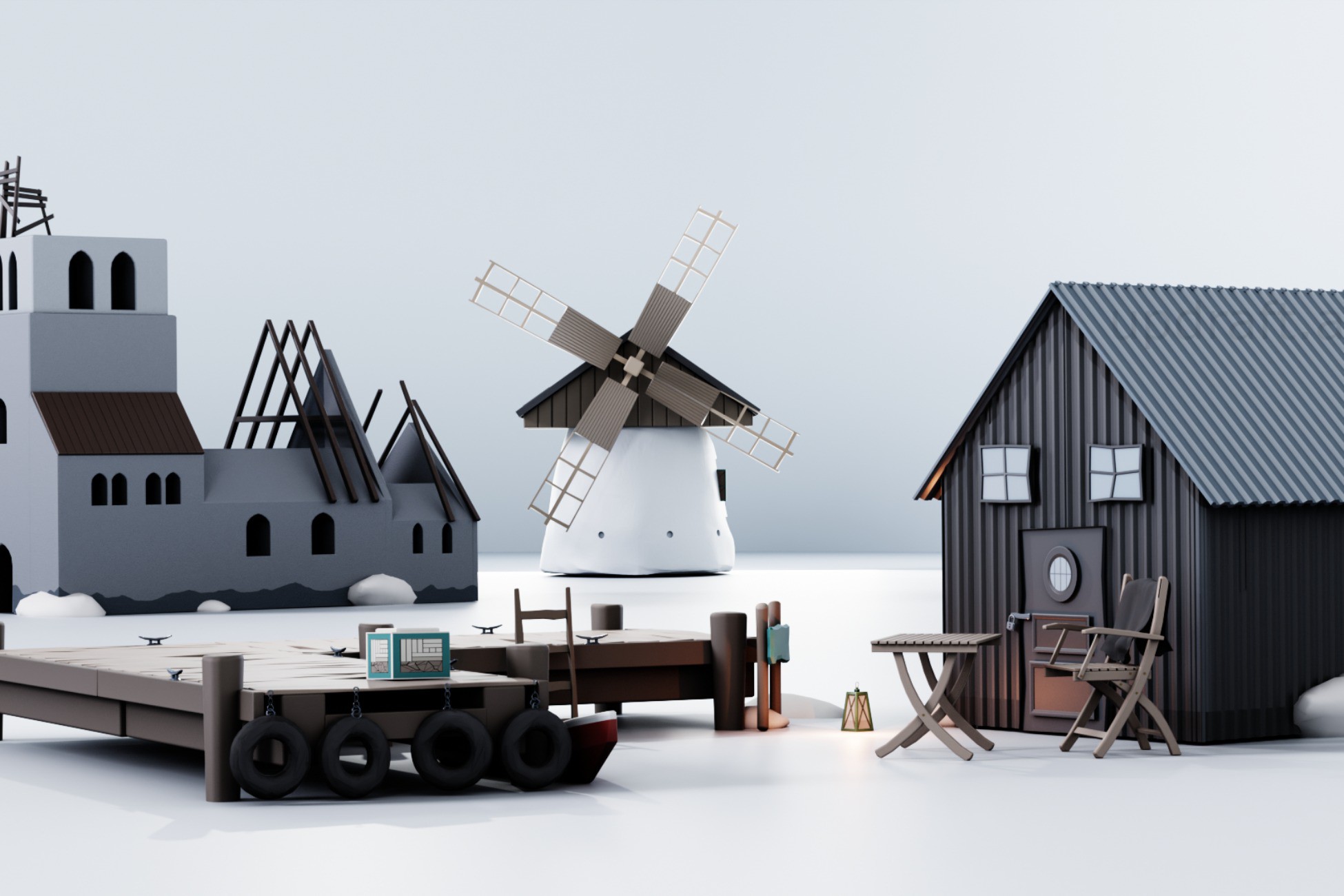
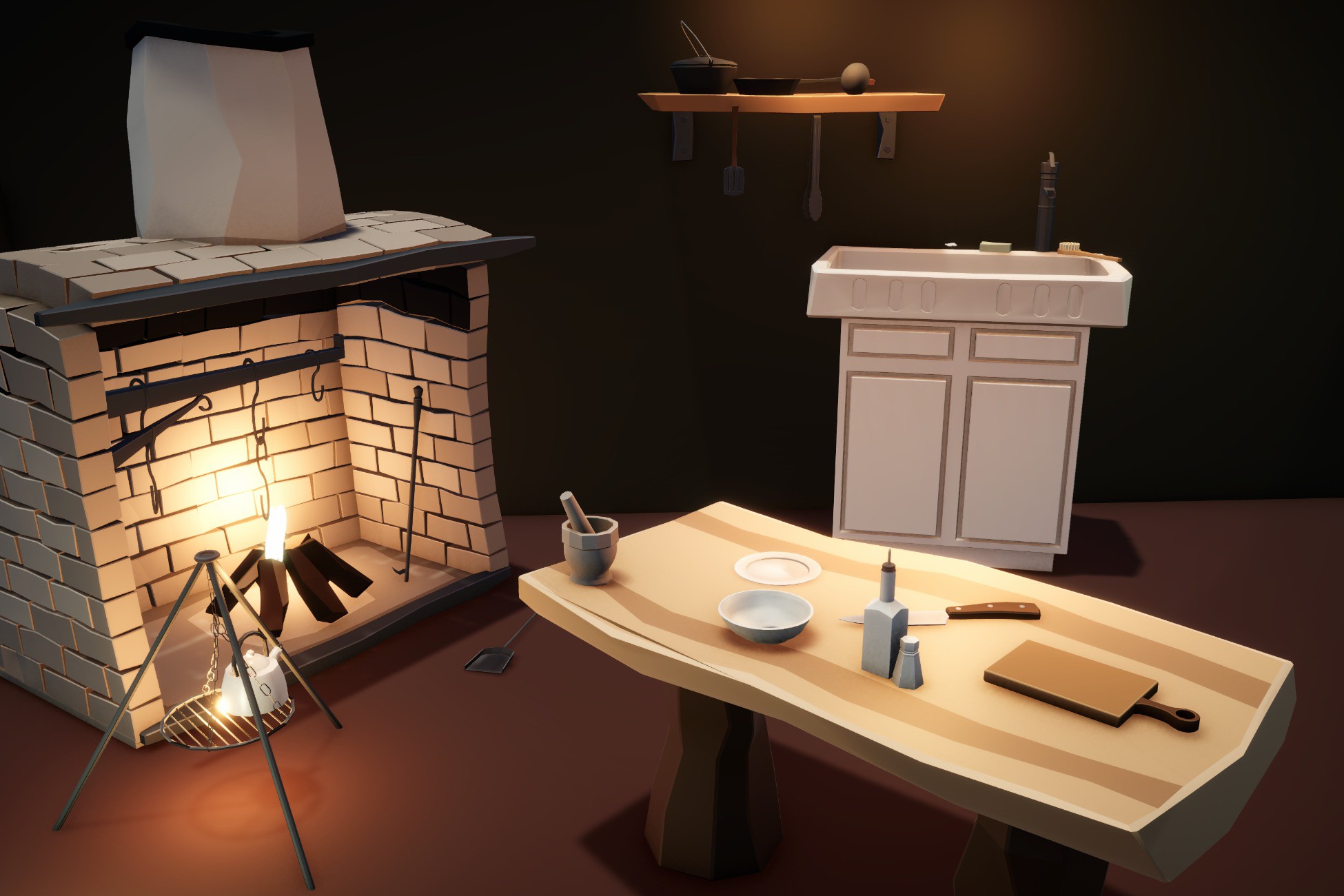
Check whether multiple screenshots show different parts of the pack, whether the hero scene depends on content that is not included, and whether you can identify the pieces you actually need.
A useful listing should make it possible to understand both the finished scene and the individual asset vocabulary.