Medieval Unity asset buying guide
Buy the layer you are missing, not the biggest pack you can find
A prop pack, an environment kit, and a gameplay template solve different production problems. Start with the gap in your project, then choose the smallest asset layer that removes it.
The wrong purchase is usually a scope mismatch, not a bad asset.
If your building already exists but the interior feels empty, a large village kit adds work you do not need. If you have props but no settlement structure, another clutter pack will not solve the layout problem.
Think in production layers: architecture, destination props, set dressing, and gameplay systems. Buy the layer that is currently blocking progress.
Match asset to problem
Three common medieval asset purchases solve three different jobs
Prop pack
You already have the room or building
Use a focused prop set when the architecture exists and the missing work is furniture, tools, clutter, signage, or a recognizable activity zone.
- Tavern and inn interiors
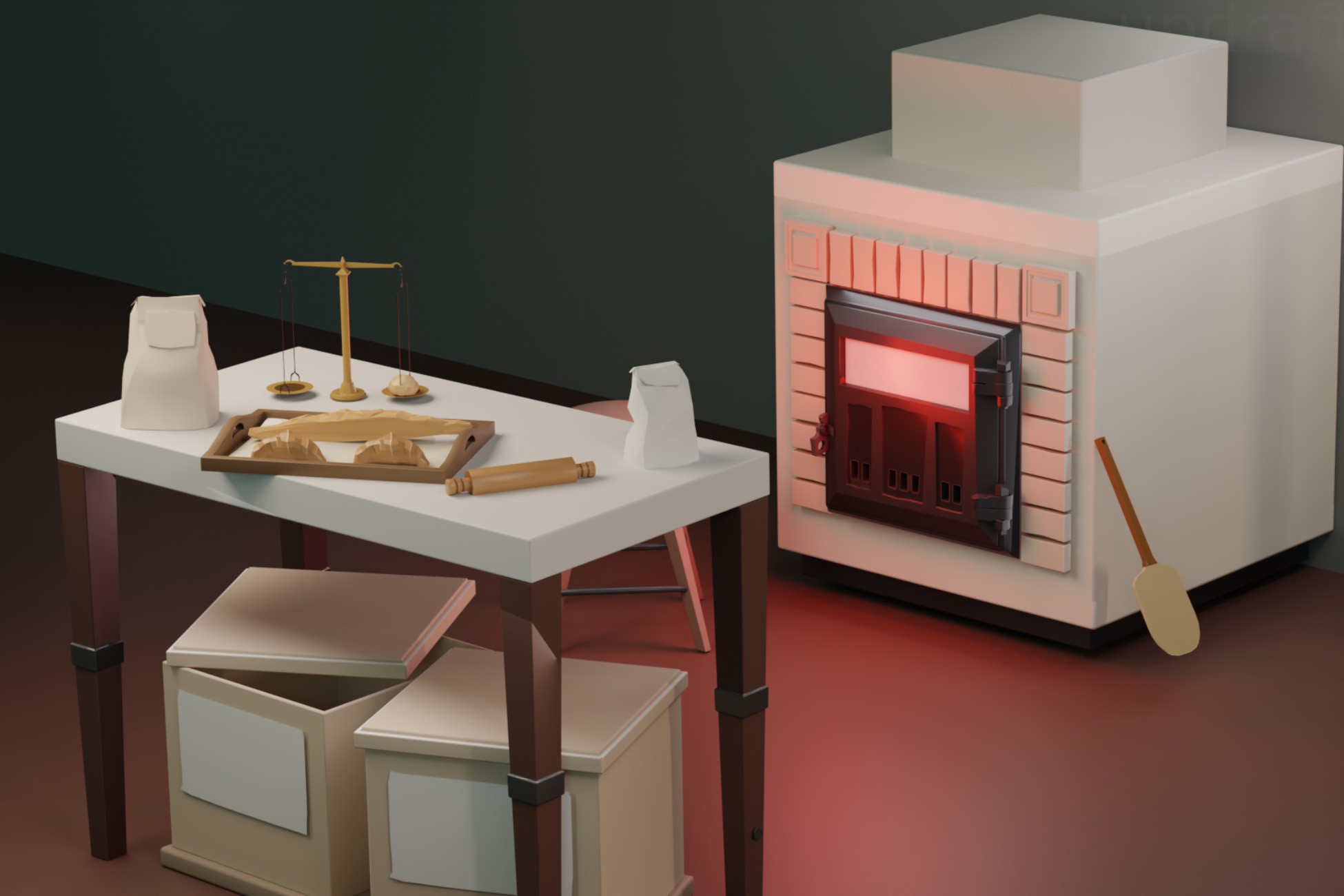
- Kitchen and bakery dressing
- Forge tools and workstations
Environment kit
You need the place itself
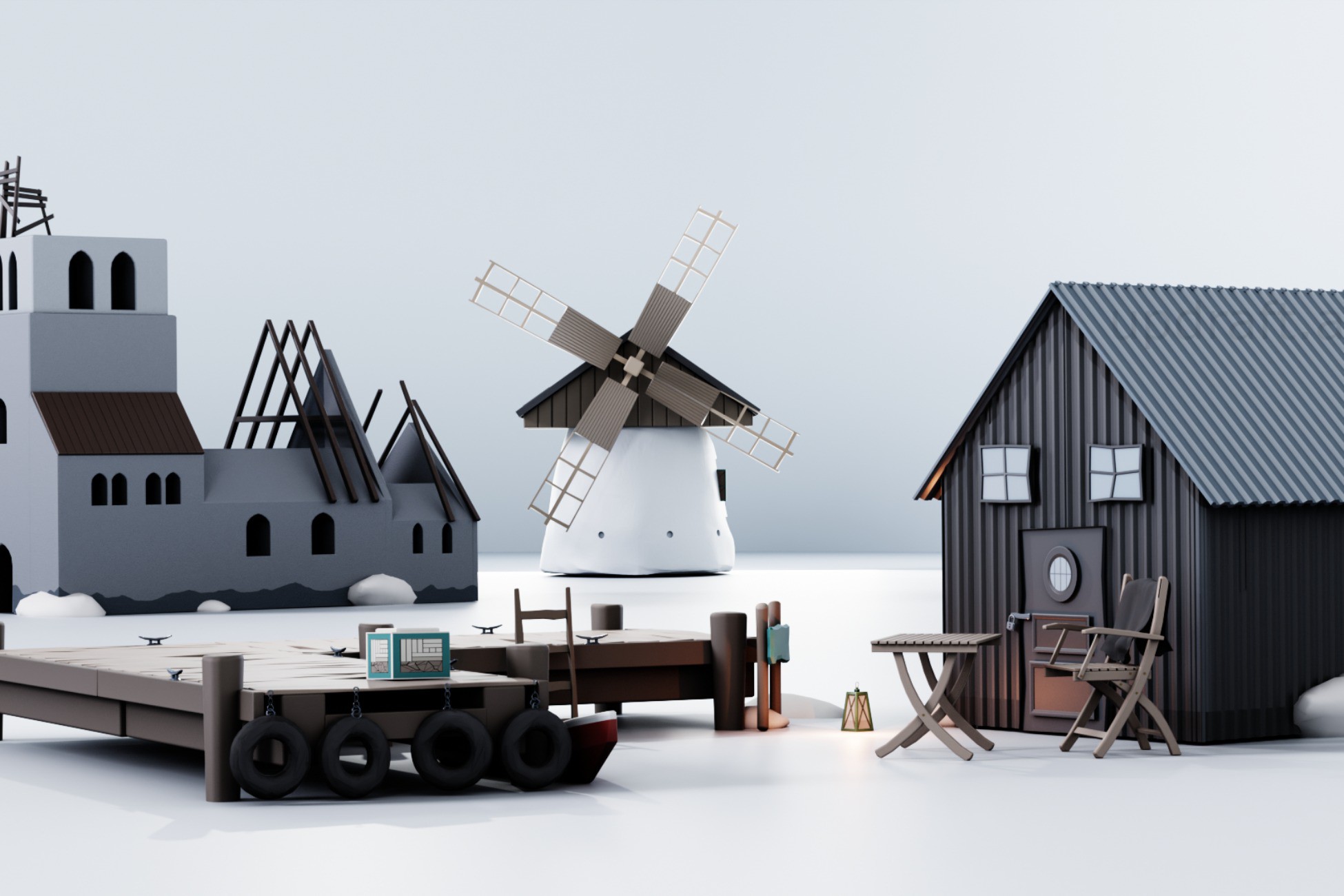
Use a larger environment kit when the settlement shape, shoreline, docks, or major exterior structures are still missing.
- Village silhouette
- Dock and shoreline structure
- Exterior route building
Gameplay template
The art exists but the interaction layer does not
Use a template when the expensive part is connected interaction logic, progression, scoring, saving, or a working VR loop.
- Pouring and serving
- VR minigames
- Rewards and unlocks
Focused medieval layers
Choose a pack by the scene job
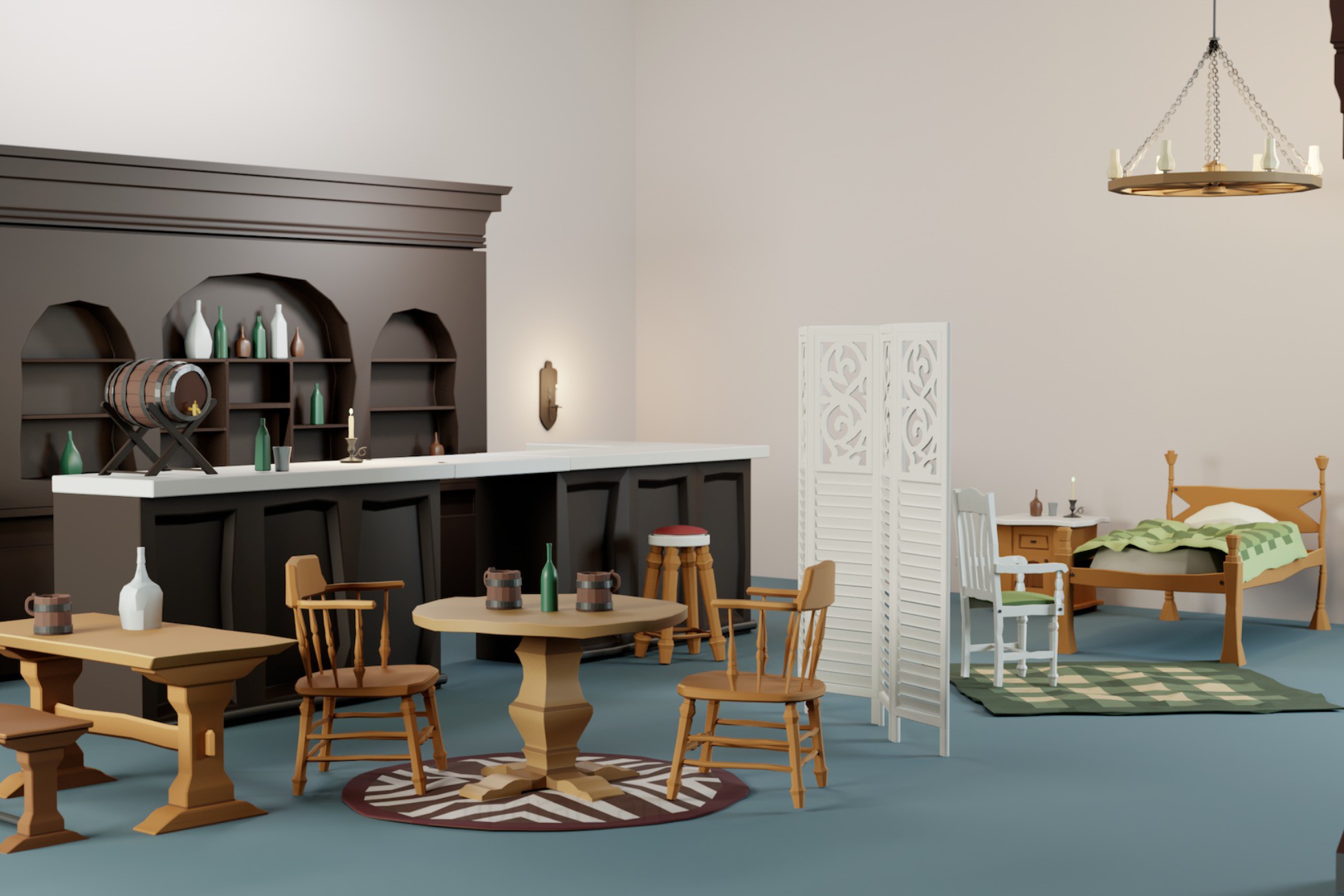
Stylized Tavern Props Pack
For tavern and inn interiors when the building shell already exists.
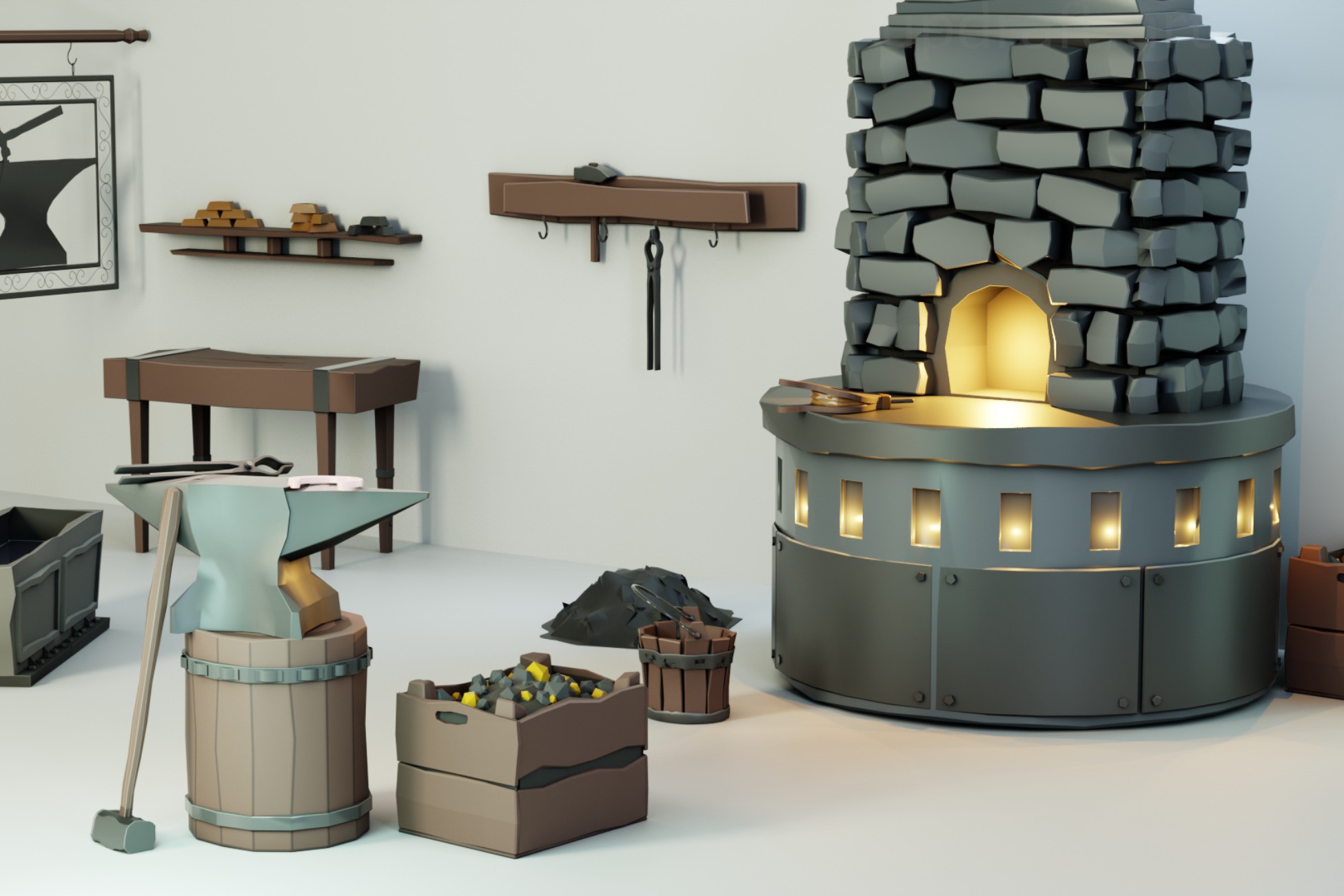
Stylized Blacksmith Props Pack
For a forge or crafting destination that needs a clear workshop vocabulary.
Stylized Viking Coast Village Kit
For a broader coastal settlement, docks, and exterior village structure.