Meta Quest 3 optimization
A Quest scene has to survive the headset, not just the Editor.
Profile on-device early. The useful budget is the one your actual scene can hold while rendering both eyes, running interaction code, updating physics, and keeping a stable frame.
Do not wait until the scene is finished to discover that the art direction is too expensive.
Meta’s own Quest guidance emphasizes fewer draw calls, simpler shaders, and art assets designed for a mobile chipset. The Quest Runtime Optimizer exposes draw call count, triangle count, texture memory, and mesh cost so you can inspect a captured frame instead of guessing.
Its draw-call analysis marks below 300 as the optimal range for that tool. Treat that as a diagnostic target, not a guarantee. The right budget still depends on the rest of your frame.
Quest environment pass
Make the expensive decisions while the scene is still easy to change
The fastest late optimization is usually the art decision you made early.
Capture a representative headset frame
Profile the view that contains the real environment, effects, UI, and interactions. Editor-only numbers can hide device-specific limits.
Reduce unnecessary render state changes
Keep materials and shaders disciplined, then use the Unity 6 rendering path that fits URP and your project settings.
Control transparency and overdraw
Large transparent layers, stacked particles, soft foliage cards, and overlapping UI can cost more than their geometry suggests on mobile GPUs.
Keep detail close to gameplay value
Reserve dense props for interaction zones and strong landmarks. Quiet snow, blank walls, and open ground are performance tools as well as composition tools.
Re-test after each visual compromise
Do not keep degrading the scene once the bottleneck moves somewhere else. Stop when the real frame budget is healthy.
Standalone VR
Large readable shapes are a better starting point than tiny uniform detail
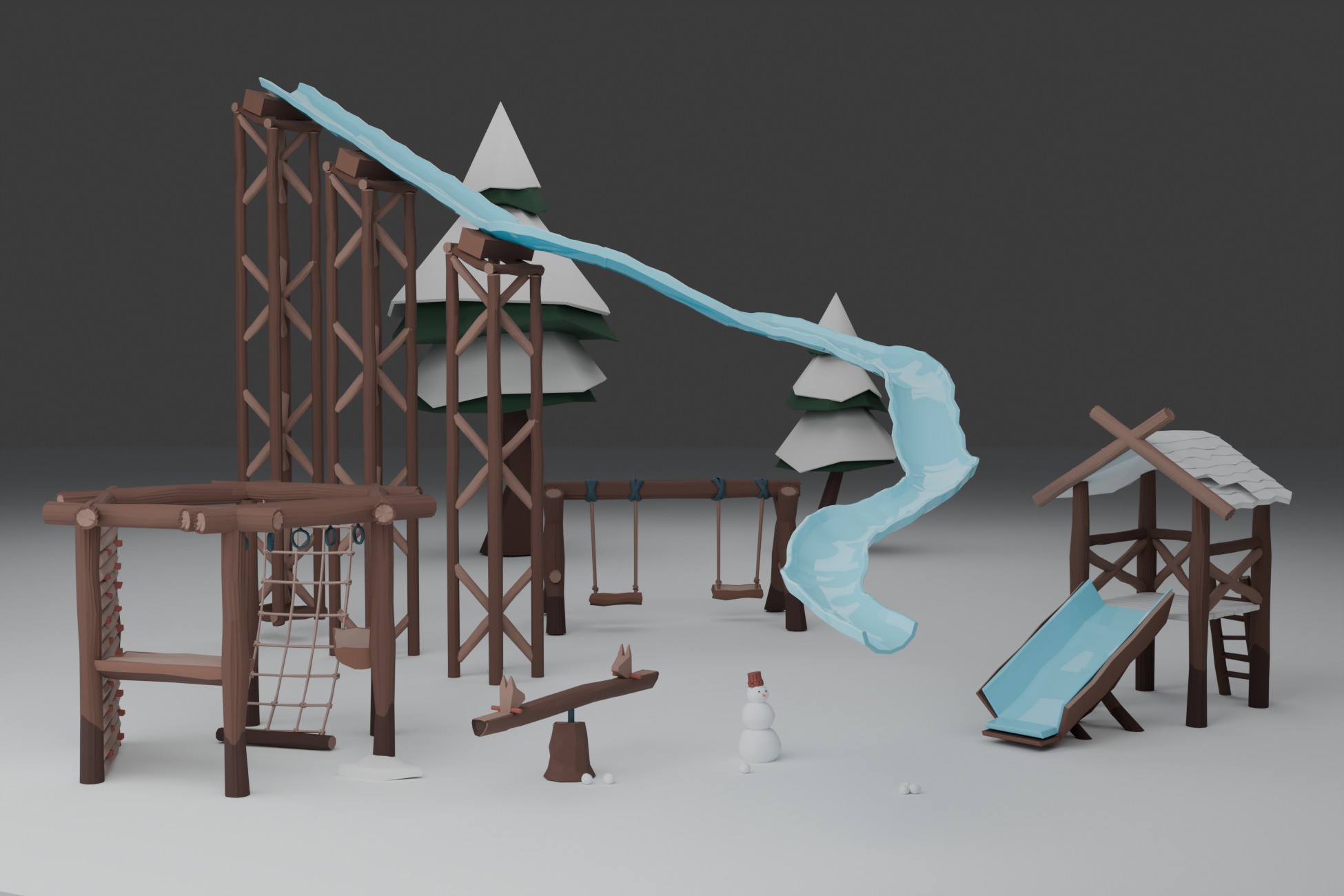
For Quest environments, build the hierarchy from attractions, buildings, route boundaries, and landmarks. Add small detail around those anchors instead of coating the whole level with equally dense scatter.
A few recognizable attractions can define the environment while open snow keeps routes readable and reduces visual noise.
Repeated assets
Reuse can help performance and still look intentional
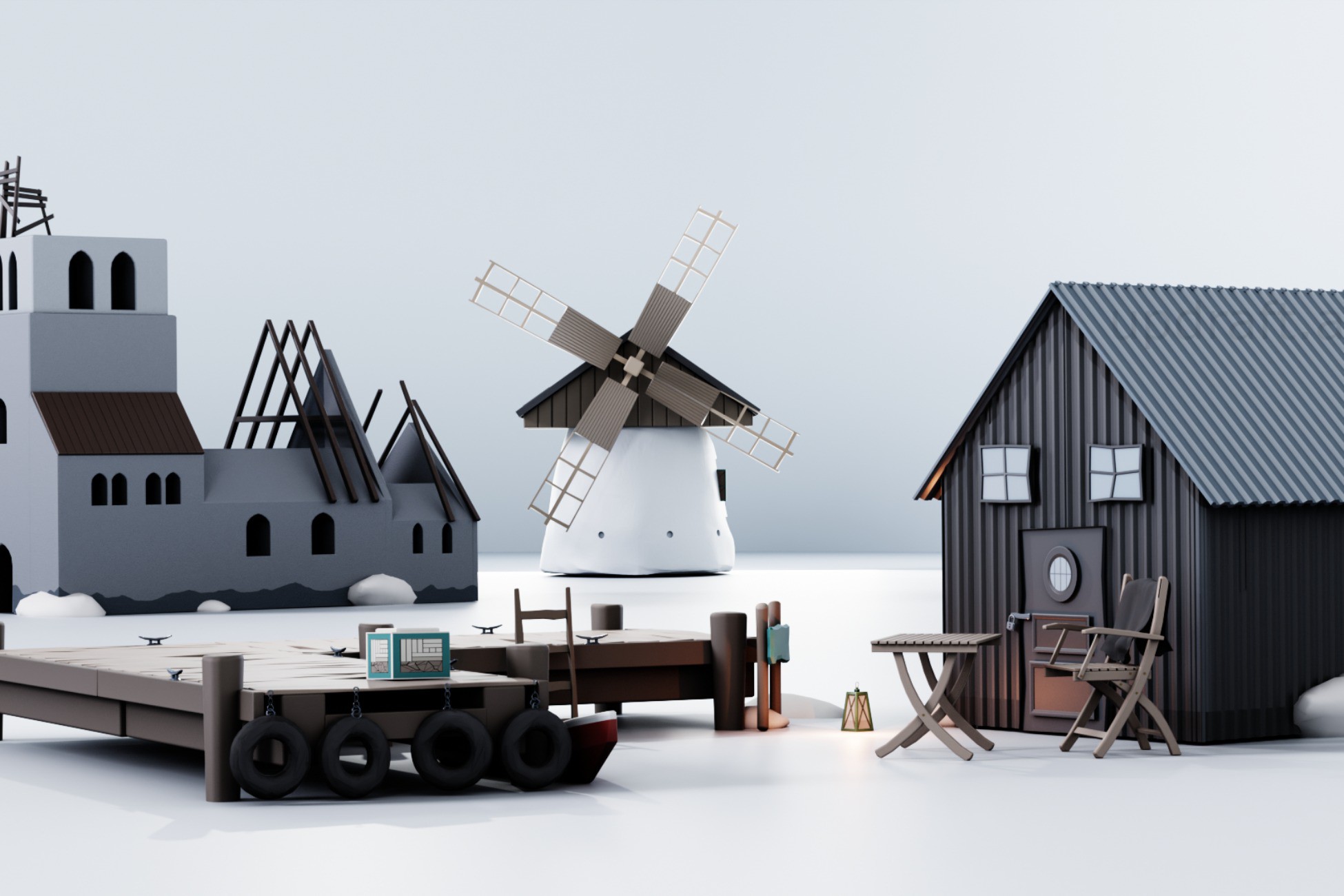
Repeated meshes are not automatically a visual problem. Change context, grouping, density, orientation, and nearby anchors. The player reads the composition first. This also gives Unity more opportunities to render compatible repeated content efficiently.
Clusters let the same small library do different jobs around trails, clearings, and edge transitions.
Start from a working Quest-style scene
Winter VR Playground Template - XR Interaction Toolkit
Use the Winter VR Playground Template when you want a working XRI minigame hub with Quest-oriented project structure, world-space UI, rewards, unlocks, haptics, and several interaction loops already connected.
- Complete Frostyard demo scene
- XR Interaction Toolkit project setup
- Snowball target minigame with moving target and bonus hit area
- Ice-rink checkpoint race system
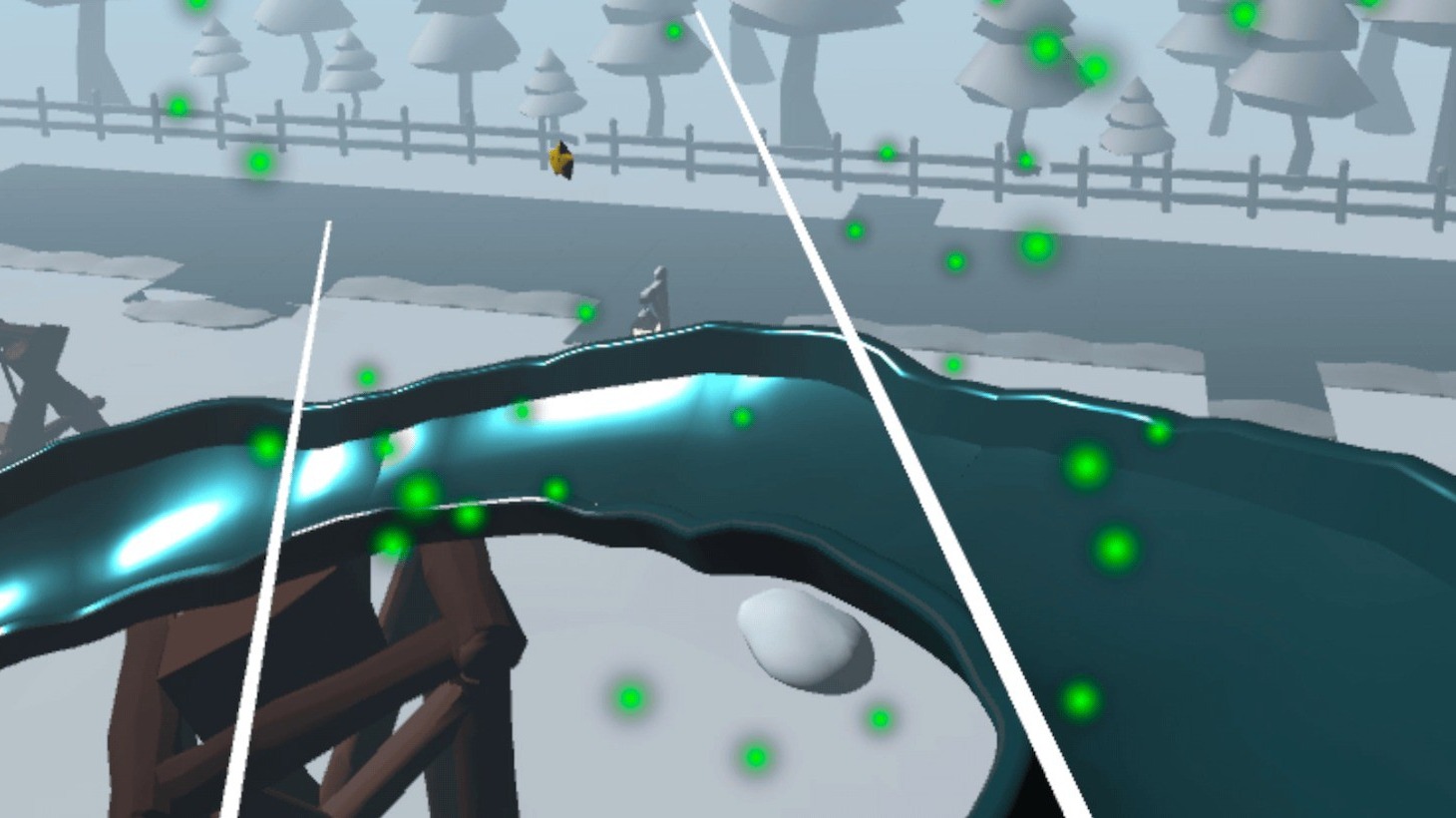
- Spline-based slide ride with comfort vignette support