Unity VR checkpoint race
A race is an ordered state machine disguised as a route
Use checkpoints to prove that the player followed the intended course, give the next gate clear visual priority, and keep finish logic separate from simple trigger overlap.
Race state
Make every checkpoint answer one question
The system becomes easier to debug when position, order, and timing are separate concerns.
Start
Reset the expected checkpoint index, timer, result state, and any visual route cues.
Advance
Accept only the checkpoint that matches the current expected step, then promote the next one.
Reject shortcuts
Ignore or flag out-of-order gates so crossing the finish volume alone cannot complete the race.
Resolve
Stop the timer, show the result, award the reward, and provide a clear way to restart.
Route readability
The next gate should be easier to find than the finish
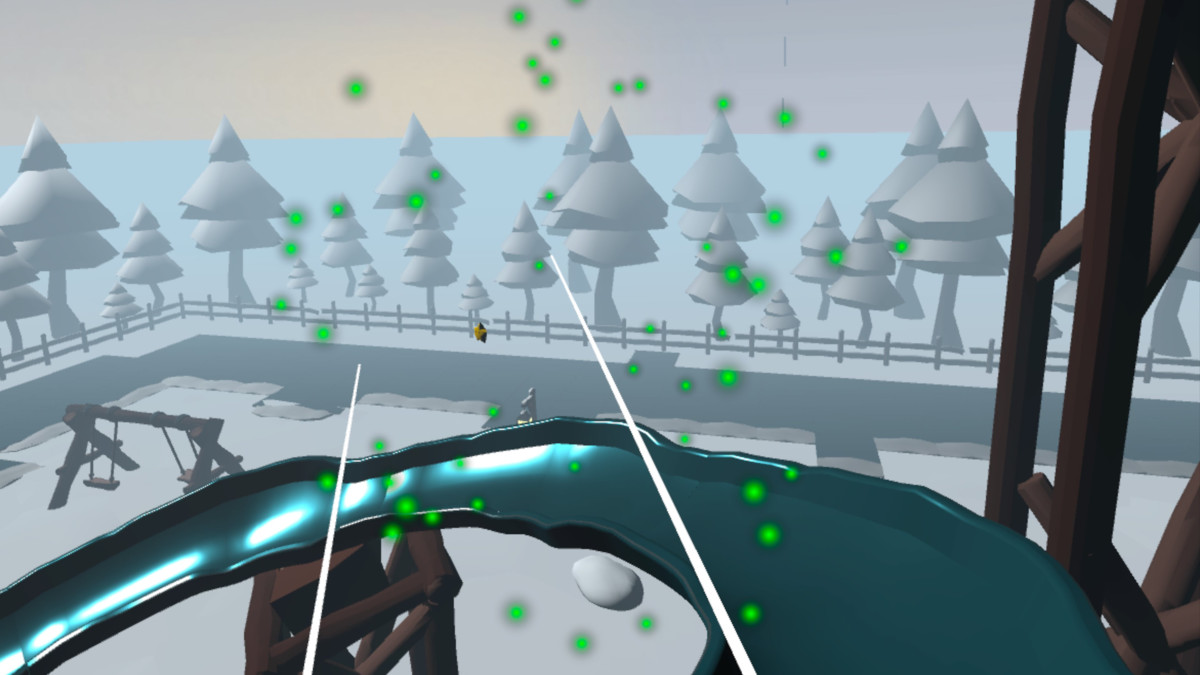
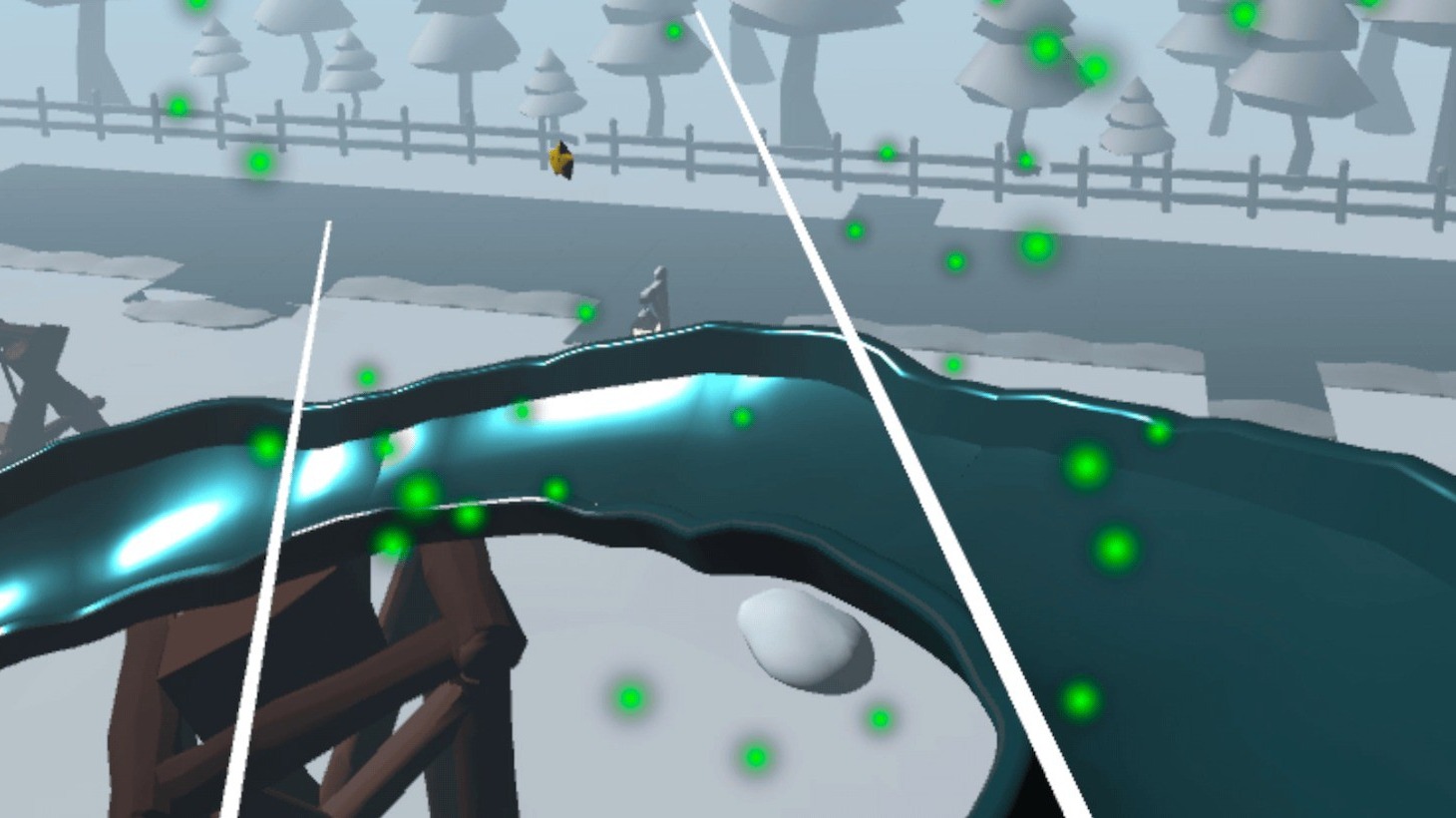
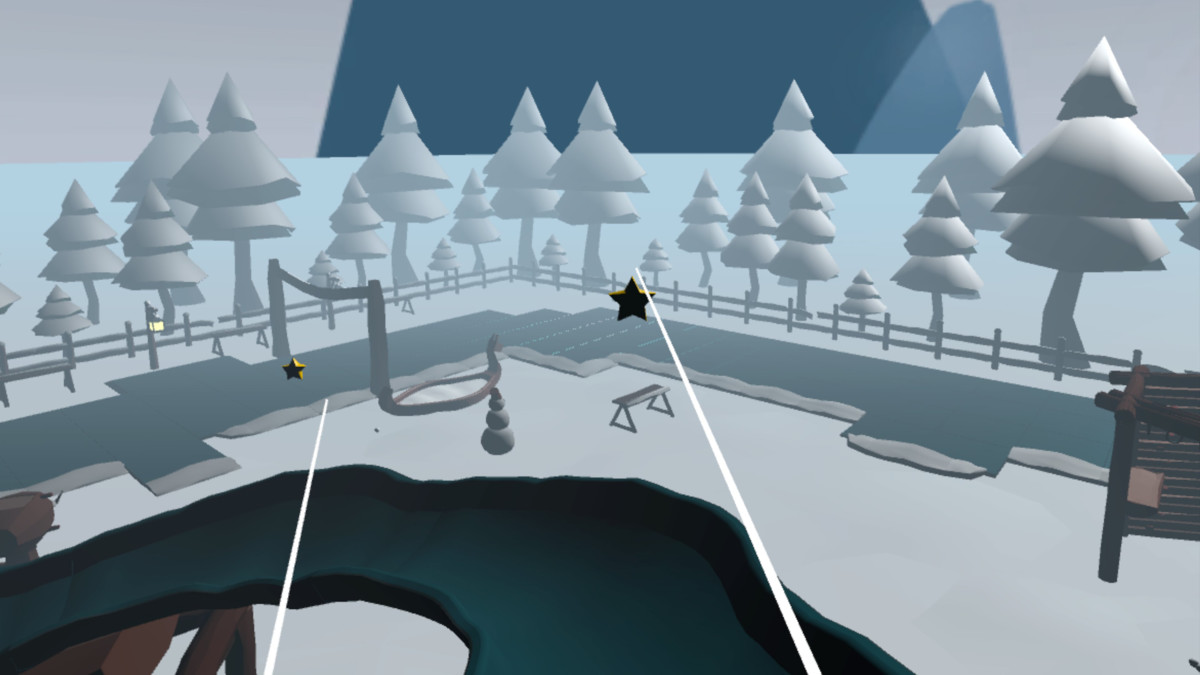
Use track shape, rink borders, lighting, particles, arrows, or gate emphasis to support the state system. Do not make the code solve a route that the art makes ambiguous.
Checkpoint logic works best when the environment also tells the player where to move next.
Inspect a complete race inside a VR hub
Winter VR Playground Template - XR Interaction Toolkit
The Frostyard template includes an ice-rink checkpoint race alongside the reward, UI, unlock, save, haptic, and audio systems it shares with the rest of the playground.
- Complete Frostyard demo scene
- XR Interaction Toolkit project setup
- Snowball target minigame with moving target and bonus hit area
- Ice-rink checkpoint race system
- Spline-based slide ride with comfort vignette support