Unity VR snowball minigame
A good throw needs a clear result before the next snowball appears
Treat the snowball game as a short state loop: spawn, grab, throw, detect, respond, reward, and reset. The physical action stays simple while the game logic makes every attempt legible.
Minigame state flow
Keep the throw physical and the rules explicit
The player should know what happened without checking a debug console or hidden score variable.
Prepare the attempt
Give the player an obvious snowball source and make the target readable before the throw begins.
Detect the result
Separate a normal target hit, a bonus hit area, and a miss so each can have its own consequence.
Respond immediately
Use impact effects, movement, sound, haptics, score, or star feedback while the throw is still fresh.
Reset cleanly
Restore the target and provide the next snowball without leaving stale state from the previous attempt.
Target design
A moving target changes timing without changing the input
This is an efficient way to add depth. The player already knows how to throw. You can vary target motion, size, distance, reward, and timing before inventing a second control scheme.
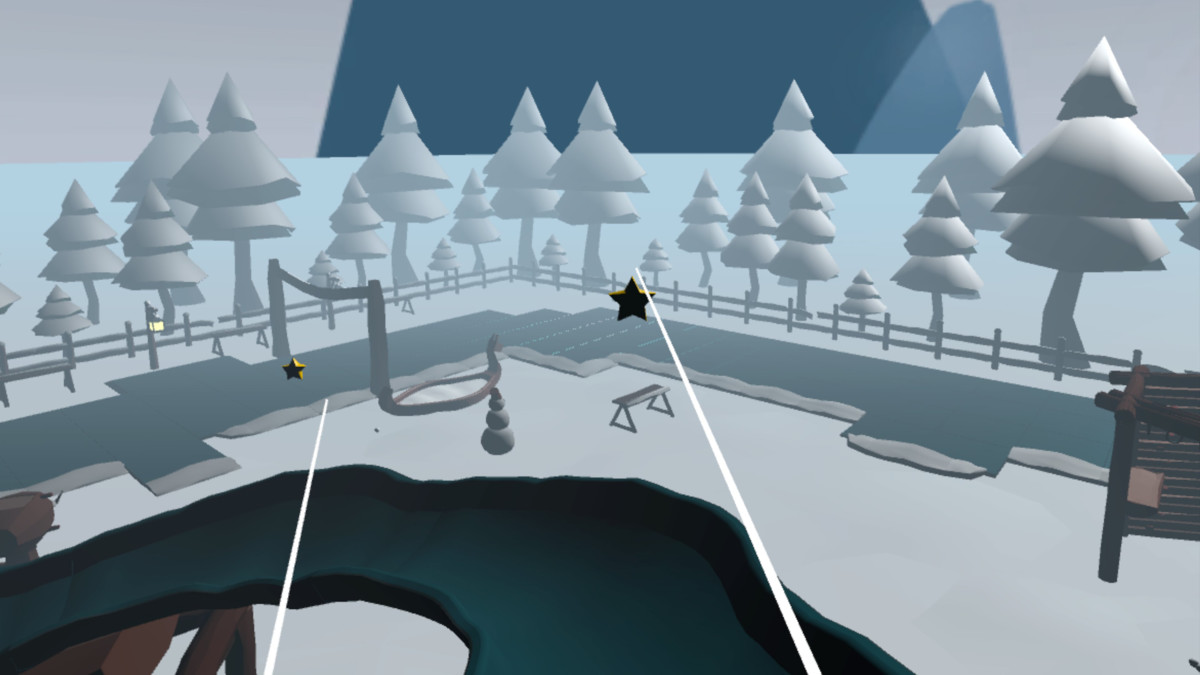
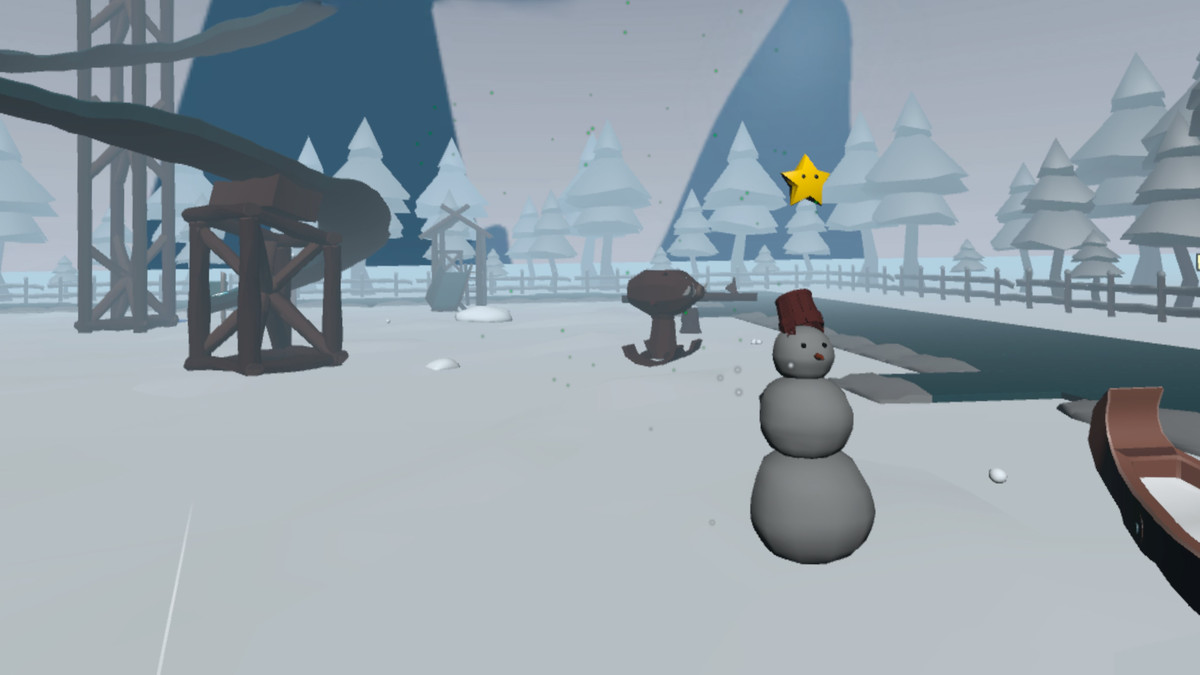
Frostyard uses a moving snowman plus a smaller bonus hit area, so one throwing mechanic supports two levels of precision.
Want the working loop to inspect?
Winter VR Playground Template - XR Interaction Toolkit
The Winter VR Playground Template includes the snowball minigame inside a complete XRI project, along with the moving target, bonus hit detection, star rewards, effects, haptic hooks, UI, saving, and two other activities.
- Complete Frostyard demo scene
- XR Interaction Toolkit project setup
- Snowball target minigame with moving target and bonus hit area
- Ice-rink checkpoint race system
- Spline-based slide ride with comfort vignette support