Standalone VR art direction
Quest-friendly art starts before the profiler opens.
Choose an environment style that can survive a mobile headset: clear silhouettes, limited material churn, restrained transparency, controlled density, and effects that are easy to cut without breaking the scene.
The cheapest optimization is the expensive visual decision you never make.
Meta’s Unity performance guidance calls out fewer draw calls, less complex shaders, and art assets formatted for the Quest mobile chipset. That means art direction and performance planning belong in the same conversation from the first environment blockout.
A Quest-friendly style does not have to look empty. It needs a clear hierarchy so the environment can stay readable without spending equal detail everywhere.
Art budget
Design the environment around what survives reduction
If removing a small effect ruins the whole scene, the visual hierarchy is too dependent on expensive detail.
Make the largest forms carry the composition
Buildings, attractions, trees, terrain breaks, and route boundaries should establish the scene before particles and clutter are added.
Keep material variation deliberate
Use a compact set of materials and compatible shaders where the style allows it. Avoid a unique material for every prop variant.
Be careful with transparent layers
Dense foliage cards, stacked particles, soft decals, and overlapping transparent effects can create overdraw that is expensive on mobile GPUs.
Concentrate small detail around interaction
Put richer clutter near grab points, minigames, doors, workstations, and landmarks. Let transit space stay simpler.
Build a graceful fallback
Know which shadows, particles, foliage layers, and distant props can be reduced first if the headset profile comes back over budget.
Large-form readability
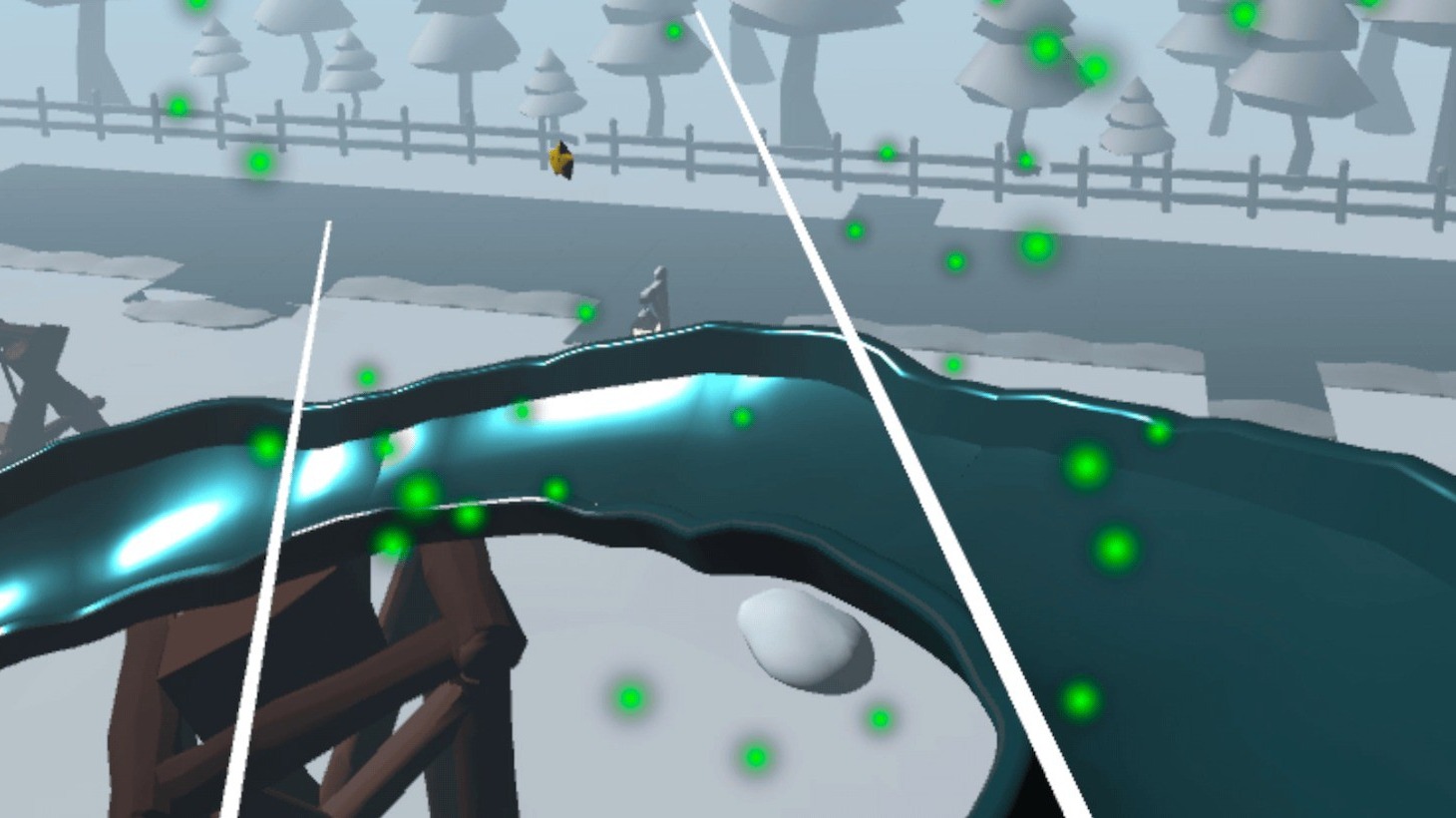
A playground can feel full without covering every surface
This is useful in VR because the player is constantly changing viewpoint. Strong shapes stay readable from more angles than detail that only works from a composed screenshot.
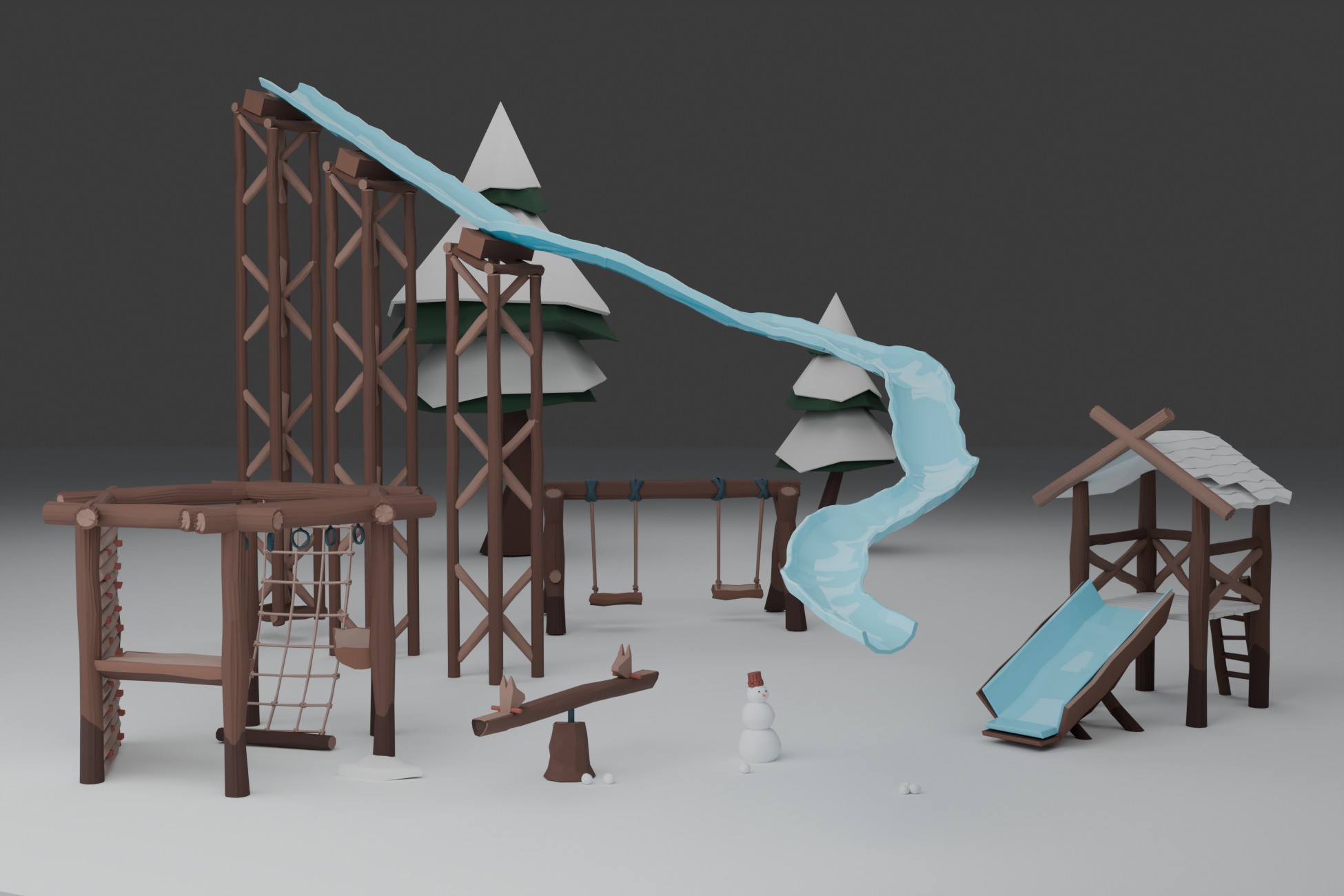
Large attractions create identity while open snow provides contrast, route clarity, and visual breathing room.
Natural detail
Use ground clutter around meaningful edges instead of uniform coverage
Standalone VR benefits from selective density. A detailed path turn can feel rich because the previous stretch was simple. The same number of props spread uniformly across the scene often costs more visually and technically.
Small props can enrich camera-near areas while the wider terrain remains quiet.
Compact environment kits
One coherent material language makes later optimization easier to reason about
You still need to profile your full project, but a cohesive source set starts with fewer unknowns than an environment assembled from assets with unrelated shaders, materials, texture scales, and rendering assumptions.
The Viking Coast Village kit uses a compact stylized material setup across shoreline buildings and modular dock pieces.
Quest-friendly starting points
Use stylized packs with a compact visual vocabulary
Stylized Winter Playground Pack
Large readable winter props and attractions using one stylized atlas material for a cohesive outdoor play area.
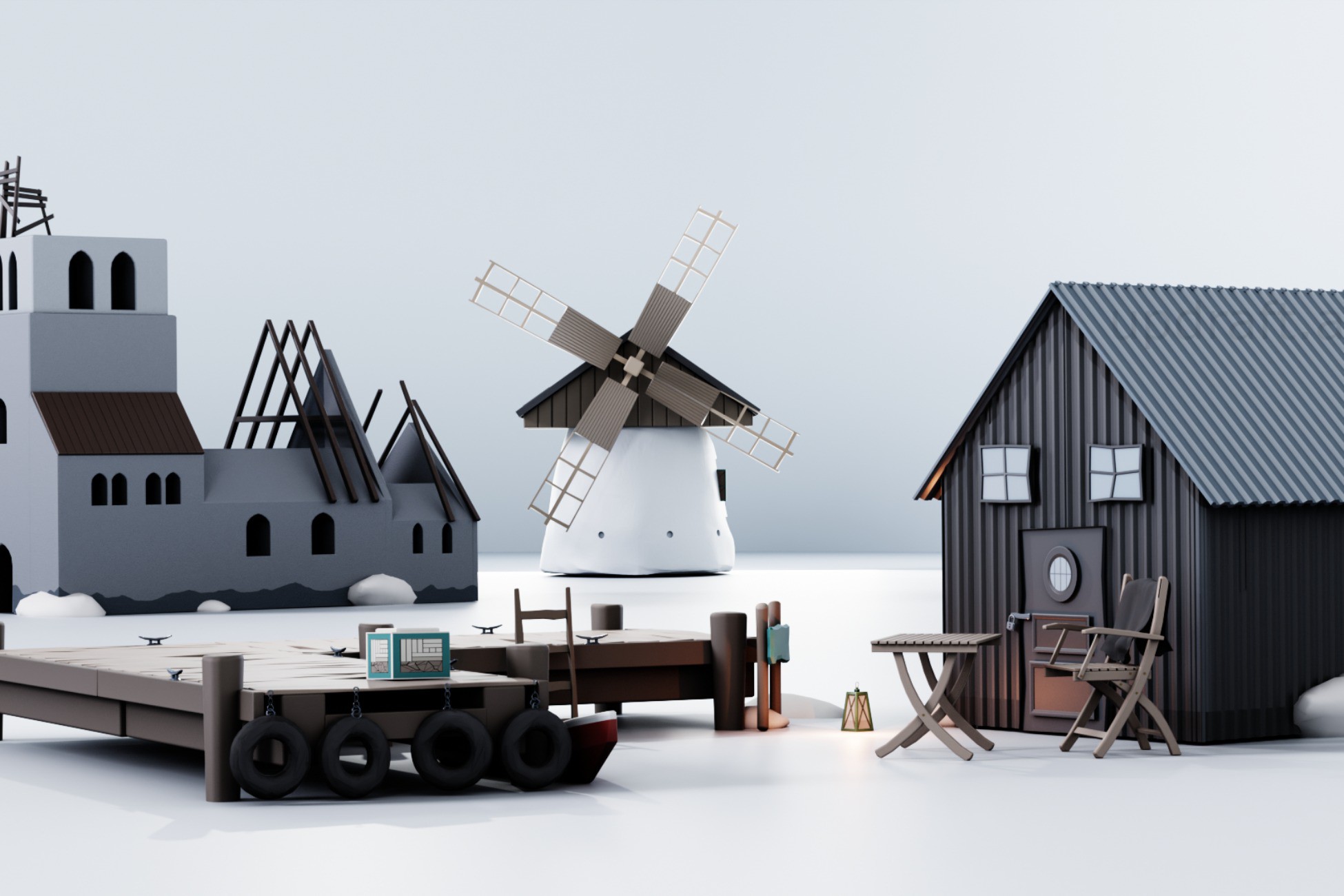
Stylized Viking Coast Village Kit
A compact shoreline environment with one material, modular docks, LOD-ready prefabs, and strong landmark shapes.
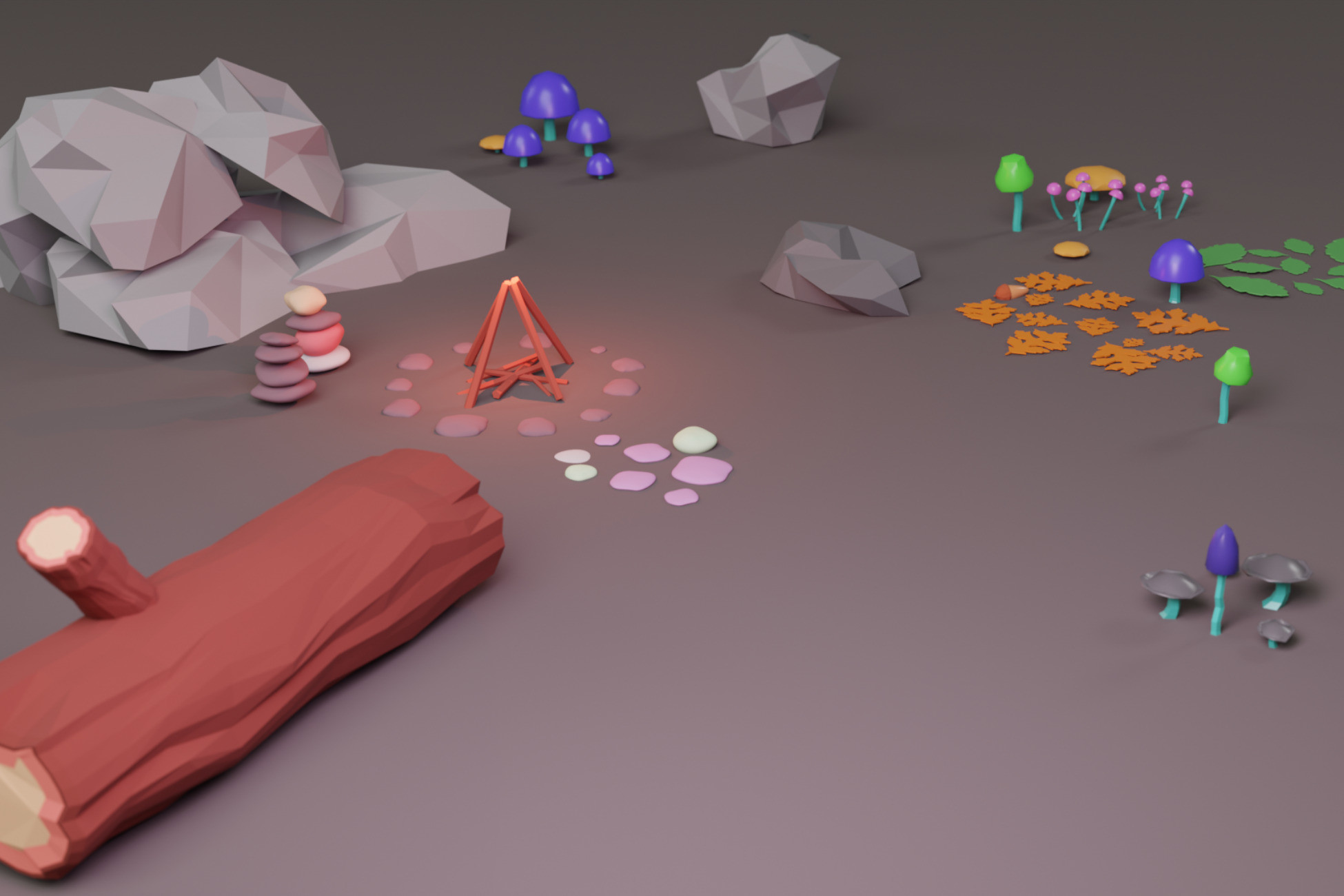
Stylized Forest Ground Clutter Pack
Small natural-detail pieces for selective camera-near dressing without needing a giant vegetation system.