Quest VR Unity templates
Start from a working interaction loop, not an empty scene
A game-specific template is useful when the hard part is not grabbing an object. The hard part is connecting input, game state, feedback, progression, saving, scoring, and a complete loop that survives a headset build.
Choose by the loop
Two templates, two very different prototype jobs
The right starting point depends on what the player is physically doing most of the time.
Minigame hub
Movement, attractions, rewards, unlocks
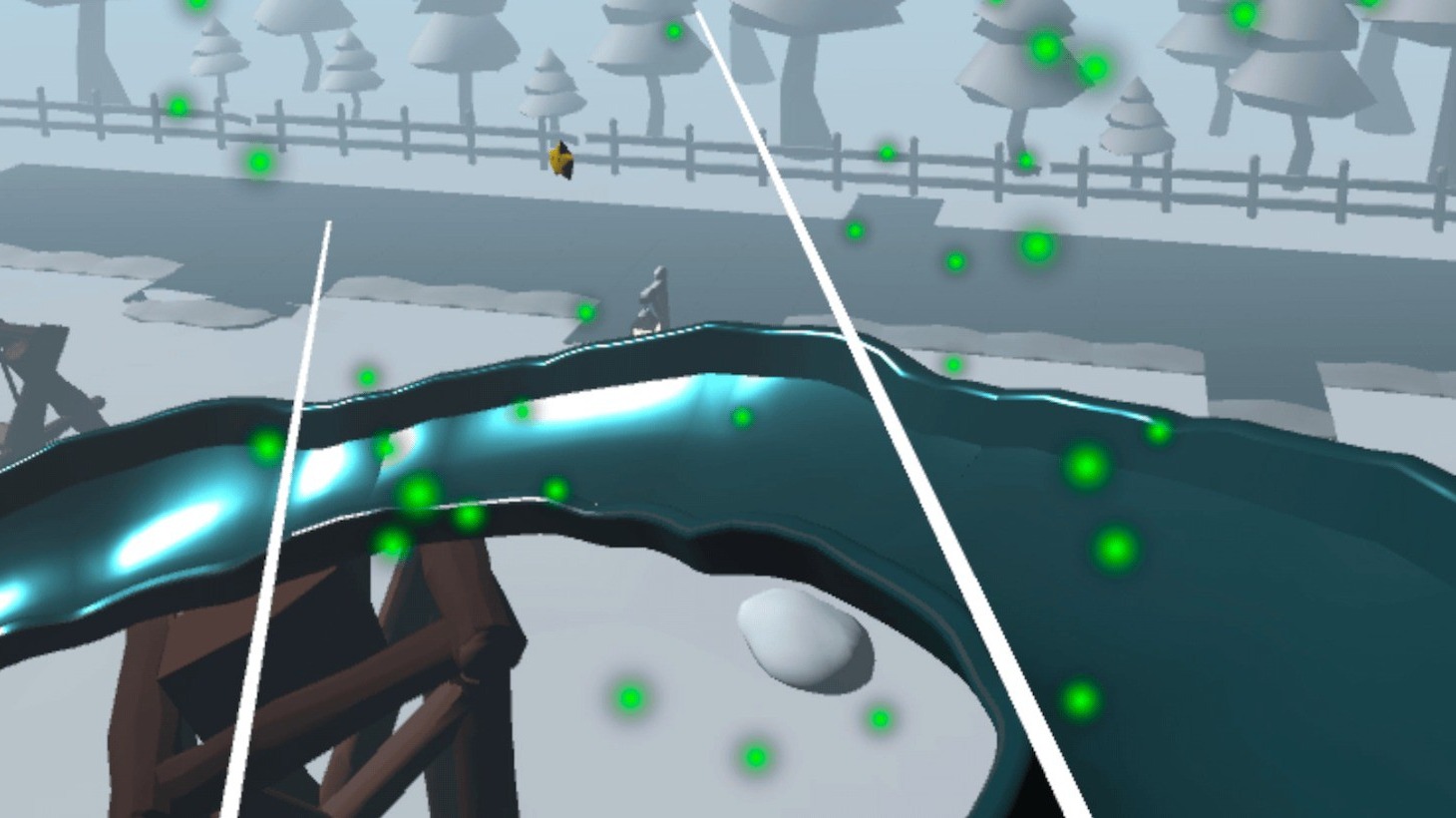
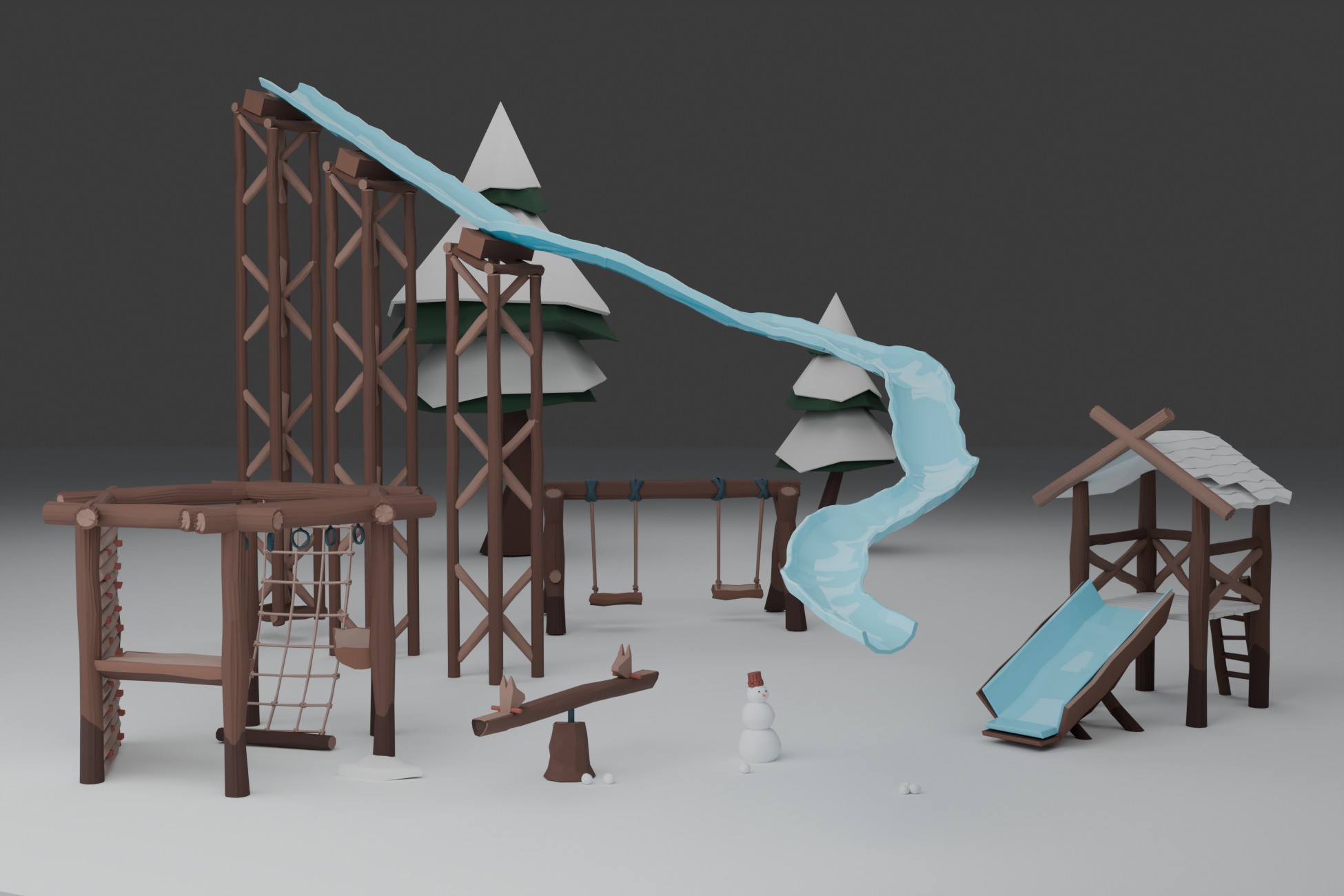
Use the Winter VR Playground Template when you want several small activities tied together by world-space UI, progression, saving, haptics, audio, and unlockable content.
See Winter VR templateJob simulation
Pouring, orders, serving, scoring
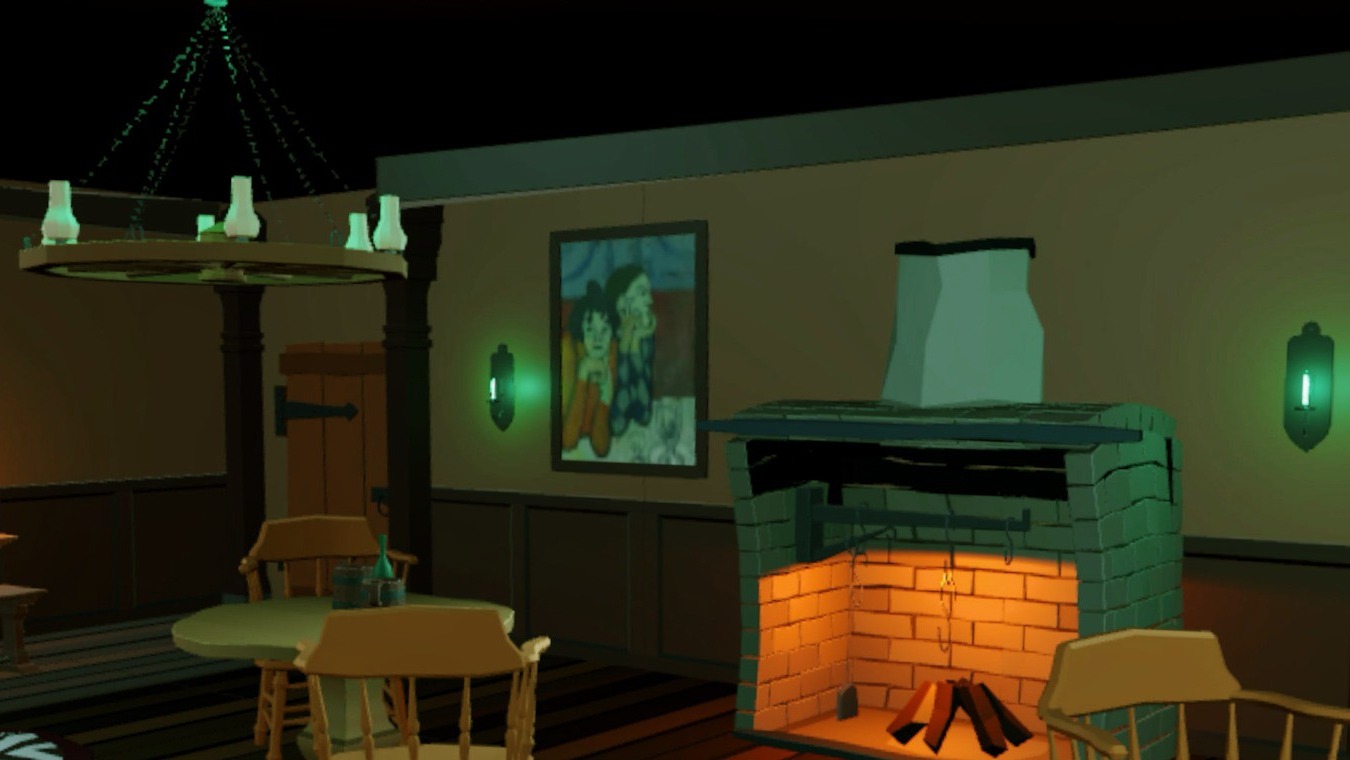
Use the XR Tavern Starter Kit when the core loop is handling bottles and mugs, matching customer orders, validating fills, earning rewards, and adding physical side activities.
See XR Tavern templateGeneral framework
You want to invent the game architecture yourself
If you only need interaction building blocks, Unity XR Interaction Toolkit may be enough. A game template is most valuable when the connected gameplay layer is what you are trying to skip.
Compare template vs XRIWorking Quest starting points
Choose the system closest to the prototype you want
Winter VR Playground Template - XR Interaction Toolkit
A connected VR playground with snowball targets, checkpoint racing, a scripted ride, world-space UI, rewards, unlocks, saving, audio, and haptics.
XR Tavern Interaction Starter Kit – VR Pouring, Serving & Mini-Game Template
A tavern interaction loop with pouring, fill levels, drink orders, modifiers, serving validation, coin rewards, perfect pours, and darts.