Medieval signs for Unity
Make the town readable before the player opens a map
Shop signs, notice boards, crossroads markers, and hanging brackets for fantasy streets that need stronger landmarks and clearer destinations.
A sign is useful twice: first as decoration, then as a landmark the player remembers.
A tavern, bakery, forge, quest board, and road junction can all have different silhouettes without adding another building kit. That makes a compact town easier to scan and gives each destination a stronger identity.
This set stays focused on that job. It gives you a small group of sign shapes, brackets, notice-board pieces, and directional markers that can be reused across a larger settlement.
Storefront identity
Give each destination a shape the player can recognize
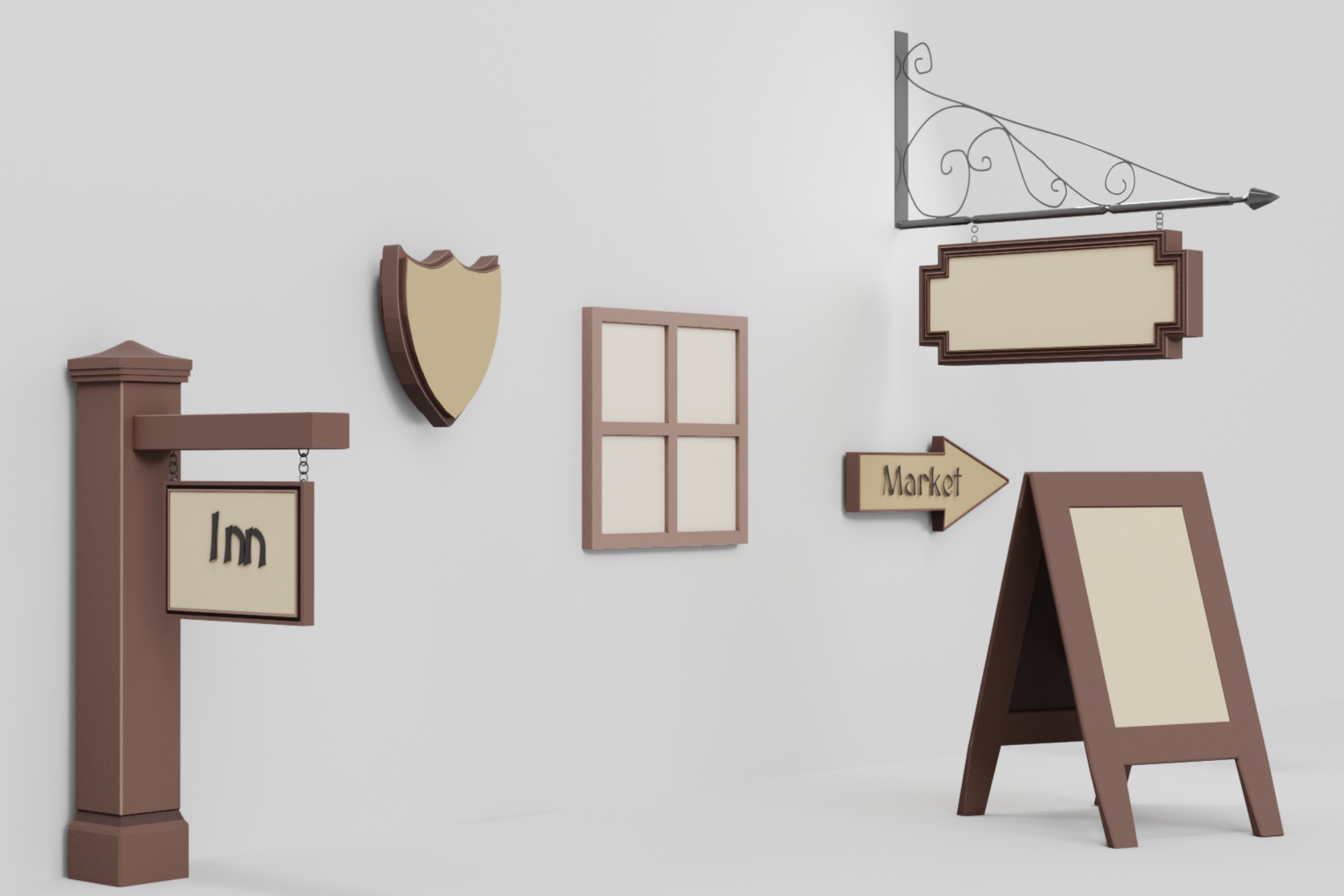
Use the round plaque, shield, rectangular sign, and A-frame as different visual categories. A repeated sign shape can become shorthand for a type of place, while a unique hanging silhouette can mark a location the player visits often.
Because the sign faces are intentionally flexible, you can add your own lettering, decals, icons, or painted symbols without rebuilding the prop itself.
Different silhouettes help shops read as separate destinations before text is even added.
Hanging signs
Put information where the street can actually see it
Wall plaques work well when the player is already close. Hanging signs are better when the street needs a stronger read from an angle. Use them where a doorway is partly hidden, where several storefronts sit in a row, or where the street bends before the destination comes into view.
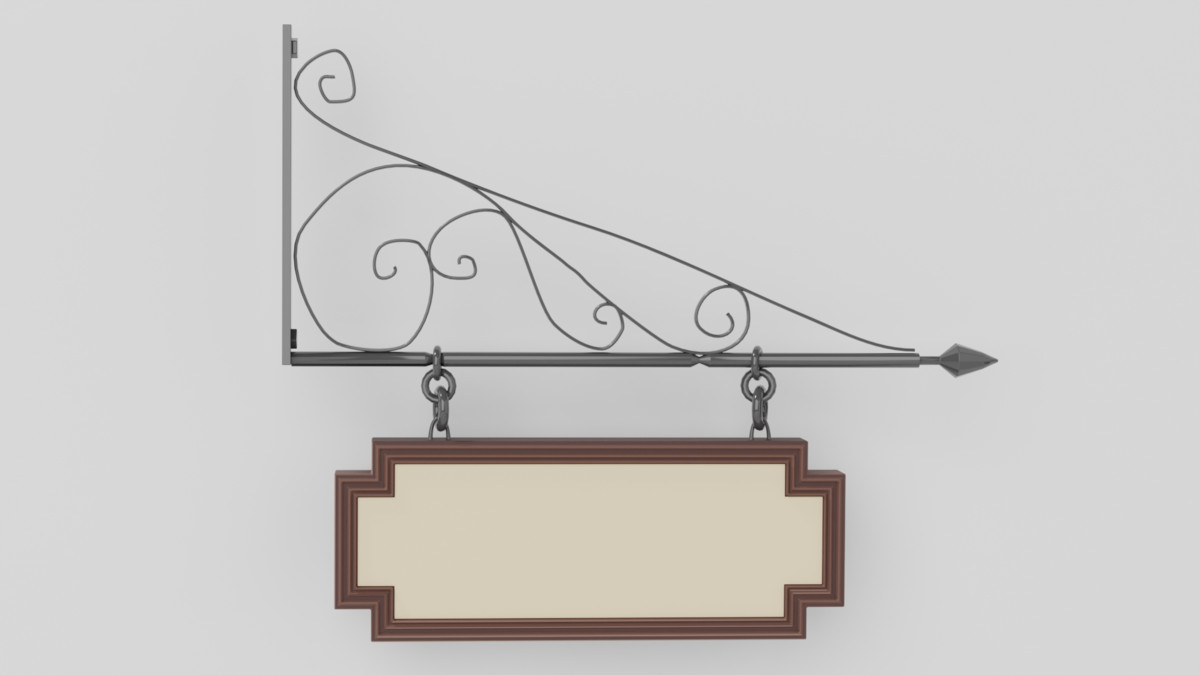
Brackets and hanging signs push the landmark into the player's sightline instead of keeping it flat against a wall.
Town navigation
Crossroads and notice boards can do more than decorate a square
A crossroads sign gives the player a reason to stop and orient. A notice board gives the same space a purpose. Put them where routes split, where a market opens into several streets, or where you want players to understand that a square is an information hub.
Directional props can reinforce paths while notice boards create a natural quest or information point.
Skip the prop-modeling stage
Stylized Medieval Signs & Notice Boards
Use it when your town already has buildings but still needs clearer storefronts, quest-board space, road markers, and visual landmarks. It is a small pack with a narrow job, which makes it easy to layer into an existing environment.
- Rectangular, round, shield, post, arrow, and A-frame sign shapes
- Crossroads sign and notice board with paper sheets and pins
- Ornate and standard hanging brackets
- Preassembled hanging sign combinations
- Sign-face insert variations for changing the look quickly
Quick fit check
Know what you're buying
Good fit if you need
- Fantasy towns and RPG hubs
- Tavern, bakery, blacksmith, and shop entrances
- Quest boards and village notice areas
- Crossroads and directional landmarks
- Developers who need readable town dressing without a full environment kit
Bring your own
- A complete medieval town or building kit
- Projects that need animated signage
- HDRP projects without your own material conversion
- Scenes that need baked-in lettering instead of custom text or decals
Technical snapshot
Enough detail to check fit quickly
- Props
- 10
- Material
- 1
- Textures
- 1 atlas set
- Scale
- Real-world scale, 1 unit = 1 meter
- Geometry
- Low-to-mid poly
- Pipeline
- Built-in + URP listed compatible; HDRP not listed compatible
- Original Unity
- Unity 6.2.14
- Download
- 3.0 MB
Actual Asset Store gallery
Check the sign shapes before you place them
Open the real Asset Store images full size to compare silhouettes, brackets, and notice-board pieces against your town style.